EasyManua.ls Logo

Prem-I-Air PD14DEN - User Manual

Prem-I-Air PD14DEN
12 pages
Print Icon
To Next Page IconTo Next Page
Loading...
INSTRUCTION MANUAL
INSTRUCTION MANUALINSTRUCTION MANUAL
INSTRUCTION MANUAL
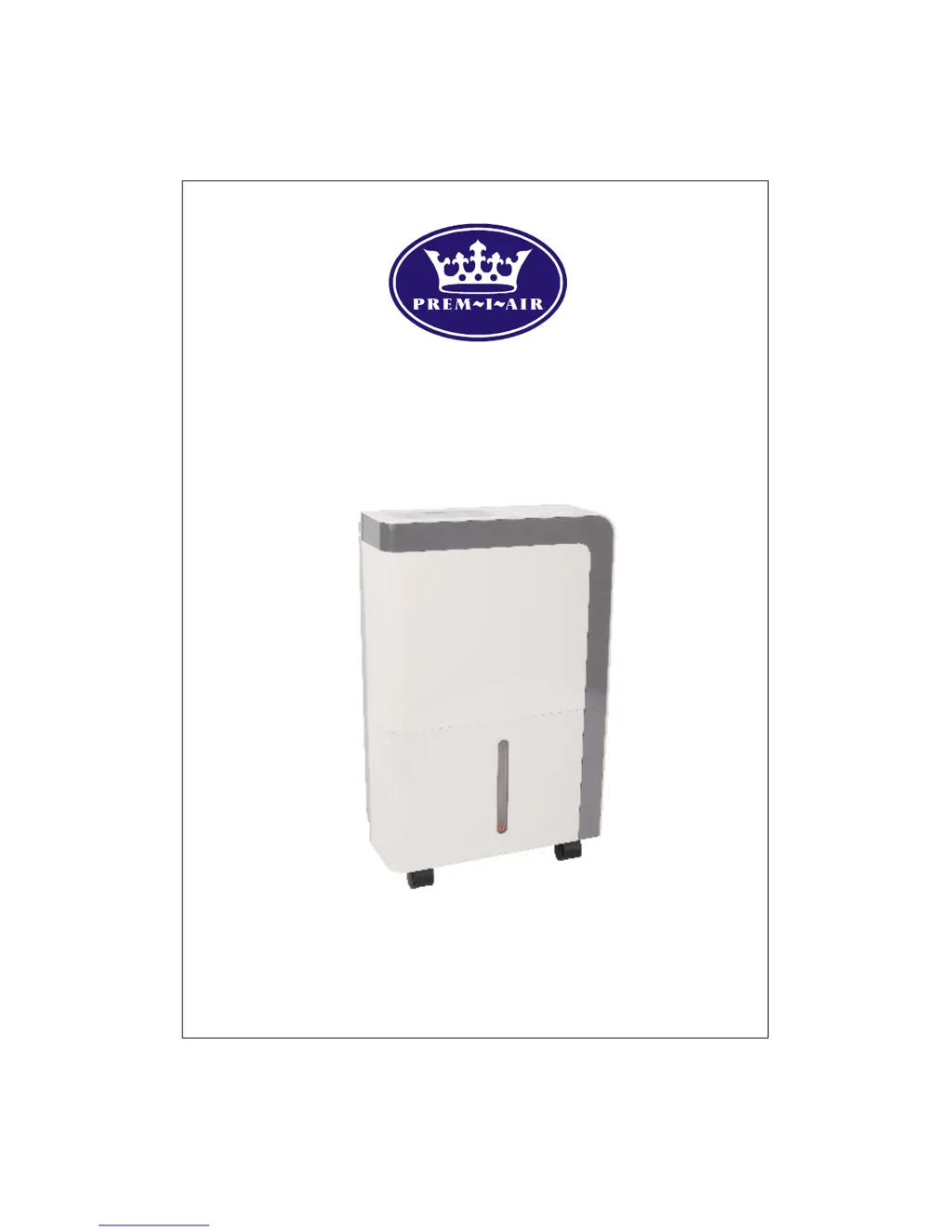
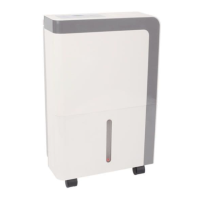
14L/DAY DEHUMIDIFIER
14L/DAY DEHUMIDIFIER14L/DAY DEHUMIDIFIER
14L/DAY DEHUMIDIFIER
Model PD14DEN
Please read this instruction manual carefully and keep
in a safe place for future reference

Questions and Answers

  • M
    Michaela MoonAug 14, 2025
    What to do if my Prem-I-Air PD14DEN Dehumidifier does not start?
    • P
      patricknicholasAug 14, 2025
      If your Prem-I-Air dehumidifier doesn't start, make sure the plug is fully inserted into the power socket. Also, check the house fuse at the consumer board. The dehumidifier might have reached its preset humidity level, or the bucket could be full or not correctly positioned.
  • Z
    zbaileyAug 17, 2025
    Why is my Prem-I-Air PD14DEN Dehumidifier not drying the air properly?
    • C
      cblevinsAug 18, 2025
      If your Prem-I-Air dehumidifier isn't drying the air as expected, consider these points: 1. Ensure enough time has passed for moisture removal. 2. Check that curtains, blinds, or furniture aren't blocking the unit. 3. Verify the humidity selector is set low enough. 4. Confirm all doors, windows, and openings are closed. 5. The room temperature might be too low. Also, check for any sources of water vapor in the room.
  • P
    Preston MooreAug 21, 2025
    What to do if my Prem-I-Air PD14DEN is making a loud noise?
    • D
      davisgeorgeAug 21, 2025
      If your Prem-I-Air dehumidifier is operating loudly, check if the air filter is clogged. Also, ensure the unit isn't tilted and is placed on a level floor surface.
  • J
    Justin KlineAug 25, 2025
    What to do if there is water on the floor near my Prem-I-Air PD14DEN Dehumidifier?
    • L
      Luis SmithAug 25, 2025
      If you find water on the floor near your Prem-I-Air dehumidifier, check if the hose to the continuous drain outlet is loose. Also, if you're using the bucket, ensure the back drain hose is properly attached.
  • L
    Lisa RangelAug 28, 2025
    What does P2 error mean on my Prem-I-Air Dehumidifier?
    • A
      Angela YoungAug 28, 2025
      If your Prem-I-Air dehumidifier displays a P2 error, it means the bucket is full. Empty the bucket and reposition it correctly.
  • C
    Chad DonovanAug 31, 2025
    What does P1 error mean on Prem-I-Air PD14DEN Dehumidifier?
    • V
      vincent03Aug 31, 2025
      The P1 error code on your Prem-I-Air dehumidifier indicates that the unit is in Auto defrost mode, which is normal. The error will disappear automatically once defrosting is complete.
  • K
    Kristen SantiagoSep 3, 2025
    What does it mean when the power indicator light flashes continuously on my Prem-I-Air Dehumidifier?
    • A
      Alan RobertsSep 3, 2025
      If the power indicator light on your Prem-I-Air dehumidifier flashes continuously, it indicates a temperature sensor error. Try unplugging the unit and plugging it back in. If the error persists, service is required.
  • L
    lespinozaSep 6, 2025
    What to do for E1 Humidity sensor fault on Prem-I-Air PD14DEN Dehumidifier?
    • D
      David MartinezSep 7, 2025
      If your Prem-I-Air Dehumidifier shows an 'E1 Humidity sensor fault', unplug the unit and plug it back in after 3 minutes. If the error repeats, contact a service engineer.
  • R
    Ryan RojasSep 10, 2025
    What to do for E1 Temperature sensor error on Prem-I-Air Dehumidifier?
    • I
      iboyerSep 10, 2025
      If your Prem-I-Air Dehumidifier displays an 'E1 Temperature sensor error', unplug the unit and plug it back in after 3 minutes. If the error repeats, contact a service engineer.

Summary

Important Safety Instructions

BS Plug Wiring

Wiring for a 13 Amp Plug

Instructions for wiring a 13 Amp BS 1363 fused plug, including terminal connections.

Control Panel

Power and Operation Controls

Controls for powering the unit on/off and activating continuous dehumidification.

Humidity Setting Control

Adjusts the desired humidity level for dehumidification.

Display and Indicator Lights

Details on screen display, power, continuous, and full indicators.

Positioning the Dehumidifier

Placement and Environmental Guidelines

Instructions on unit placement, air circulation, temperature, and room enclosure.

Emptying the Water Tank

Water Tank Removal and Emptying Procedure

Steps and precautions for removing, emptying, and replacing the water tank.

Continuous Drain

Continuous Drainage Setup

Instructions for connecting a hose for automatic water drainage.

Optional Filter (HEPA or Carbon)

Filter Installation and Maintenance

Procedure for installing HEPA or Carbon filters and their maintenance.

Care and Cleaning

Grille and Case Cleaning

How to clean the exterior parts of the dehumidifier using water and mild detergent.

Water Tank Cleaning

Instructions for cleaning the water tank to prevent mold and bacteria.

Air Filter Cleaning

Procedure for checking and cleaning the washable nylon air filter.

Storing the Dehumidifier

Storage Instructions

Steps for storing the dehumidifier for long periods, including cleaning and packaging.

Specifications

Technical Specifications

Details on model, capacity, voltage, power consumption, and operating conditions.

Replacement Filter

Purchasing Replacement Filters

Information on how to buy replacement HEPA or carbon filters.

Trouble Shooting

Troubleshooting Common Problems

Identifies common issues and provides checks and solutions for them.

Service & Warranty

Service and Warranty Information

Details on recording product information, warranty terms, and contacting help desk.

Product Compliance and Recycling

Information on EEC directives compliance and proper disposal of waste electrical products.

Prem-I-Air PD14DEN Specifications

General IconGeneral
ModelPD14DEN
Capacity14 L/day
Water Tank Capacity2 L
Humidity ControlYes
Auto RestartYes
Airflow120 m³/h
Operating Temperature5°C to 35°C
Suitable Room SizeUp to 20 square meters

Related product manuals