EasyManua.ls Logo

Premier TV-5043LSM - User Manual

Premier TV-5043LSM
29 pages
Print Icon
To Next Page IconTo Next Page
Loading...
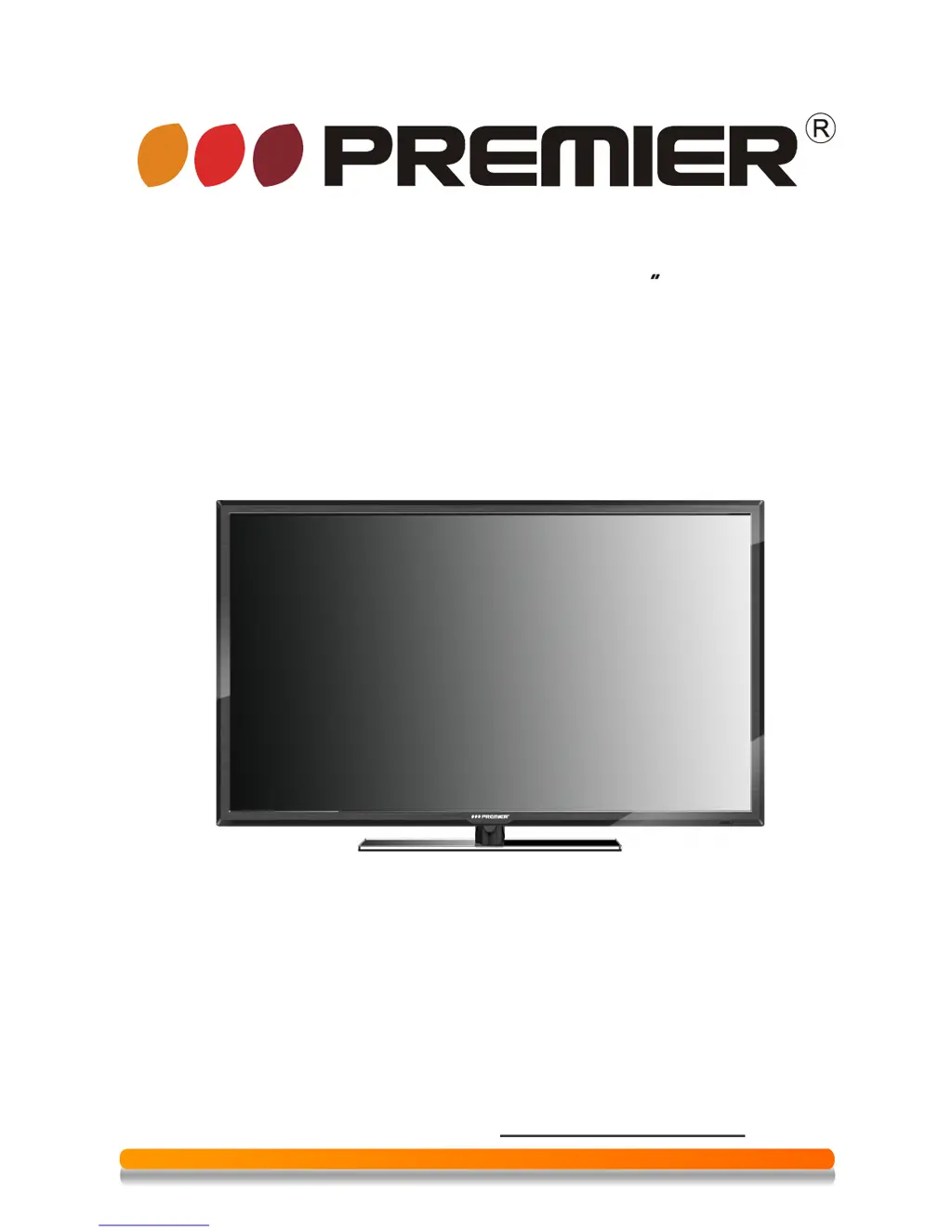
INSTRUCTION MANUAL
(32")
DEAR CUSTOMER
In order to achieve the best performance of your product, please read this
before using, and keep it for future reference.
If you need extra support, please write to info@premiermundo.com
instruction manual carefully
P
Smart TV LED
TV-5043LSM

Questions and Answers

  • D
    Donald FrederickAug 2, 2025
    Why does my Premier TV-5043LSM say no input signal?
    • H
      hallangelaAug 2, 2025
      If your Premier LED TV displays a 'No Input Signal' message, ensure the signal line is properly connected. Also, verify that the power of any connected devices is turned on and that the selected input option matches the actual input signal.
  • A
    Anna MartinezAug 7, 2025
    What to do if Premier LED TV remote control does not function properly?
    • B
      brian32Aug 7, 2025
      If the remote control for your Premier LED TV isn't working correctly, try these steps: * Replace the batteries with new ones. * Make sure you are within the operating range of the remote. * Point the remote directly at the remote control window on the display. * Ensure there are no obstructions between the remote and the TV.
  • N
    nicholas18Aug 13, 2025
    What to do if Premier TV-5043LSM LED TV power cannot be turned on?
    • A
      adamskellyAug 14, 2025
      If your Premier LED TV won't power on and the power indicator is off, check that both ends of the power cable are securely plugged into the TV and a working wall socket.
  • C
    Christine WheelerAug 18, 2025
    Why image colour or quality deteriorates on Premier TV-5043LSM?
    • J
      Jessica PenaAug 19, 2025
      If the image color or quality on your Premier LED TV deteriorates, verify that all video settings, including brightness, contrast, and color, are appropriately adjusted.
  • S
    Samantha JacobsonAug 26, 2025
    How to fix flashing spots or stripes on Premier LED TV screen?
    • A
      Antonio RossAug 26, 2025
      If you notice flashing spots or stripes on your Premier LED TV screen, check for any nearby sources of interference, such as emissions from cars, high-voltage cables, or neon lamps.

Summary

Connection and Preparation of TV

Accessories

Lists all included accessories with the TV, such as manuals, remote, and batteries.

Installation of Stand

Step-by-step guide on how to attach the TV stand to the unit.

Installation of Wall Mount Kit (Optional)

Instructions and considerations for mounting the TV on a wall using an optional kit.

Keys and Interfaces

Identifies and explains the function of physical buttons and connection ports on the TV.

Remote Control

Details the layout and functionality of all buttons on the TV remote control.

Installation of Batteries

Explains how to properly insert batteries into the remote control.

Basic Operation

Power ON;OFF

Instructions on how to turn the TV on and off using the power switch and remote.

Setting of Standby Mode

Guide to setting the TV to standby mode and considerations for long-term standby.

Main Menu Operation

Overview of accessing and navigating the main menu for TV settings and features.

Media

Instructions for playing video, music, and viewing photos from USB or other storage devices.

Settings

Details on various TV settings including applications, network, language, date, and system updates.

Technical Specification

Supported Signal Modes

Simple Troubleshooting

Premier TV-5043LSM Specifications

General IconGeneral
BrandPremier
ModelTV-5043LSM
CategoryLED TV
LanguageEnglish

Related product manuals