1
1 Insertion and Removal of SIM card
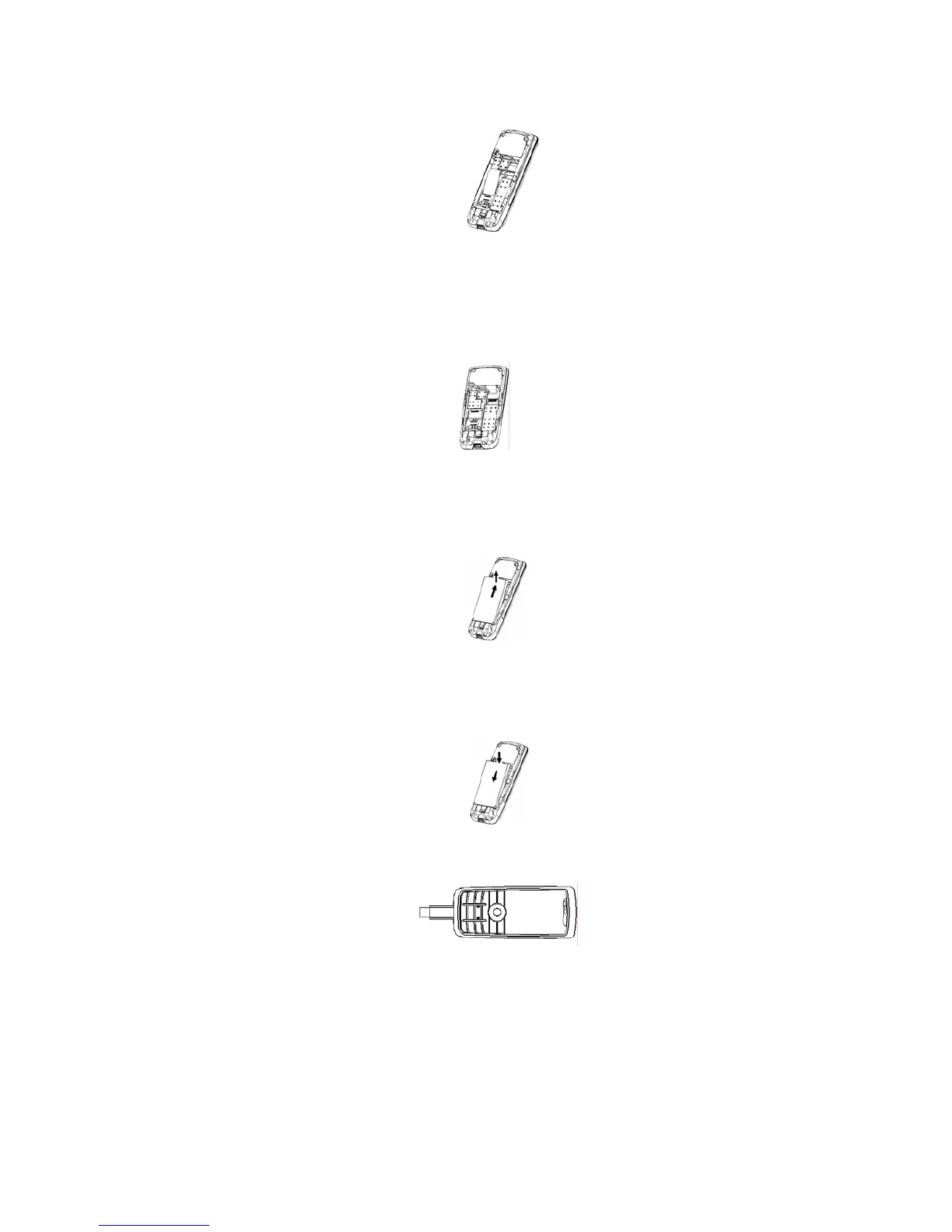
Turn off the phone; remove the battery and unplug other external power sources.
Insert the SIM card into the SIM slot as shown in the following picture.
When you need to remove the SIM card, please first turn off the phone, remove the battery, then remove the SIM
card
2 Insertion and Removal of the Memory Card
Turn off the phone; remove the battery and unplug other external power sources.
Put the Memory Card into the Memory Card trough.
When you need to remove the Memory card, please first turn off the phone, remove the battery, then remove the
Memory card.
3 Installation and Removal of the Battery
When removing the battery follow the following steps:
①Push the battery cover towards top;
②Break out the battery from the mobile-phone.
When installing the battery follow the following steps:
①Push the battery to inset mobile-phone.
②Cover with the battery cover.
③Push the battery cover towards bottom.
Warning: You must turn off your mobile phone before removing the battery.
4 Battery Charging
Plug the charger into the electrical outlet.
Plug the charger connector into the charge interface of the phone.
The mobile phone and charger will become warm during charging and this is normal.
When charging is complete, unplug the charge connector from the electrical outlet and the mobile phone.
Charging must be performed in a well-ventilated area with a temperature between -10°C and +55°C.
If the mobile phone automatically shuts down, or indicates that the Battery is low you should immediately
charge the battery.



 To Next Page