EasyManua.ls Logo

premiere MRJ-01 - User Manual

premiere MRJ-01
15 pages
Print Icon
To Next Page IconTo Next Page
Loading...
1
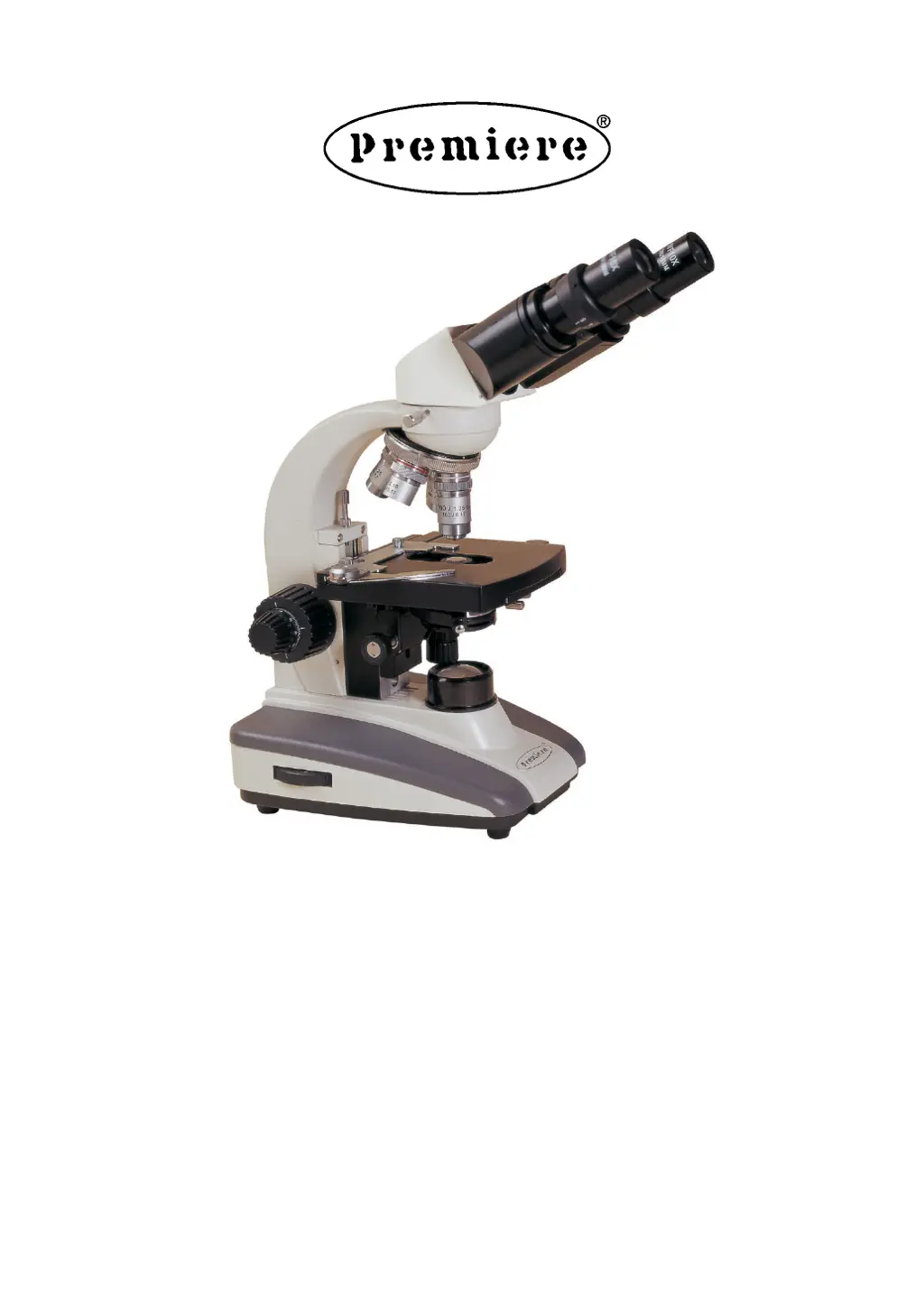
PROFESSIONAL MICROSCOPE
Model:
MRJ-01 - Monocular
MRJ-03 - Binocular
MRJ-03D - Dual View
MRJ-03T - Trinocular

Questions and Answers

  • A
    Allison BeardSep 12, 2025
    What causes stain in premiere MRJ-01 field of view?
    • B
      Benjamin ChenSep 12, 2025
      The presence of stain or dust in the field of view of your Premiere Microscope can be due to: * Stains accumulated on the specimen; clean the specimen. * Stains accumulated on the lens; clean the lens.
  • T
    Todd MooreAug 25, 2025
    Why is the field of view not bright enough on my premiere MRJ-01 Microscope?
    • S
      ssanfordAug 25, 2025
      If the field of view on your Premiere Microscope lacks sufficient brightness, it could be due to: using the wrong bulb, so replace it with a correct one; or the light adjustment knob is being used incorrectly, so adjust it correctly.
  • Z
    zlewisAug 26, 2025
    What to do if the bulb flickers on my premiere MRJ-01 Microscope?
    • D
      david84Aug 27, 2025
      If the bulb in your Premiere Microscope is flickering or the brightness is unstable: * The bulb may be nearing the end of its life; replace it with a new one. * The wire might not be connected properly; ensure it's correctly connected.
  • B
    Benjamin BrownAug 27, 2025
    Why do my eyes feel tired easily using premiere MRJ-01 Microscope?
    • T
      Travis JohnsonAug 28, 2025
      Eye strain when using your Premiere Microscope, where the right field of view doesn’t superpose with the left, can be caused by: * Incorrect interpupillary distance: adjust the interpupillary distance. * Incorrect diopter adjustment: adjust the diopter. * Using different eyepieces for the right and left eyes: use the same eyepieces.
  • J
    josephvillanuevaAug 29, 2025
    How to fix dark or uneven side view premiere MRJ-01?
    • K
      Kyle GouldAug 30, 2025
      A dark or uneven side of the field of view in your Premiere Microscope can result from: * The nosepiece not being in the correct position; turn the nosepiece into the right position. * Accumulation of stain or dust on the condenser, objective, eyepieces, or base lens; clean the lens. * Condenser adjustment needed; center the condenser.
  • J
    Jason SullivanAug 31, 2025
    What causes premiere MRJ-01 objective to touch cover glass?
    • E
      Eric LarsenAug 31, 2025
      If the objective of your Premiere Microscope touches the cover glass when turning the nosepiece, it may be because: * The cover glass faces down, so put the cover glass to face up. * The cover glass is not standard, so use a standard cover glass with thickness 0.17mm.
  • A
    Ashley JonesNov 20, 2025
    Why is the image unclear on my premiere MRJ-01?
    • G
      Gabrielle GilmoreNov 20, 2025
      An unclear image on your Premiere Microscope can stem from several issues: * The specimen slide might be missing a cover glass; add one. * The cover glass might not be standard; use a standard cover glass with a thickness of 0.17mm. * The cover glass might be facing down; ensure it faces up. * Immersion oil might have accumulated on the dry objective; clean it thoroughly. * The immersion oil isn't used for the oil objective 100XR; use immersion oil. * There's an air bubble in the immersion; eliminate it. * The wrong immersion oil is being used; use the correct one. * The aperture isn't opened correctly; adjust the iris diaphragm. * Stain or dust has accumulated on the lens in the inlet of the head; clean the lens. * The condenser is not in the right position; adjust th...
  • J
    John JacksonSep 13, 2025
    Why can't I move the slide smoothly on my premiere MRJ-01?
    • R
      rwilsonSep 13, 2025
      If you're experiencing difficulty moving the slide smoothly on your Premiere Microscope, it might be because: * The slide is not fixed correctly; adjust it correctly. * The movable specimen holder is not fixed properly; adjust it correctly.
  • W
    wilsonjulieSep 10, 2025
    Why does the bulb burn out usually on premiere MRJ-01 Microscope?
    • C
      Cynthia HarrisonSep 12, 2025
      If the bulb in your Premiere Microscope burns out frequently, it may be due to using a wrong bulb. Replace it with a correct one.
  • D
    Donna RodriguezSep 7, 2025
    Why does my premiere MRJ-01 Microscope image move when touching the stage?
    • L
      larryscottSep 7, 2025
      If the image moves noticeably when you touch the stage of your Premiere Microscope, it indicates that the stage is fastened incorrectly; fasten the stage correctly.

Summary

Before Use

Operation Guidelines

General guidelines for safe and careful operation of the microscope.

Maintenance Procedures

Instructions for cleaning and maintaining the microscope and its parts.

Microscope Diagram

Assembly

Install Objectives

Information about installing the microscope objectives, which are factory installed.

Insert Eyepieces

Steps for correctly inserting the eyepieces into the microscope tube.

Operation

Turn On and Brightness Adjustment

Instructions for powering on the microscope and adjusting brightness.

Set Specimen Slide

Procedure for placing and centering a specimen slide on the stage.

Adjust Focus

Steps for focusing the image using coarse and fine focusing knobs.

Adjust Interpupillary Distance

Guide to adjusting the distance between eyepieces for clear binocular vision.

Adjust Diopters

Instructions for adjusting diopters for individual eye focus.

Center the Condenser

Steps to center the condenser for optimal illumination and field of view.

Adjust Aperture Diaphragm

How to adjust the aperture diaphragm for resolution and contrast.

Use Oil Objective

Procedure for using the 100X oil immersion objective, including oil application and cleaning.

Use Filter

Information about using filters, such as the blue filter, to modify illumination.

Replace Halogen Bulb

Step-by-step guide for safely replacing the microscope's halogen bulb.

Replace Fuse

Instructions for replacing the microscope's fuse, including rating.

General Specifications

Configuration Drawing

Detailed Specifications

MRJ Biological Microscope General Specifications

Detailed specifications for optical system, head, nosepiece, objective, focus, stage, condenser, and illumination.

Objective Parameter Details

Table detailing objective parameters like magnification, NA, working distance, and parfocal distance.

Troubleshooting

Optics Troubleshooting

Troubleshooting common issues related to the microscope's optical system.

Mechanical Troubleshooting

Troubleshooting common mechanical issues with microscope operation.

Electrical Troubleshooting

Troubleshooting common electrical problems with the microscope.

Warranty Information

premiere MRJ-01 Specifications

General IconGeneral
IlluminationLED
EyepieceWF10x
Objective Lenses4x, 10x, 40x, 100x
StageDouble-layer mechanical stage
FocusingCoaxial coarse and fine focusing
CondenserAbbe condenser with iris diaphragm