EasyManua.ls Logo

PREMIUM STRINGER 8900 Electro - Multi-Point Tension Verification

PREMIUM STRINGER 8900 Electro
17 pages
Print Icon
To Next Page IconTo Next Page
To Previous Page IconTo Previous Page
Loading...
10
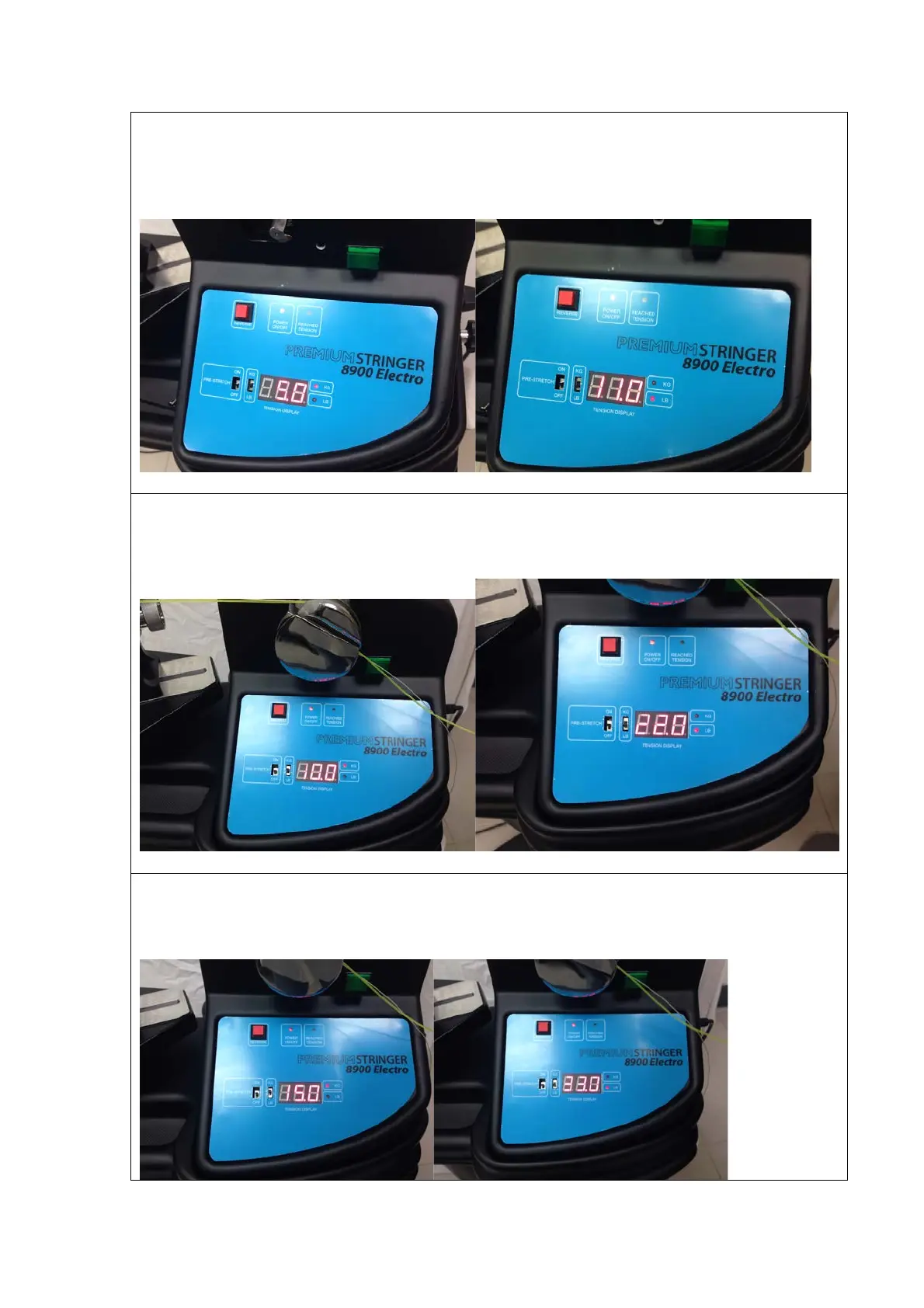
Step 2:
Set the tension at 5 KG (or 11 LB). Press the tension switch to pull the string and write the
machine’s tension on a paper first. Then, release the string by pressing the tension switch
again and go for next tension checking.
Step 3:
Set the tension at 10 KG (or 22 LB). Press the tension switch to pull the string and write the
machine’s tension on a paper first. Then, release the string by pressing the tension switch
again and go for next tension checking.
Step 4:
Set the tension at 15 KG (or 33 LB). Press the tension switch to pull the string and write the
machine’s tension on a paper first. Then, release the string by pressing the tension switch
again and go for next tension checking.

Related product manuals