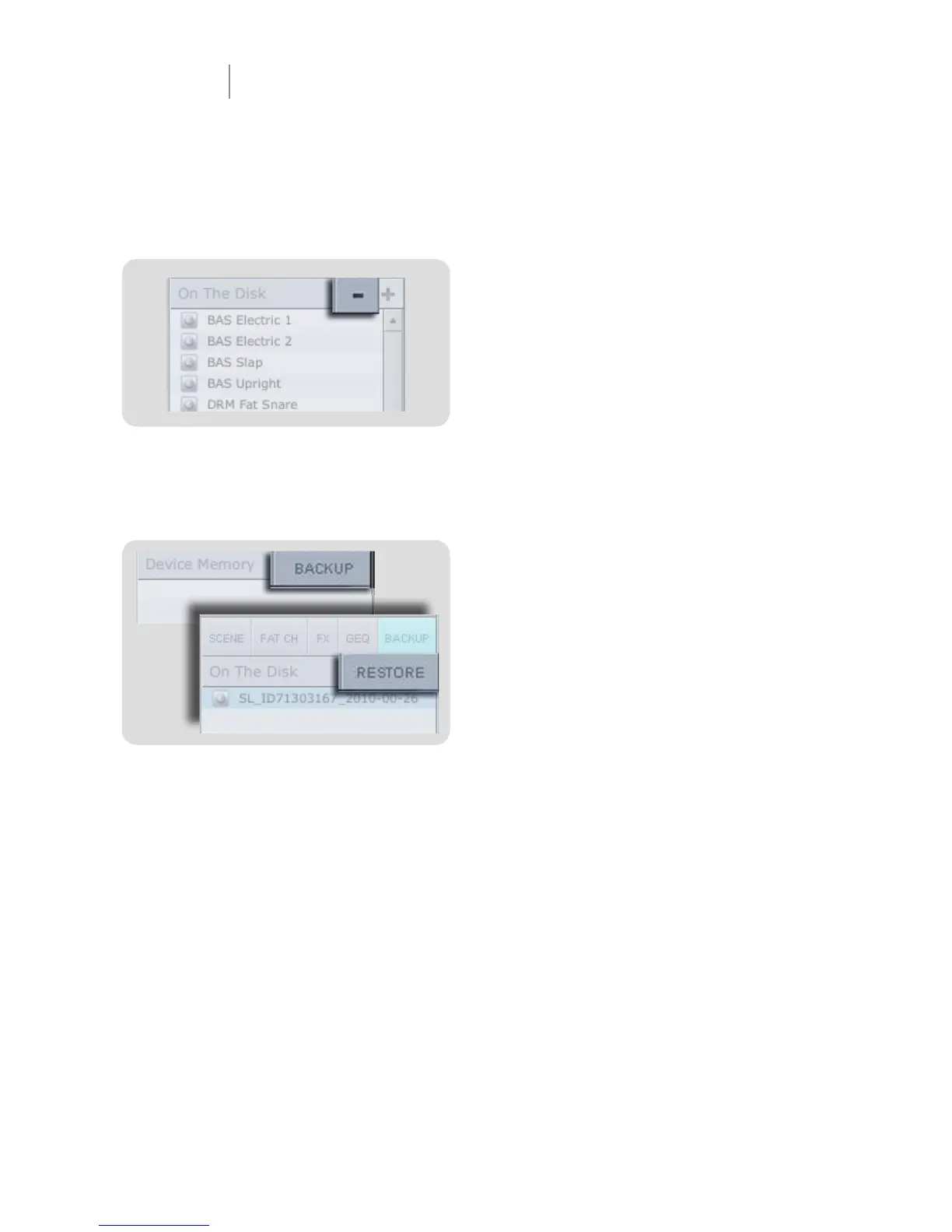
Remove Button
Deletes a Stored Scene or Preset
In the On the Disk section of the Browser, notice the
Remove button. Clicking this button will delete a stored
Scene or preset.
Back-up Tab
Creates and Restores Backups of Your StudioLive
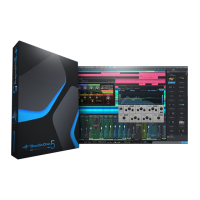
The Backup tab allows you to create complete snapshots
of your StudioLive. This can be especially useful when
completing a project that may need to be revisited in the
future. To create a backup, simply click on the Backup
button.
To restore any backup fi le, select it in the On the Disk
portion of the Browser and click the Restore button. You
will be warned that any Scene or preset currently loaded
in your StudioLive will be overwritten.
VSL Virtual StudioLive Quick Start Guide
VSL - Browser



 To Next Page