EN – 6
Music Playback
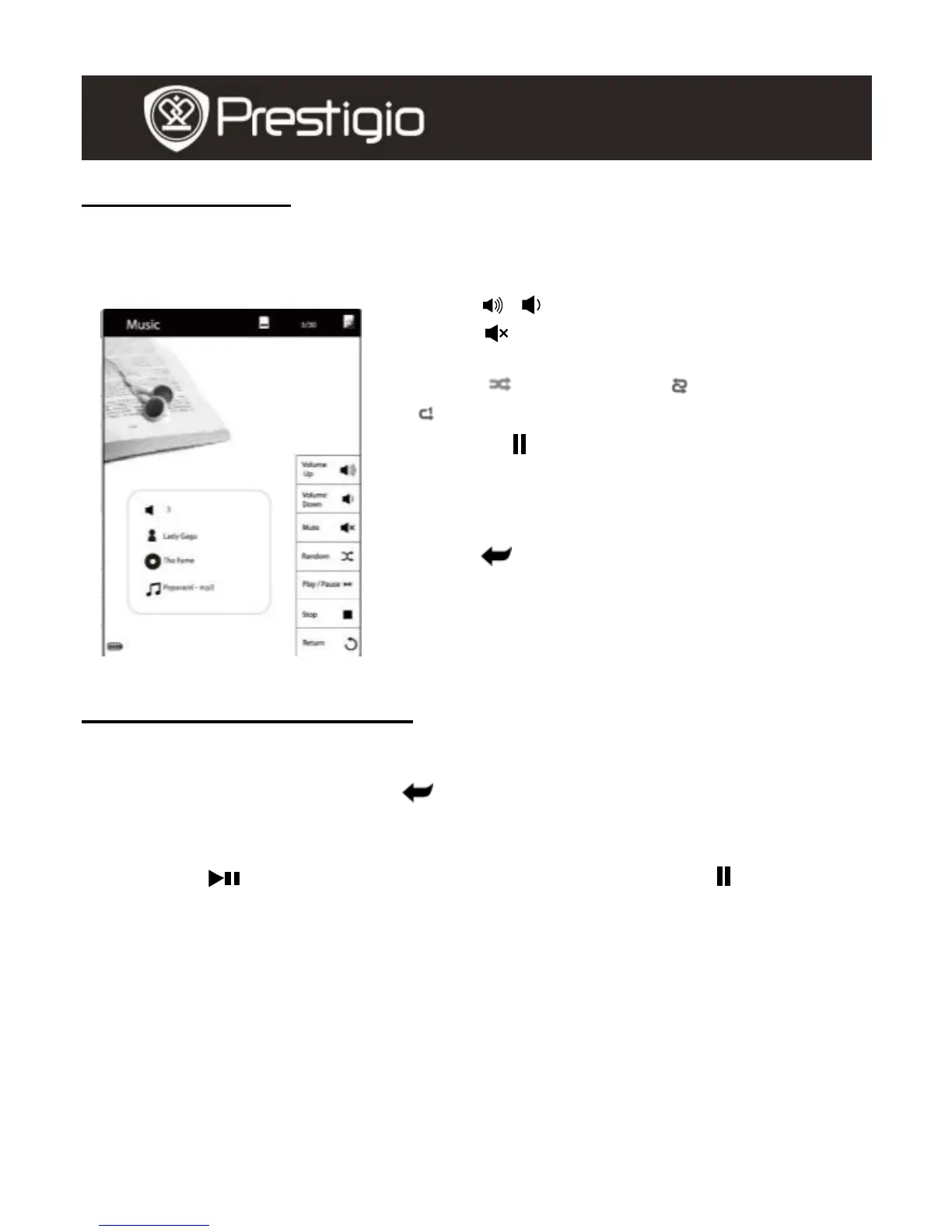
Press the function button to play the desired track. On the playback
screen, the following operations can be performed.
1. Press / to adjust the volume level.
2. Press to disable the sound. Press it
again to resume the sound.
3. Press (Random), (Loop), and
(Repeat Once) to select cycle mode.
4. Press / to play/pause the playback.
Press ■ to stop playback. Press Page
Jump Buttons to skip to previous/next
track.
5. Press to return to Playlists screen.
6. Brief information of the file is displayed on
the screen.
Background Music Mode
The function allows to read books or view photos while playing a track.
During music playback, press to enter Background Music Mode,
in which you can use the device with playing music.
To exit the mode, press the function button to enter Music Mode, and
then press to enter current playback screen. Press ■/ to
stop/pause the playback.



 To Next Page