EN - 3
Restoring to Factory Default Settings
z Reset the device by pressing Reset Button when the device fails to
start up or function properly.
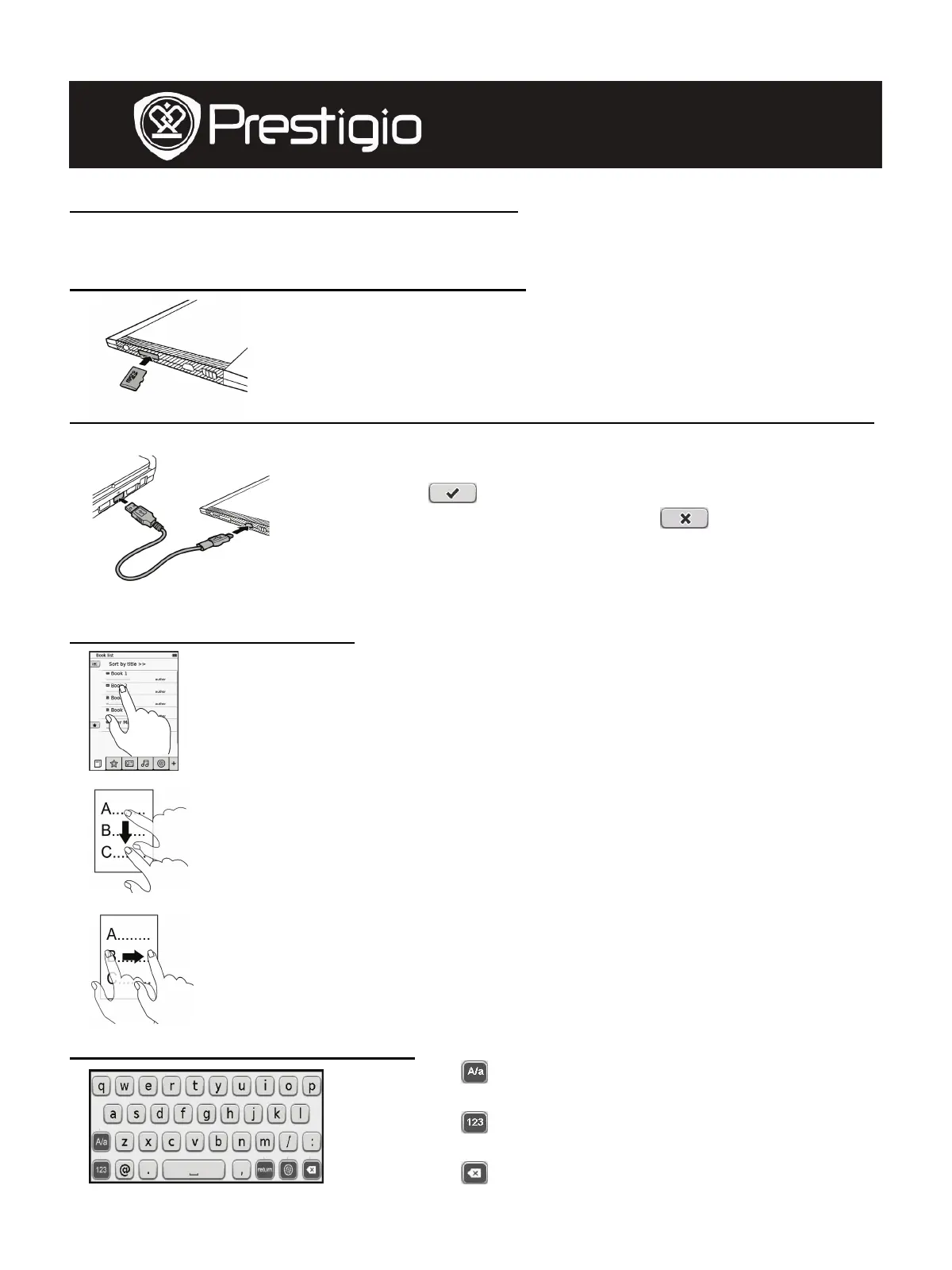
Using a micro SD Card (Not Included)
z Insert the micro SD card into the micro SD card
slot.
z The device supports micro SD card and micro
SDHC card only.
z Connect the device and notebook or PC with the
included USB cable.
z Tap o n
when prompted to use the device
as a mass storage or tap on
to cancel.
NOTE:
Inserting micro SD card also activates the mass
storage device.
Using the Touch Screen
z Gently tap on the screen to select an option or to perform
a function.
z Tap and drag on the screen to scroll up/down.
z Tap and drag on the screen to turn pages.
Using the On-Screen Keypad
z Tap on to toggle between upper/lower
cases.
z Tap on
to toggle among
letter/number/symbol input methods.
z Tap on
to delete a letter.
User Manual
Prestigio Libretto
PER5062B










 To Next Page