www.prestigio.com
Installation
Power on your phone
Home screens
List menu
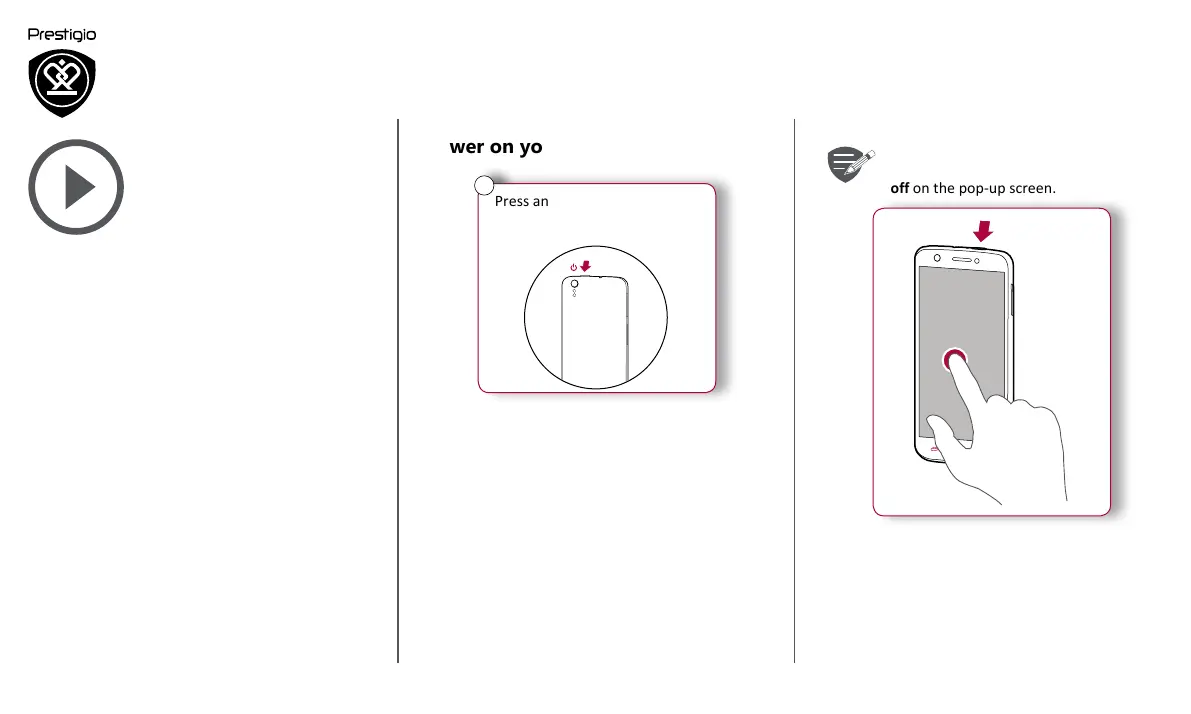
To turn off your phone, press and hold
the power key, and and then tap Power
off on the pop-up screen.
1
2
Power on your phone
Press and hold the power
button for a few seconds.
4
When turning on the device for the first time, follow
the on-screen instructions to set up your device.


 To Next Page