16
Using the Presto Printing Mailbox
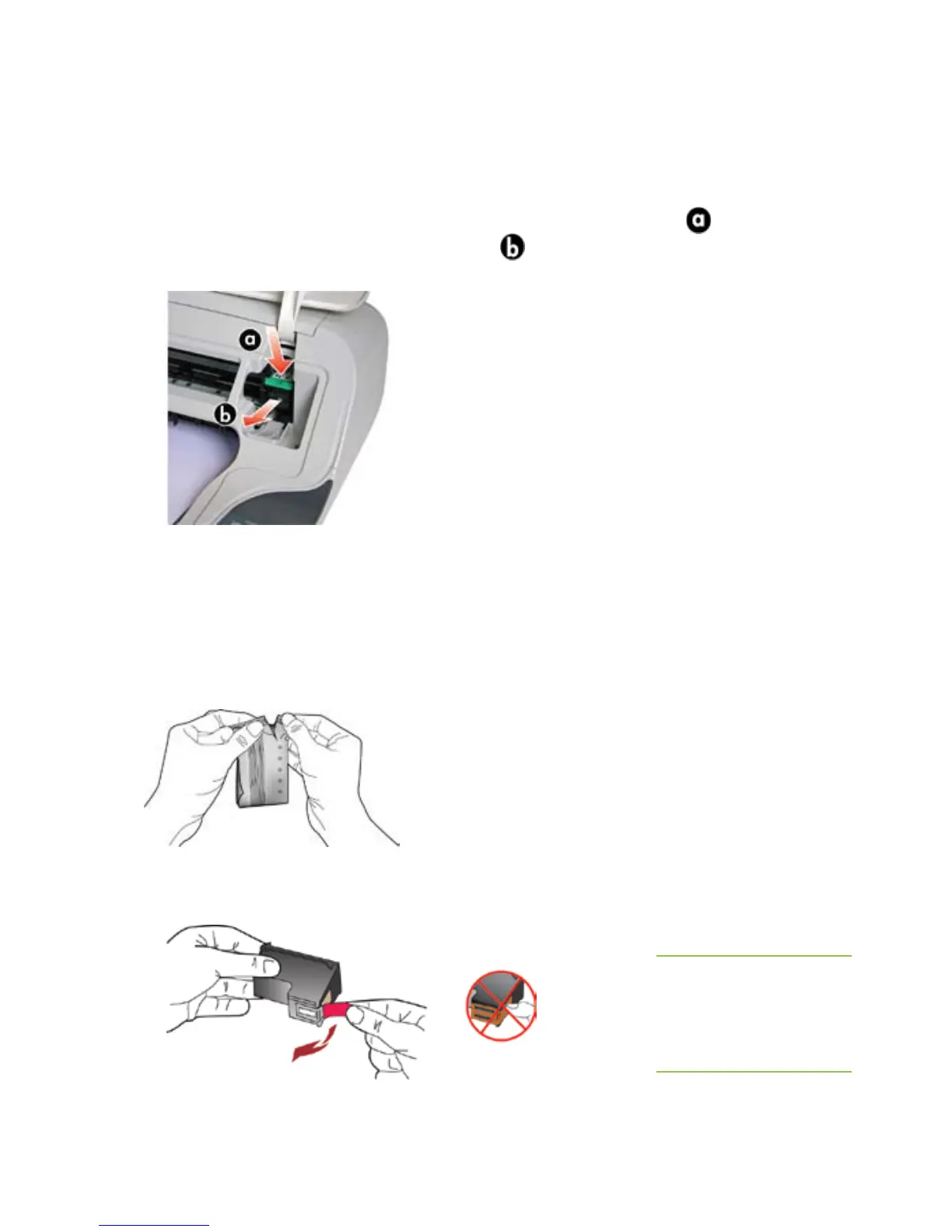
To remove the old ink cartridge:
1. Open the top cover. Push the cover gently until it stays up.
Wait a few moments for the ink cartridge to move to the right side of
the Printing Mailbox.
2. Lightly press down on the ink cartridge to release it (
), then
remove it from the cartridge slot (
).
If you are replacing the ink cartridge, please recycle it at your local
ofce supply store.
To install the ink cartridge:
1. Remove the new ink cartridge from the pouch.
2. Pull the pink tab to remove the tape from the new ink cartridge.
CAUTION: Do not
touch the copper
colored area on the
cartridge.



 To Next Page