DVD System Setup(Continued)
F- , SETUP
/" , SETUP
Preference Page
The Preference Page is only available when there is no disc
in the player. These settings are applied consistently to all
discs which are inserted and played.
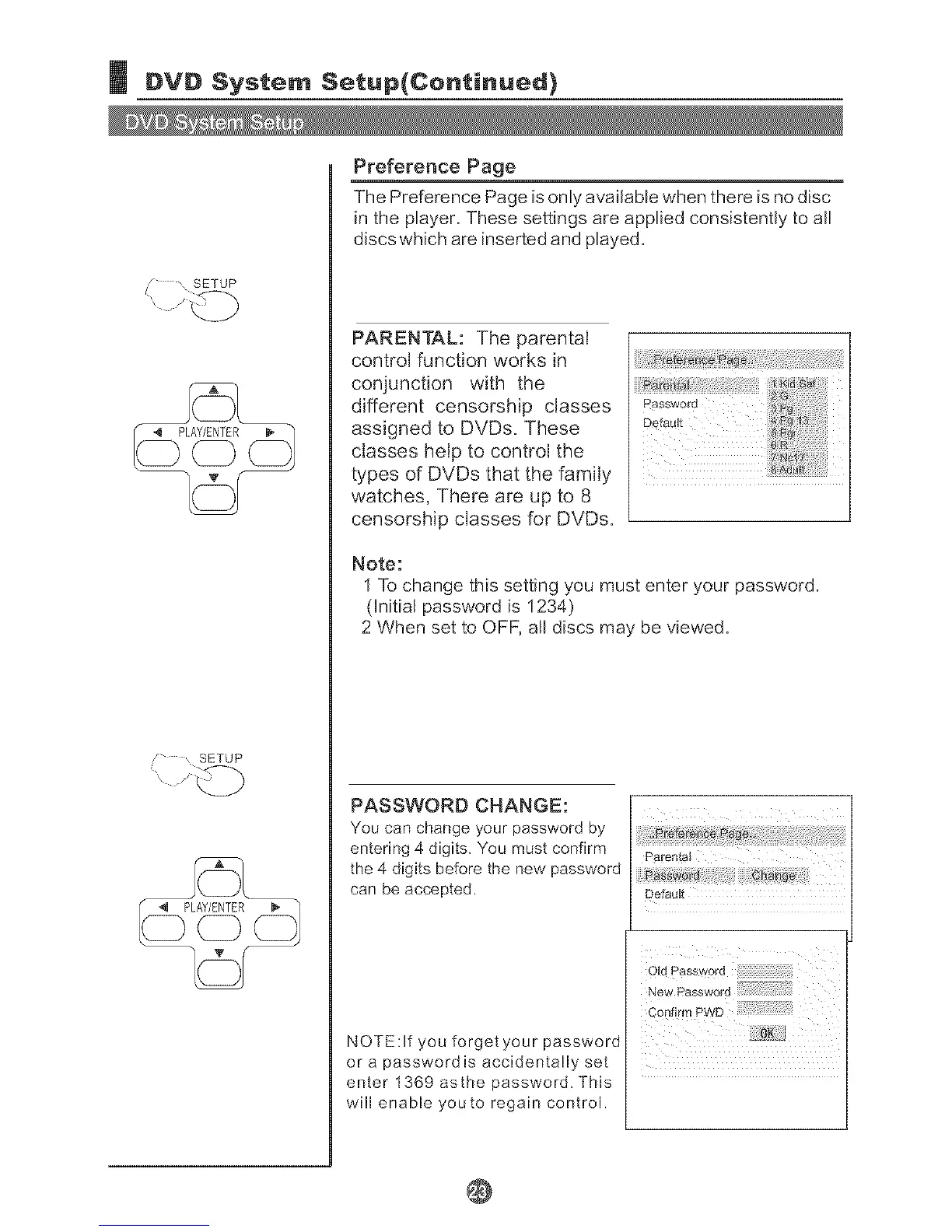
PARENTAL: The parental
control function works in
conjunction with the
different censorship classes
assigned to DVDs. These
classes help to control the
types of DVDs that the family
watches, There are up to 8
censorship classes for DVDs.
Note:
1 To change this setting you must enter your password.
(hitial password is 1234)
2 When set to OFF, arl discs may be viewed.
PASSWORD CHANGE:
You can change your password by
entering 4 digits. You must confirm
the 4 digits before the new password
can be accepted.
NOTE:If you forget your password
De_ul_
Old password
Corlfirm PWD
or a password is accidentally set
enter 1369 asthe password. This
will enable youto regain control.
@



 To Next Page