DVD System Setup(Continued)
General Setup Menu
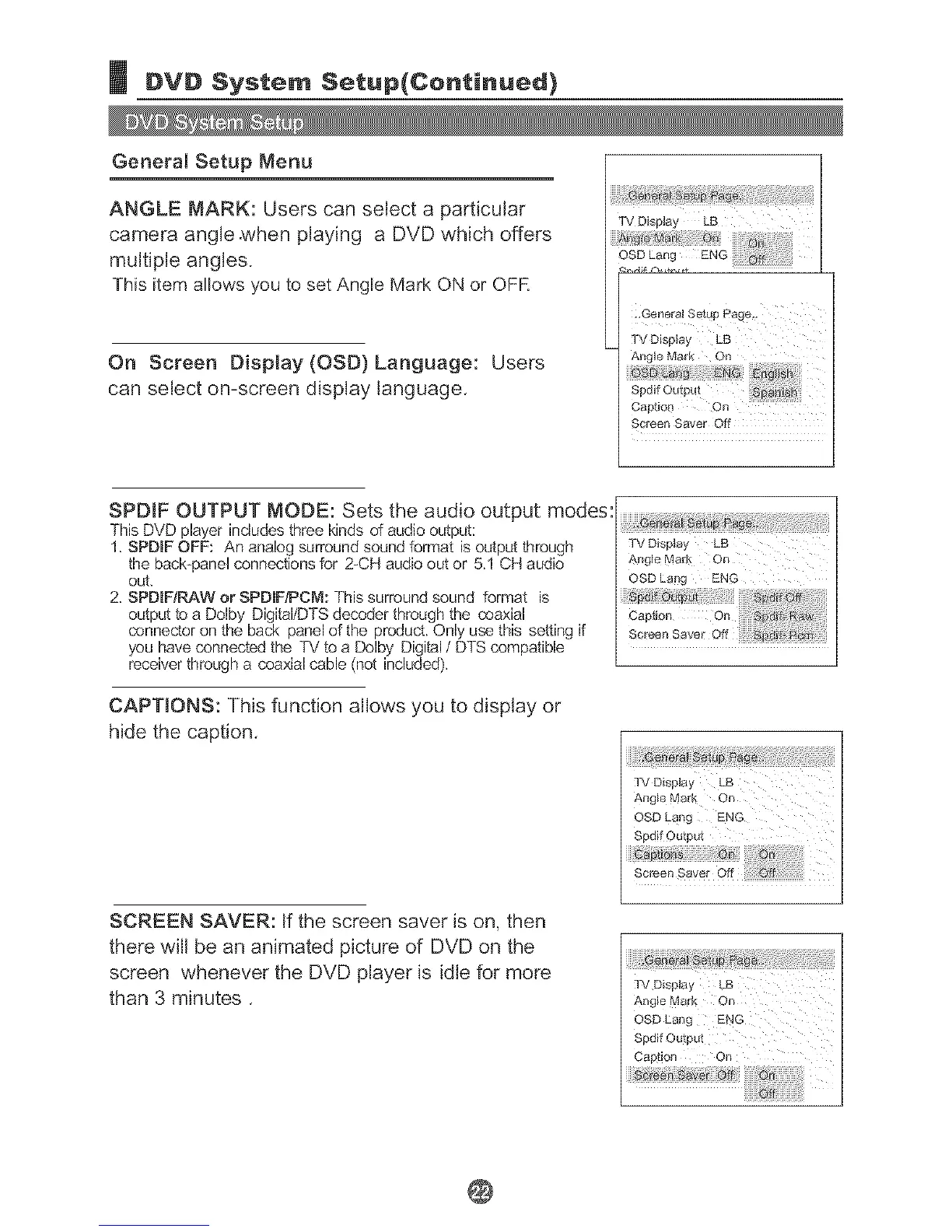
ANGLE MARK: Users can select a particular
camera angle.when playing a DVD which offers
multiple angles.
This item allows you to set Angle Mark ON or OFR
On Screen Display (OSD)Language: Users
can select on-screen display language.
TV Display LB
Spdif Outpu t
Captio[1 On
Screen Saver Off
SPDIF OUTPUT MODE: Sets the audio output modes:
This DVD player includes three kinds of audio output:
1. SPDIF OFF: An analog surround sound format is output through
the back_panel connections for 2-CH audio out or 5.1 CH audio
out,
2. SPDIFiRAVVorSPDIF!PCM: This surround sound format is
output to a Dolby Digital/DTS decoder through the coaxial
connector on the back panel of the product. Only use this setting if
you have connected the TV to a Dolby Digital / DTS compatible
receiver through a coaxial cable (not included).
CAPTIONS: This function allows you to display or
hide the caption.
SCREEN SAVER: If the screen saver is on, then
there w[[i be an animated picture of DVD on the
screen whenever the DVD player is idle for more
than 3 minutes.
OSD Lang ENG
TV Display LB
Angle Mark On
Spdif Output
Screen Saver Off
TV Display LB
OSD Lang
Spdif Outpu_
@


 To Next Page
 Loading...
