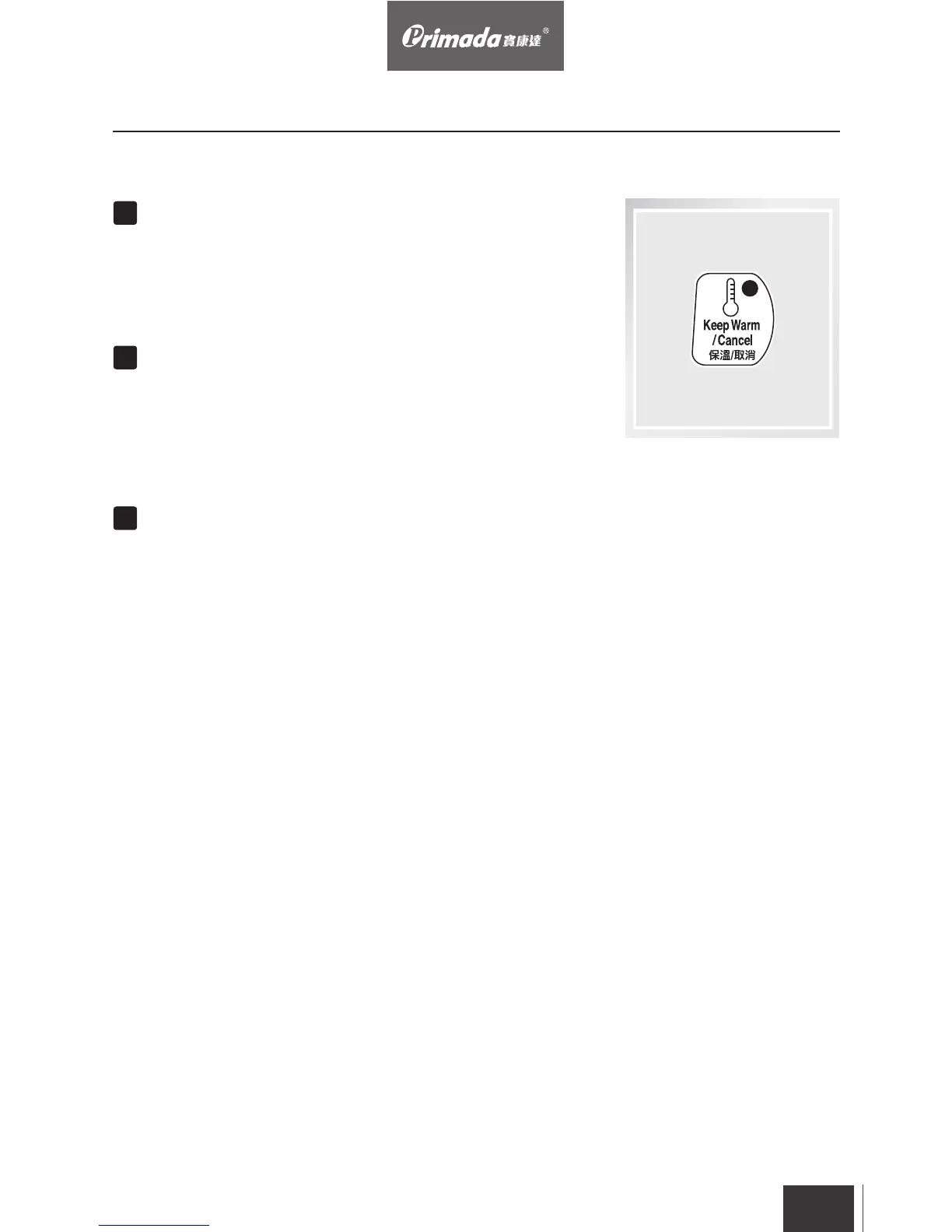
Under standby mode, press “Keep Warm/Cancel” button,
the Keep Warm light will be on and start keeping warm, if
press this button again, it will be canceled.
EN
29
When the cooking time finishes, automatically turns to Keep
Warm mode for up to 24 hours, during the period, by
pressing “Keep Warm/Cancel” button, the keep warm
processes can be canceled.
During the setting or cooking process, by pressing “Keep
Warm/Cancel” button, the keep warm or cooking processes
can be canceled.
Keep Warm/Cancel and Lid-opening Indicator
4. Operating


 To Next Page