If Preset Time is activated, the indicator of “Preset Timer” lights will be on, screen displays
preset time, after selecting menu, the indicator of menu light remains on, means this menu is
activated. Then, the preset time starts to countdown. When the preset time countdown
finishes, the screen displays the heating process as mentioned above.
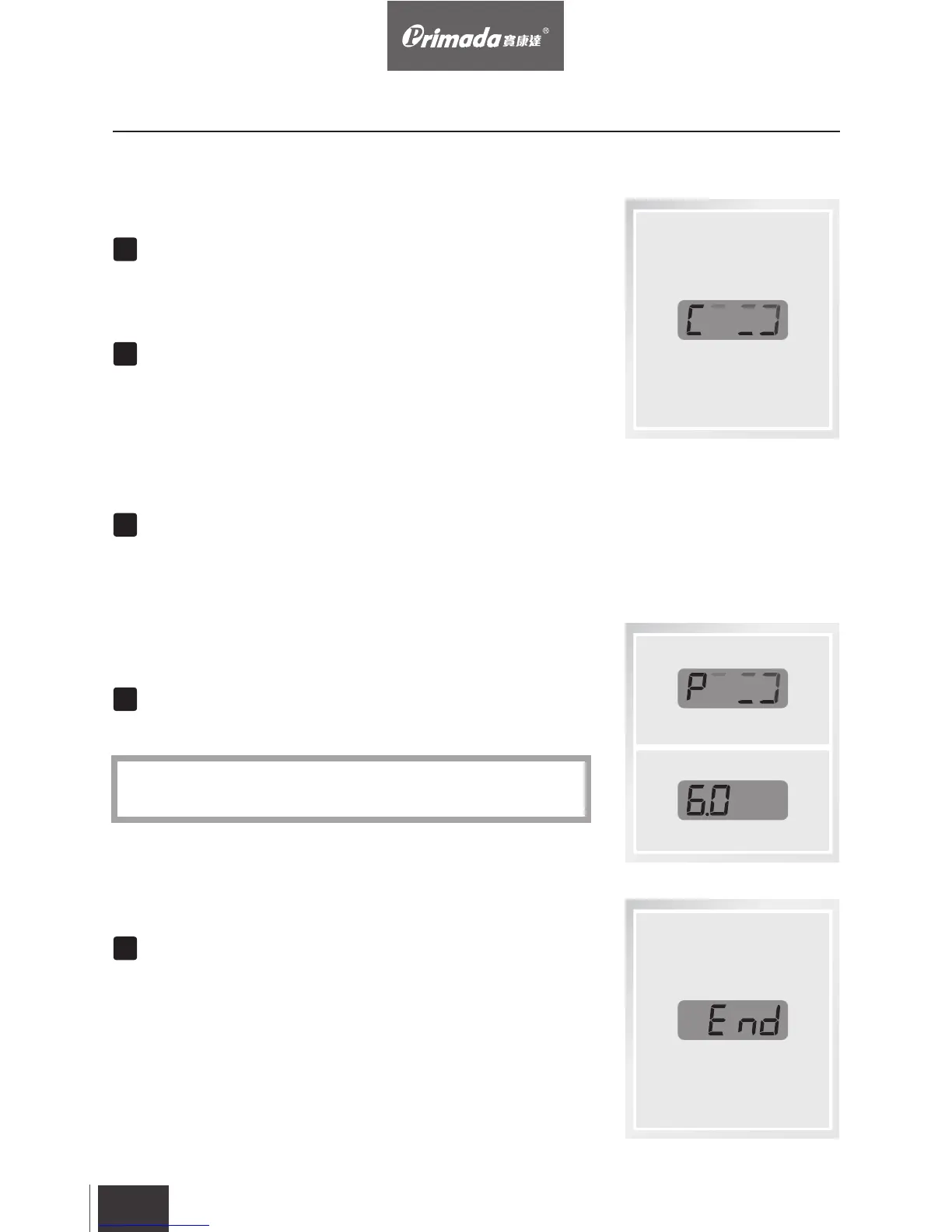
After heating for a few minutes, when the pressure or
temperature inside reach the cooking level, screen displays
“P+time”.
When the cooking time finishes, screen displays END, then
enter the Keep Warm mode, the indicator of Keep Warm
light switches on, now the cooking process is finished.
EN
28
4. Operating
Select the normal menus, the indicator of menu remains on,
screen displays C000, and the heating process starts.
For menu which cooking time can be adjusted, the indicator
and screen flash and screen displays time, after time
setting, keep flashing for 6 seconds, screen turns to C000,
the indicator light remains on, and the heating process
starts.
4.4 Screen and Indicator Guide
Screen
“Refine” function will display two digits of pressure time, for
example: 6 hours is 6.0.
*


 To Next Page