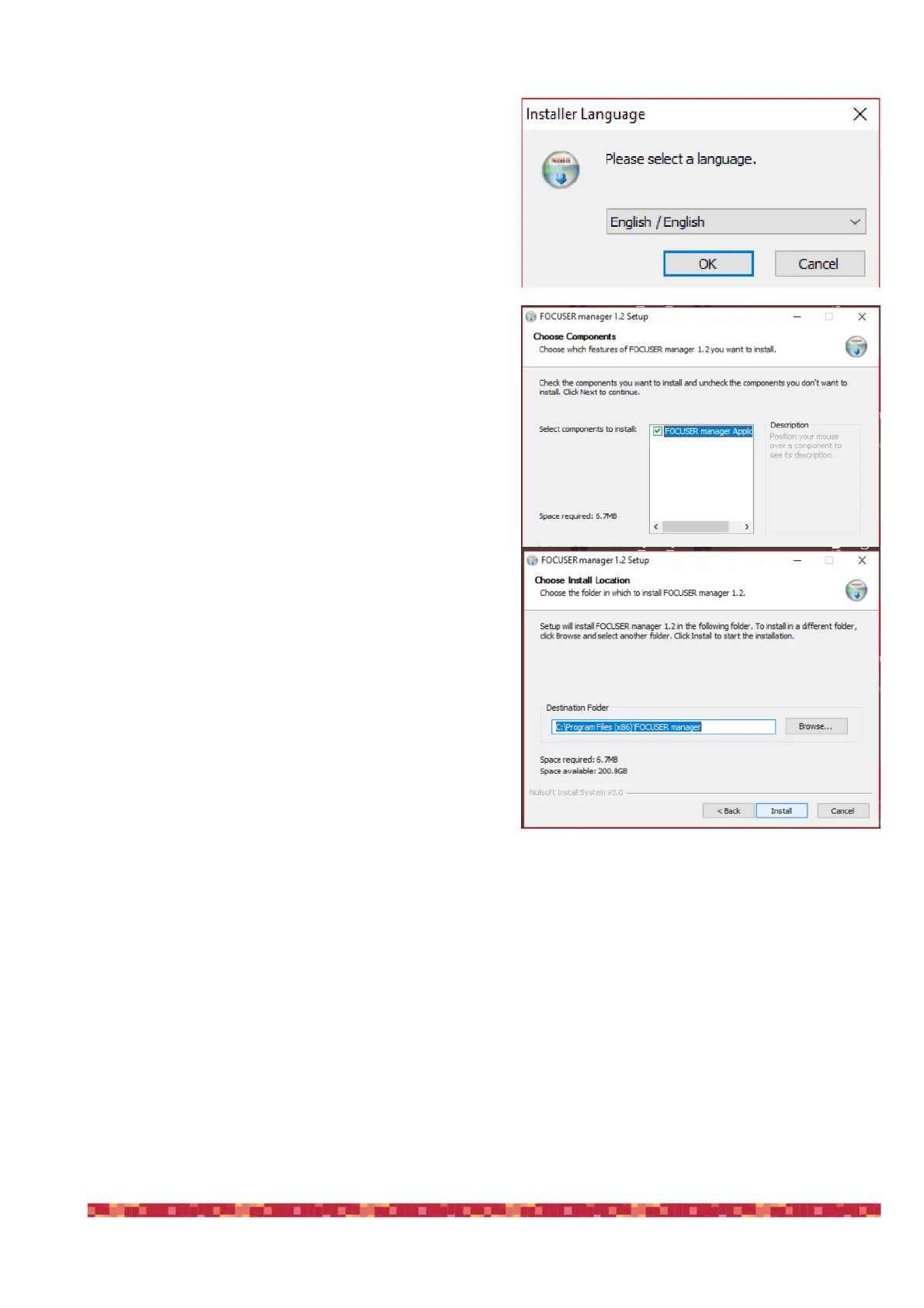
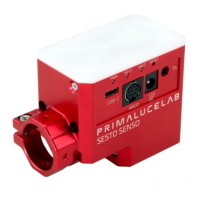
SESTO SENSO 2 is supplied with a complete Windows
software “FOCUSER Manager” (included in the file that you
download from the download section of our website) that
allows you to control the SESTO SENSO 2 and manage all
its functions. Make a double click on FOCUSERManagerSe-
tup.exe file to start installation. Click OK to proceed. In the
first window that opens, please select your language and
click the “OK” button to start the installation.
Then, in the next window, click the “Next” button.
Select the folder where you want to install FOCUSER Ma-
nager software (if you want to change the default one, you
can click on the Browse button and choose for a different
folder). Then click on the “Install” button to start installation.
At the end of installation process, please click on “Close” button to finish. Now you will find the FOCUSER Manager
software among the softwares installed in your EAGLE or Windows computer. If you leaved the default folder, it will
be located in “C:\Program Files (x86)\FOCUSER manager” folder.


 To Next Page