Step 1 only applies to forks that do NOT have a built in crown race. If there is any uncertainty refer to page 9 or
contact the frame and fork manufacture.
ASSEMBLY
The following steps go through the assembly and replacement of a Prime headset, each step should be followed precisely to
avoid any error.
It is advised that through all the steps in the assembly that frame and fork should be cleaned before re-fitment and that the
correct grease should be applied where stated.
The following steps illustrate the process to replace the headset on a compatible frameset with a Prime
headset. This is purely for illustration purposes and the steps required to complete the process are the same
across all types of Prime headsets.
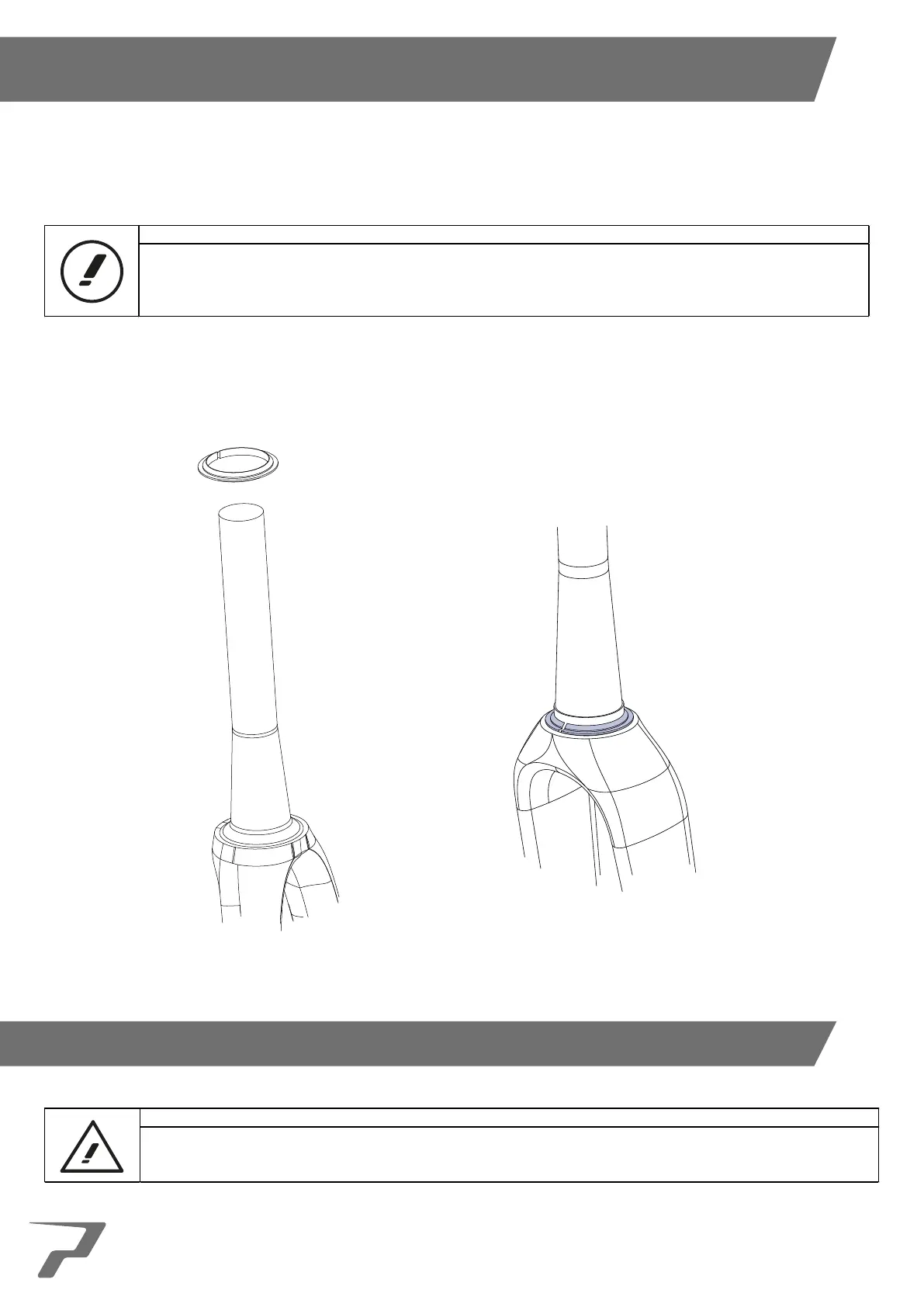
1. Slide the crown race over the fork steerer and slide into place. The crown race will have a slot in it to allow easy
fitment so no additional tool is required.
11



 To Next Page