237
237
5 - 100 mg/l (SO )
4
Name on device: 55-Sulphate-pow
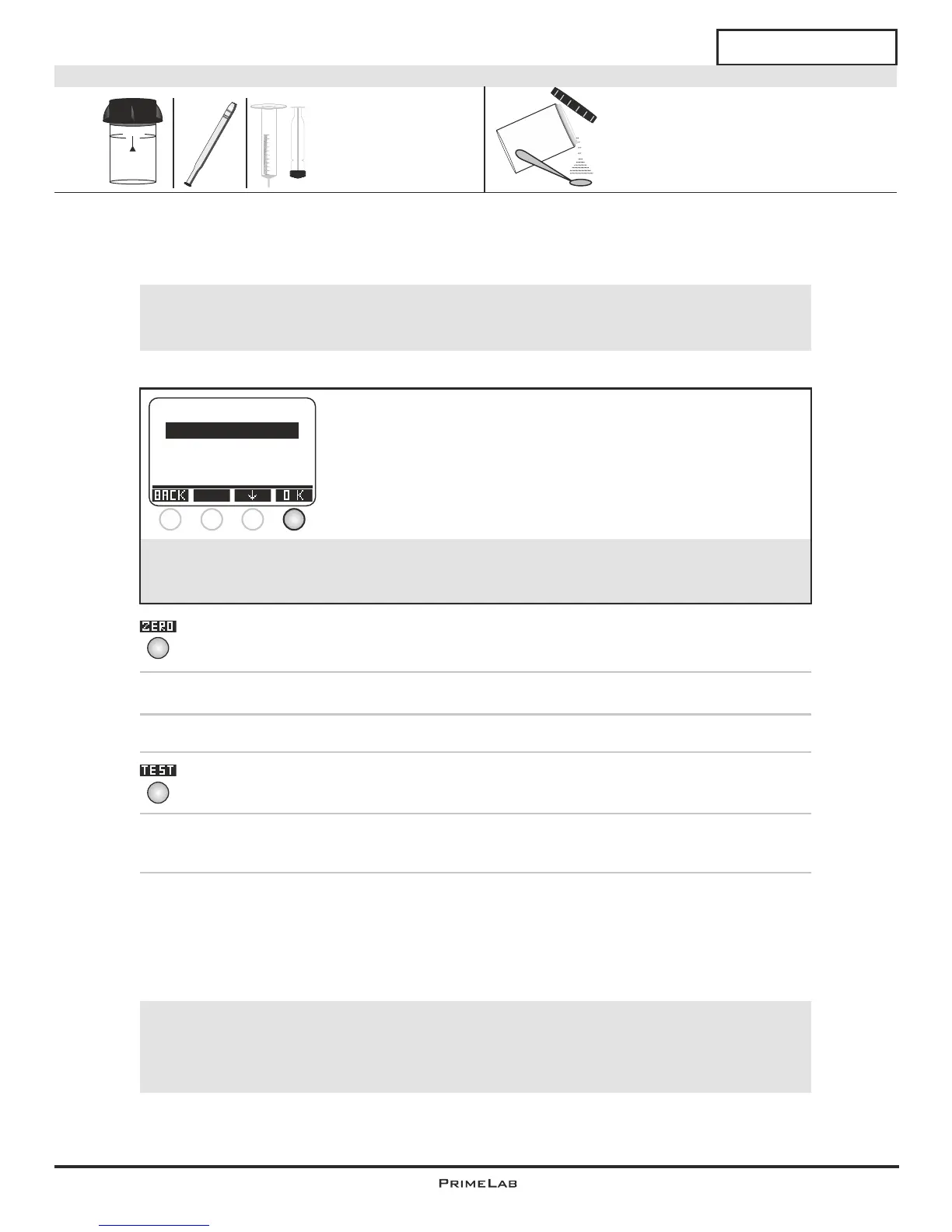
1.) Fill a cleaned cell (24mm) with 10 ml of your sample.
2.) Close the lid, place the cell into the photometer (use caution to the
arrow on the cell) and press ZERO.
3.) Remove the cell and open the lid.
4.) Add 1 x 0.05mL scoops of “PL Sulphate 1".
5.) Close the lid, place the cell into the photometer (use caution to the
arrow on the cell) and press TEST.
6.) Time left:
05:00 minutes.
(55) Sulphate
4
4
10 ml
24 mm
PL Sulphate 1 (PLpow10SULPHA1)
Powder
The individual steps of the measurement procedure are shown on the display.
Use button 3 (arrow down) to scroll through the steps.
Use button 4 to skip the notes.
!
Measurement procedure:
The steps up to the selection of the parameter value to be determined are the same for all
procedures and described on page "TEST-5". Please observe the important notes for
accurate measurements on pages "TEST-8" and "TEST-9".
!
Possible messages in the line below the measurement value:
"low! / high! / good!":
Assessment of the measurement value relative to the ideal range defined by you.
"Overrange! / underrange!":
Measurement value for this parameter is outside the value range of this method.
One-Time-Zero:
Measure new ZERO
Use last ZERO
For the sake of precision select "Use last ZERO" only
if the stored ZERO value is used with the
same cuvette and the same water sample for the test!
!
If after switching on the device you have already performed the
ZERO (baseline) adjustment for the same type, the following
message is displayed:
-> Measure new ZERO = continue with step 2)
-> Use last ZERO = continue with step 4)
1 2 3 4
Powder
10
9
8
7
6
5
4
3
2
1
ml


 To Next Page
 Loading...