PrimeLab Desktop Assistant
PDAPDA
Preparation / Installation
®
Install Bluetooth USB Dongle
First connection of PrimeLab with PC (pairing)
Installing the “PrimeLab Desktop Assistant”
Start Software & automatic synchronisation of test data
Main screen & screen symbols
Menu: Setup
Set up proxy
Run update (software / firmware)
Assign a name to PrimeLab
Adjust date and time
Import and export accounts
Reset to factory defaults
Enter water treatment products for dosage recommendations
Menu: Account data
Add new account
Edit existing account
Delete account
Write and remove accounts to/from PrimeLab
Manually read test data from the device
Remote control the PrimeLab
Print test results (report)
Generate dosage recommendations
Menu: Parameters
Install new parameter on the device
Remote control the PrimeLab
Menu: Remote control
Remote control the PrimeLab
Defining ideal ranges per test method
Menu: Lexicon
Information and support
Device information
Error messages
PDA 1
PDA 2-3
PDA 4-5
PDA 6 - 7
PDA 8
PDA 10
PDA 11
PDA 12
PDA 13
PDA 14
PDA 15-16
PDA 17
PDA 18
PDA 20
PDA 21
PDA 21
PDA 21
PDA 22
PDA 23
PDA 24
PDA 25-26
PDA 27-28
PDA 30
PDA 31
PDA 32
PDA 34
PDA 35
PDA 35
PDA 36
PDA 37
PDA 37
PDA 38-39
PrimeLab Desktop Assistant
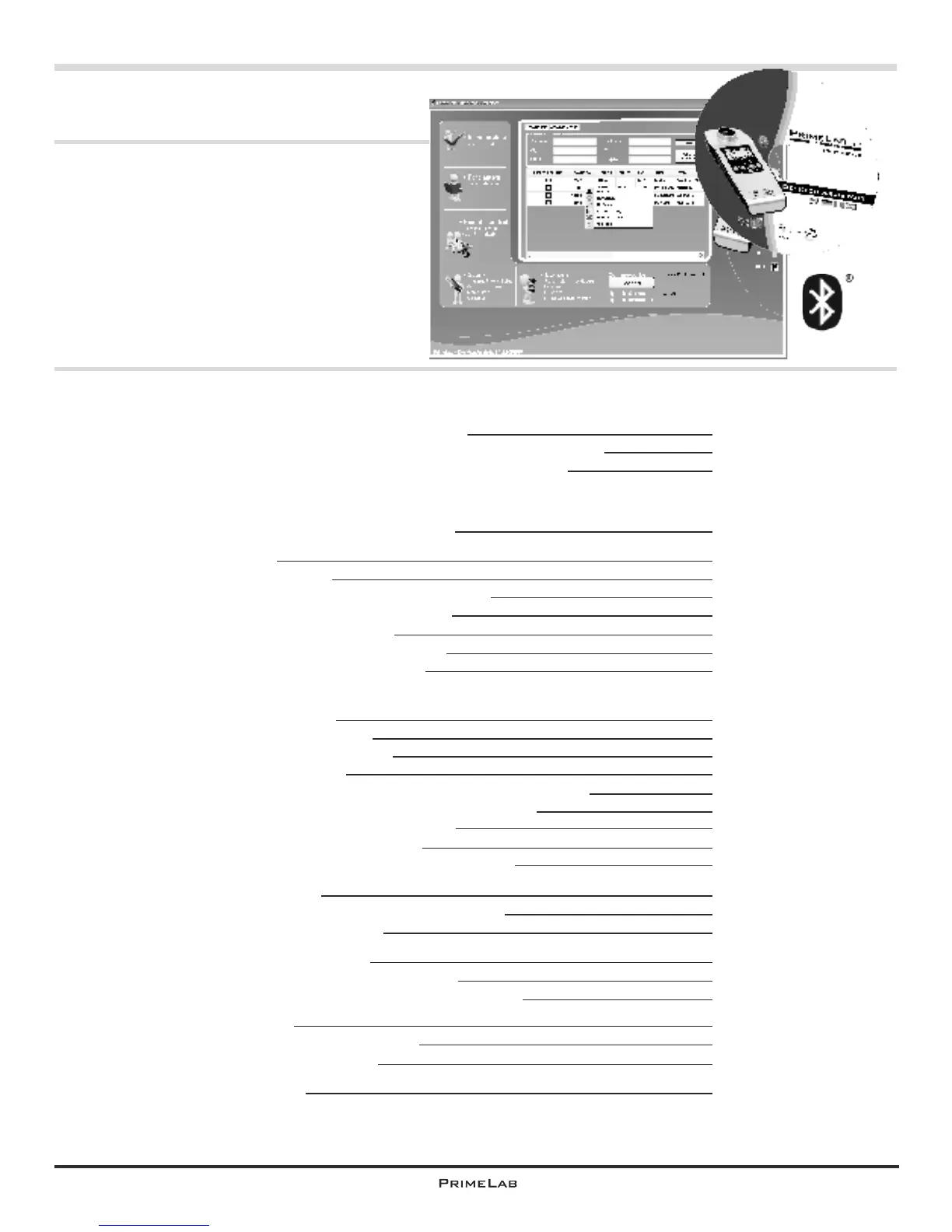
With the “PrimeLab Desktop Assistant”
you have acquired a powerful tool for the
management and evaluation of your test
results, for updating your PrimeLab, for a
later installation of additional test
procedures and for the development of
dosage recommendations.


 To Next Page
 Loading...