Section 2
Operation
Quick Setup
and Use Guide
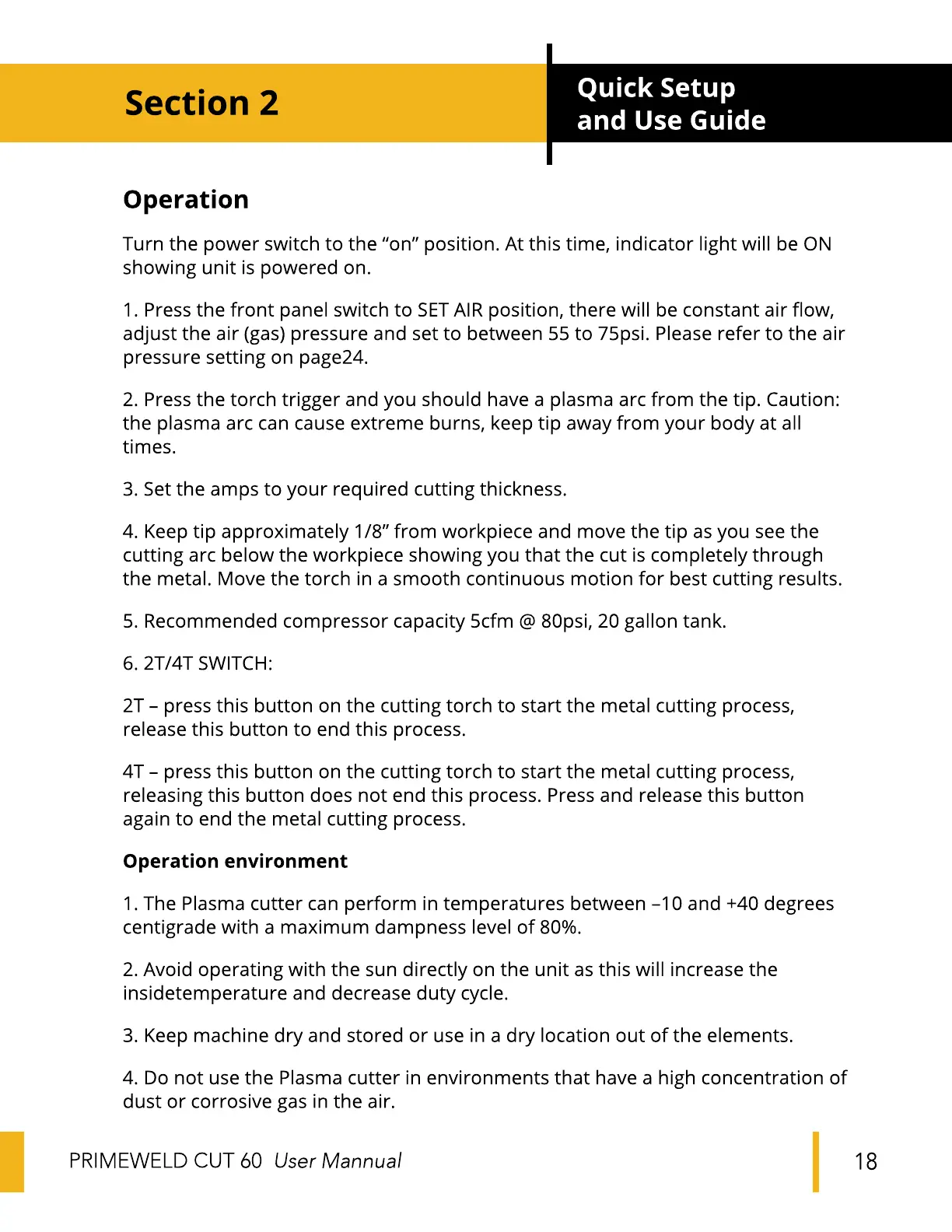
Turn the power switch to the "on" position. At this time, indicator light will be ON
showing unit is powered on.
1. Press the front panel switch to SETAIR position, there will be constant air flow,
adjust the air (gas) pressure and set to between 55 to 75psi. Please refer to the air
pressure setting on page24.
2. Press the torch trigger and you should have a plasma arc from the tip. Caution:
the plasma arc can cause extreme burns, keep tip away from your body at all
times.
3. Set the amps to your required cutting thickness.
4. Keep tip approximately 1/8" from workpiece and move the tip as you see the
cutting arc below the workpiece showing you that the cut is completely through
the metal. Move the torch in a smooth continuous motion for best cutting results.
5. Recommended compressor capacity 5cfm @ 80psi, 20 gallon tank.
6. 2T/4T SWITCH:
2T - press this button on the cutting torch to start the metal cutting process,
release this button to end this process.
4T - press this button on the cutting torch to start the metal cutting process,
releasing this button does not end this process. Press and release this button
again to end the metal cutting process.
Operation environment
1. The Plasma cutter can perform in temperatures between -10 and +40 degrees
centigrade with a maximum dampness level of 80%.
2. Avoid operating with the sun directly on the unit as this will increase the
insidetemperature and decrease duty cycle.
3. Keep machine dry and stored or use in a dry location out of the elements.
4. Do not use the Plasma cutter in environments that have a high concentration of
dust or corrosive gas in the air.
PRIME-WELD CUT 60 User Mannual
18


 To Next Page
 Loading...