Configuration tool
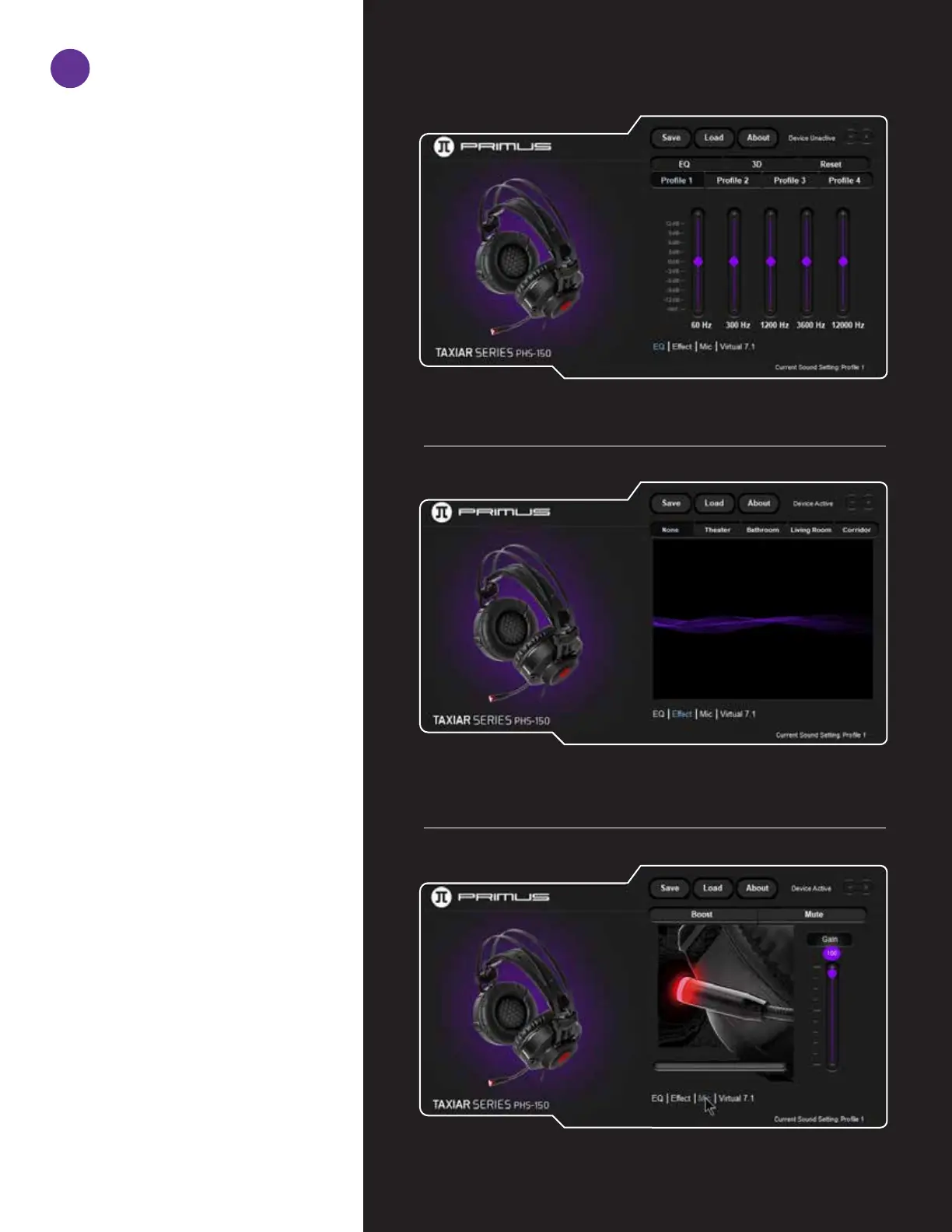
This gaming software allows you to
configure the headset through a single
user-friendly application.
It allows the user to configure four different sound profiles by adjusting the frequency sliders
up or down the dB scale.
Main equalizer
• The default parameter on this menu is set to None.
• This headset virtually recreates the audio atmosphere of different
settings, such as Movie theater, Bathroom, Living room or Corridor.
Sound effects
• Dynamic chat boost, mute and gain controls can be set independently in this interface.
Microphone quality
2


 To Next Page