Tuning in (continued)
OPERATION
COLOR AUTO
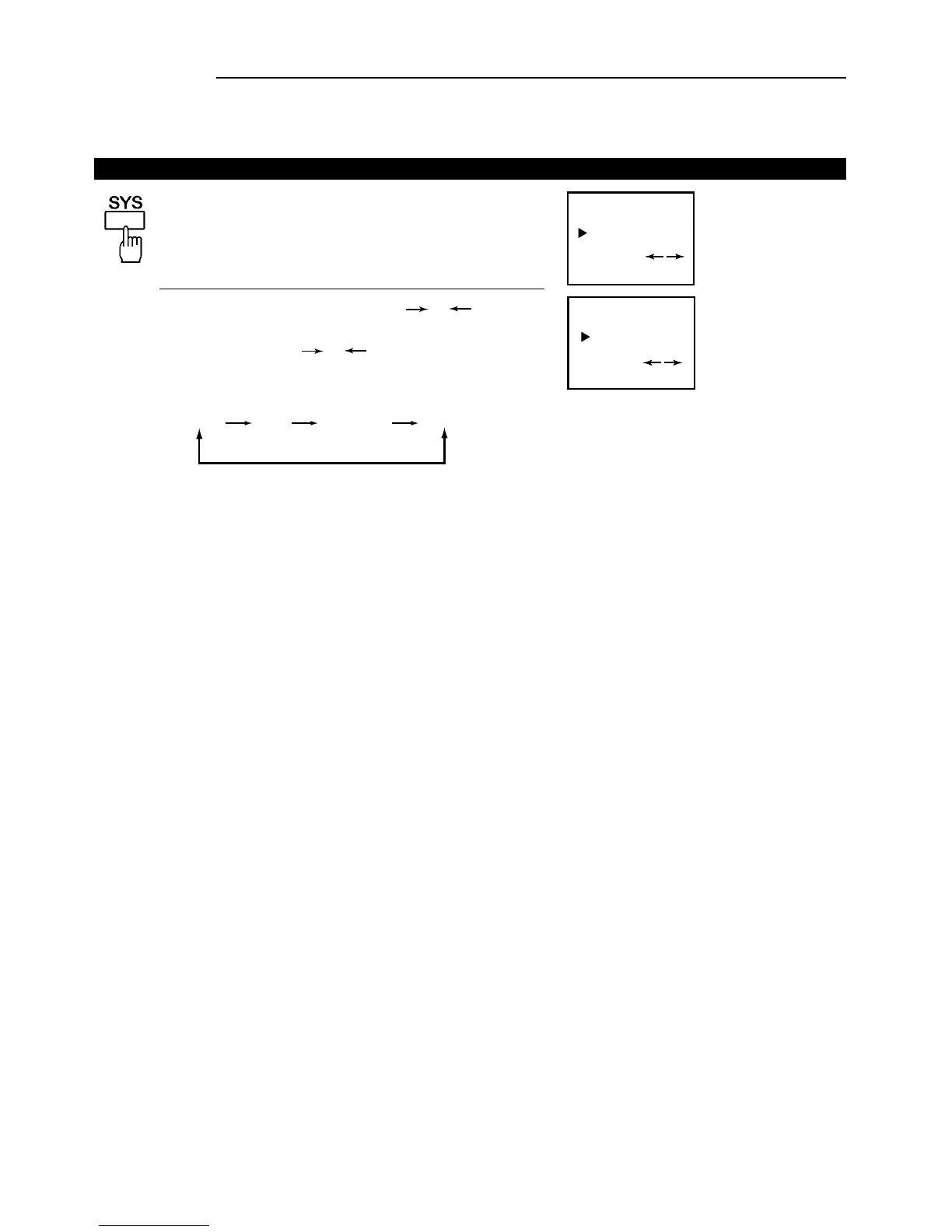
1. Press the SYS button, the colour system will be
displayed on the screen.
If the colour is abnormal, press the or
button to select the proper colour system. Every
time you press the or button, the colour
system will change in the sequence below.
Now you can watch the broadcasting TV program at the preset channel.
10
The setting of colour system
COLOR PAL
2.
AUTO PAL
4.43NTSC
3.58NTSC



 To Next Page