X-Sport Pro App Instruction
1. APP control of the camera (Supports Android and iOS)
1.1. How to install the APP
a. For android, please search "X-Sport Pro" on the Google APP store to download and
install it according to the instruction.
b. For IOS, please searches for "X-Sport Pro" download and install in apple's App
Store.
c. Or scan the QR code below the phone to download the APP
Start the WIFI (both Android and iOS )
1. Insert the Micro memory card and turn on the camera. Enter the menu and turn on
WIFI(X10000_XXXX).
2. Enable WI-FI on smartphone or tablet and search for Wifi SSID called “66666666”, then
connect it to the camera, until the system displays “Connected successfully”.
Note: the first time connecting to the camera, you need to enter password
“66666666”
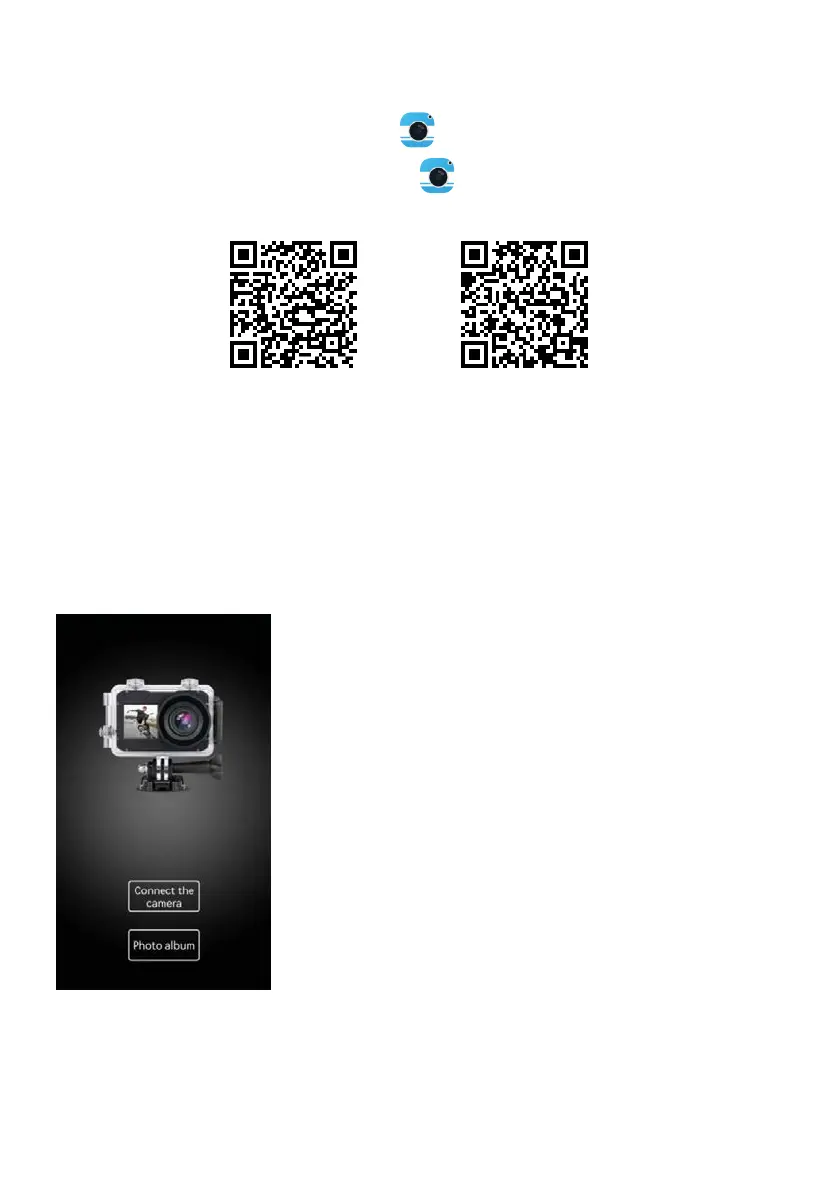
3. After connecting the mobile phone to the camera WIFI, open the APP and click
"connect the camera" to enter the APP operation interface. As below picture
Android
IOS



 To Next Page