alarm sound when the watch is out of Bluetooth range. Additionally, you can
look for the watch using your phone and vice versa when both are within
Bluetooth operating range.
Communication and social networks
If you put a SIM card in the watch you can make and receive calls, as well as
send, receive and respond to SMS messages.
Entertainment
Enjoy life with a music and video player, recorder, camera, etc.
Personal assistant
The smart watch can also be your personal assistant, with a photo album,
agenda, calculator, personalised themes and other features.
Date and time
High quality watches have always been characterised by their accuracy, and
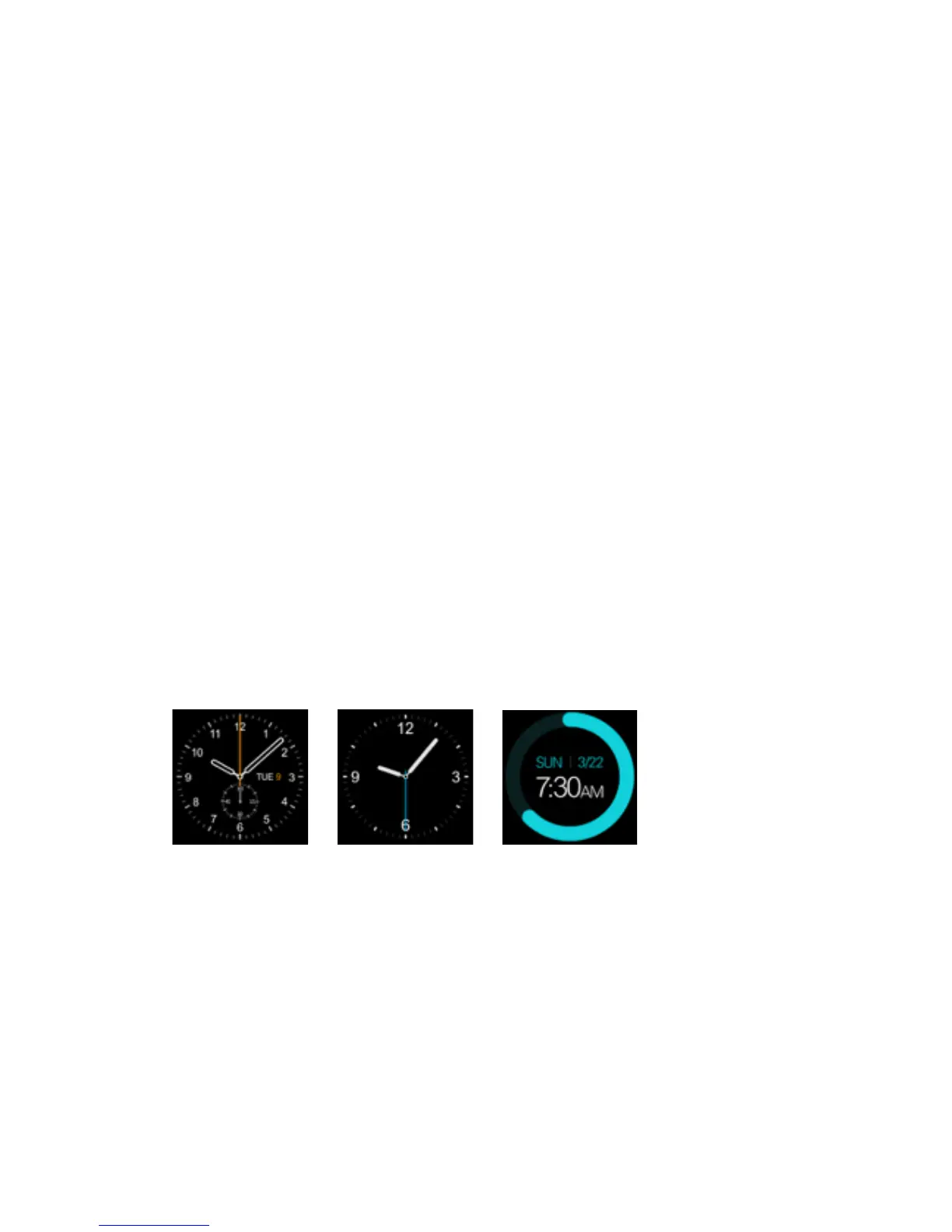
your Prixton smartwatch is no exception. It even lets you customise the watch
face (3 options) to display the time in a more personal and meaningful way, in
line with your life and schedule.
To change the watch face:
1
st
Method: Turn on the device, when it is in watch mode press the centre of
the screen and select the face you prefer.
2
nd
Method: Turn on the device. Go to the main menu-phone settings-standby
screen menu-unlock. Choose the face you prefer.
! ! !



 To Next Page