7
© Audio Trade GmbH · Pro-Ject Stream Box DSA · Version: December 1st, 2012
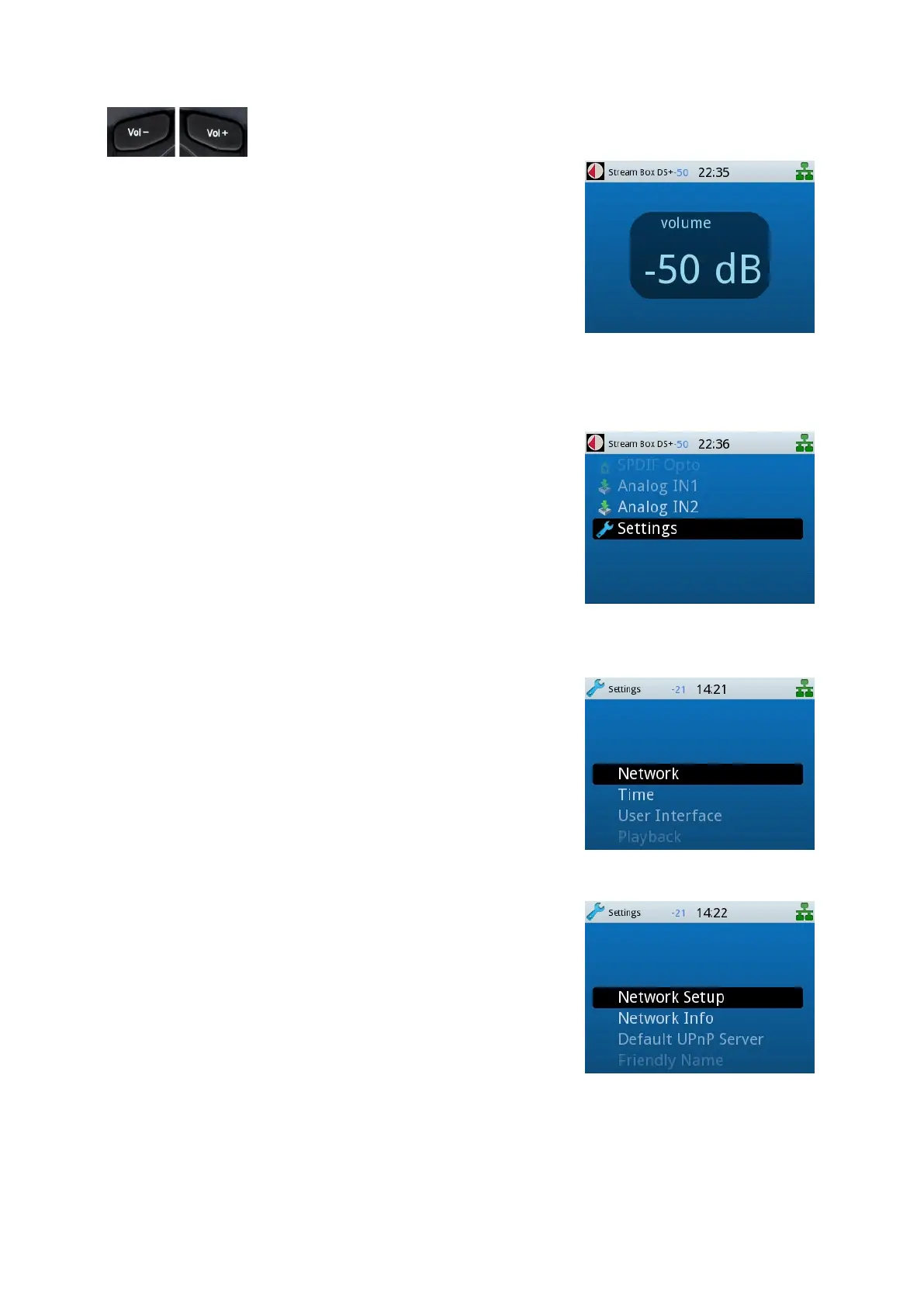
With the button Vol+ the playback volume will be raised, the button
V– lowers it. While you adjust the volume, the current level is shown in a
large view, using the complete display. Without ongoing adjustment the
level is shown in the small upper status bar.
Stream Box DSA setup
If you want to use the network functions of the Stream Box DSA, you
have to make some basic settings first. For that please navigate to
Settings in the root menu with the
buttons and confirm with the
button OK.
In the next menu please navigate to Network and confirm with OK.
In the next menu please go to Network Setup and confirm with OK.


 To Next Page