2.3 Functional Keys Description
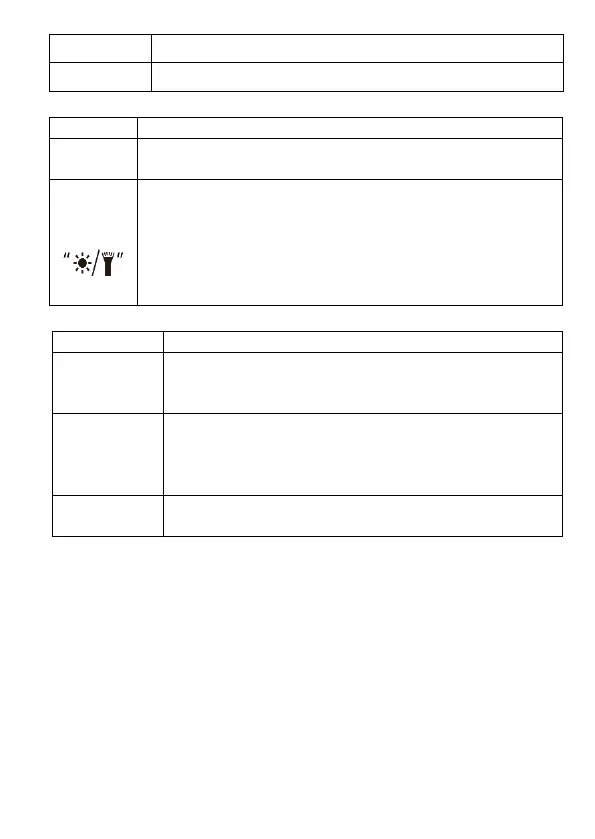
Press the key to hold the measured value for the current
moment. Press the key again to cancel this function.
Short press the key to turn on backlight and short press
again to exit. It will automatically off after about 15 seconds
with no operation
Long press the key to turn on the illumination function and
the backlight at the same time. Short press the key again to
turn off the illumination function. It will automatically off after
about 30 seconds with no operation
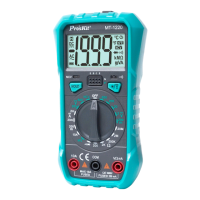
2.4 Input Socket Description
All public input terminals to be measured are connected
to test leads in black or the public output plugs of
exclusive multi-function test sockets.
Positive input terminals (connected to a test lead in red)
for voltage measurement, electric resistance, diode
measurement, beep on/off test, mA positive input
terminal (connected to a test lead in red).
10A positive input terminal (connected to a test lead in
red).
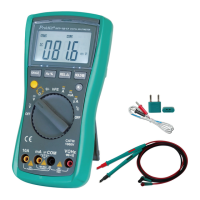
2.5 Accessories
3. Operational Guidelines
3.1 Auto Power Off
If no operations are made in 15 minutes following the initialization, the meter
will sound to remind the operator to automatically cut off power supply and
enter the state of dormancy. The meter can be rebooted when the operator
presses any key in the auto power off mode.


 To Next Page