Keys introduction
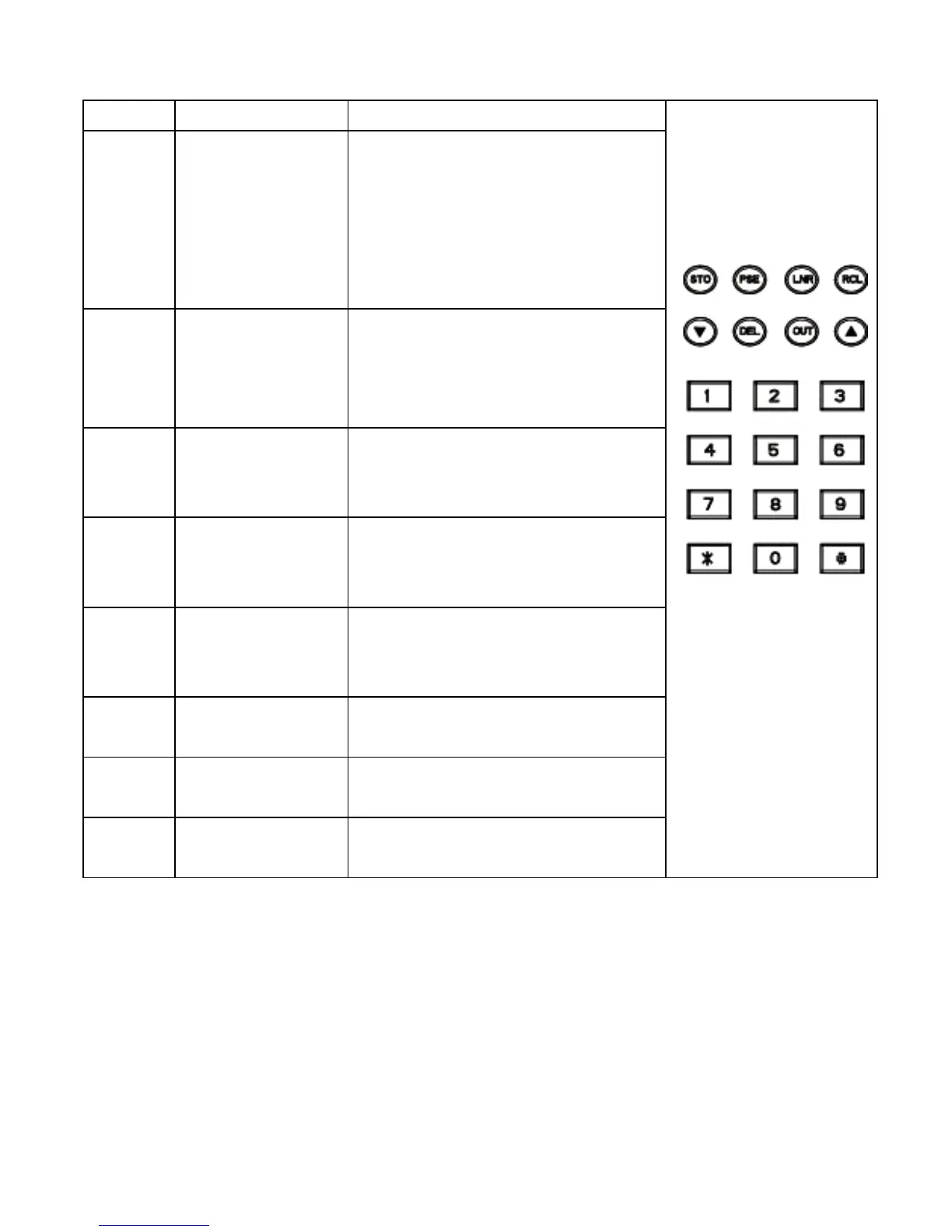
Key Description Function
STO Set and
Storage
Press STO key will
enter the setting mode,
there are 12 setting
screen on MT-8006B.
Please refer to
Operation section.
▲/▼
Direction
key
Enter the incoming call
list, scroll the numbers
in call list and switch the
setting screen.
RCL Recall To initial a phone call
from stored phone
number
DEL Delete Delete the number in list
or erase the last digit
from the input number
LNR Last
number
redial
Make a phone call for
last dialing number or
per-dial number
PSE Pause Insert a PBX pause into
the input number
OUT Call out list Enter the dialing out
number list
*,#,
0~9
Number
keys
Standard Phone
number keys
Test mode switch
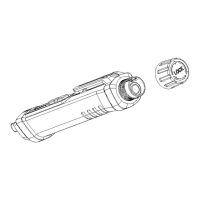
The test mode switch is a slide switch located on the left side of
MT-8006B. Switch the test mode switch to the “Talk” position to
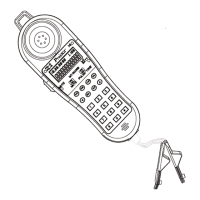
make the Data Diver work as a telephone line tester. Switch the test
mode switch to the “OFF” position for storage; switch the test mode
switch to the “Mon” position to enable monitoring the line without
disrupting it.
5


 To Next Page