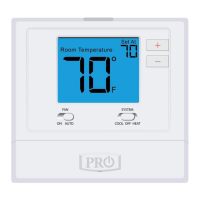
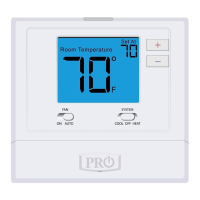
THERMOSTAT QUICK REFERENCE
Battery information
2
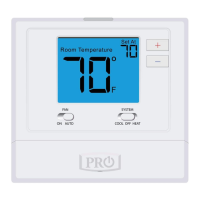
Use the “+” or “-” keys to select your desired
room temperature. A copy of the Operating
Manual can be downloaded at www.pro1iaq.com
Fan System
Important:
The low battery indicator is displayed
when the AA battery power is low. If the
user fails to replace the battery within
21 days, the thermostat display will only
show the low battery indicator as a final
warning before the thermostat
becomes inoperable. The batteries are
located on the back of the thermostat.
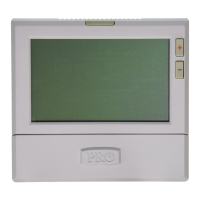
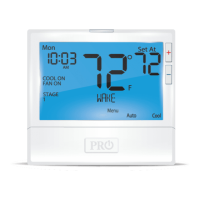
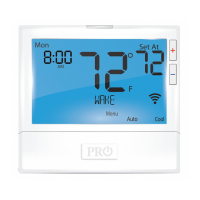
Getting to know your thermostat
LCD
1
2
3
4
Access Door
Fan Button
System Button
5
Temperature
Setpoint Buttons
6
Displays the user selectable
setpoint temperature.
System operation indicators:
The COOL, HEAT or FAN
icon will display when the
COOL, HEAT or FAN is on.
NOTE: The compressor
delay feature is active if
these icons are flashing.
The compressor will not turn
on until the 5 minute delay
has elapsed.
Glow in the Dark Light Button
6
1
2
3 4
5
Low Battery Indicator:
Replace batteries when
indicator is shown.
Indicates the current
room temperature.
Button options
On the back of the thermostat insert
2 AA Alkaline batteries (included).
Pull the thermostat
directly away from the
wall to access the
batteries. A firm tug
will be required to
remove the thermostat
from the subbase
mounted on the wall.



 To Next Page
 Loading...