3
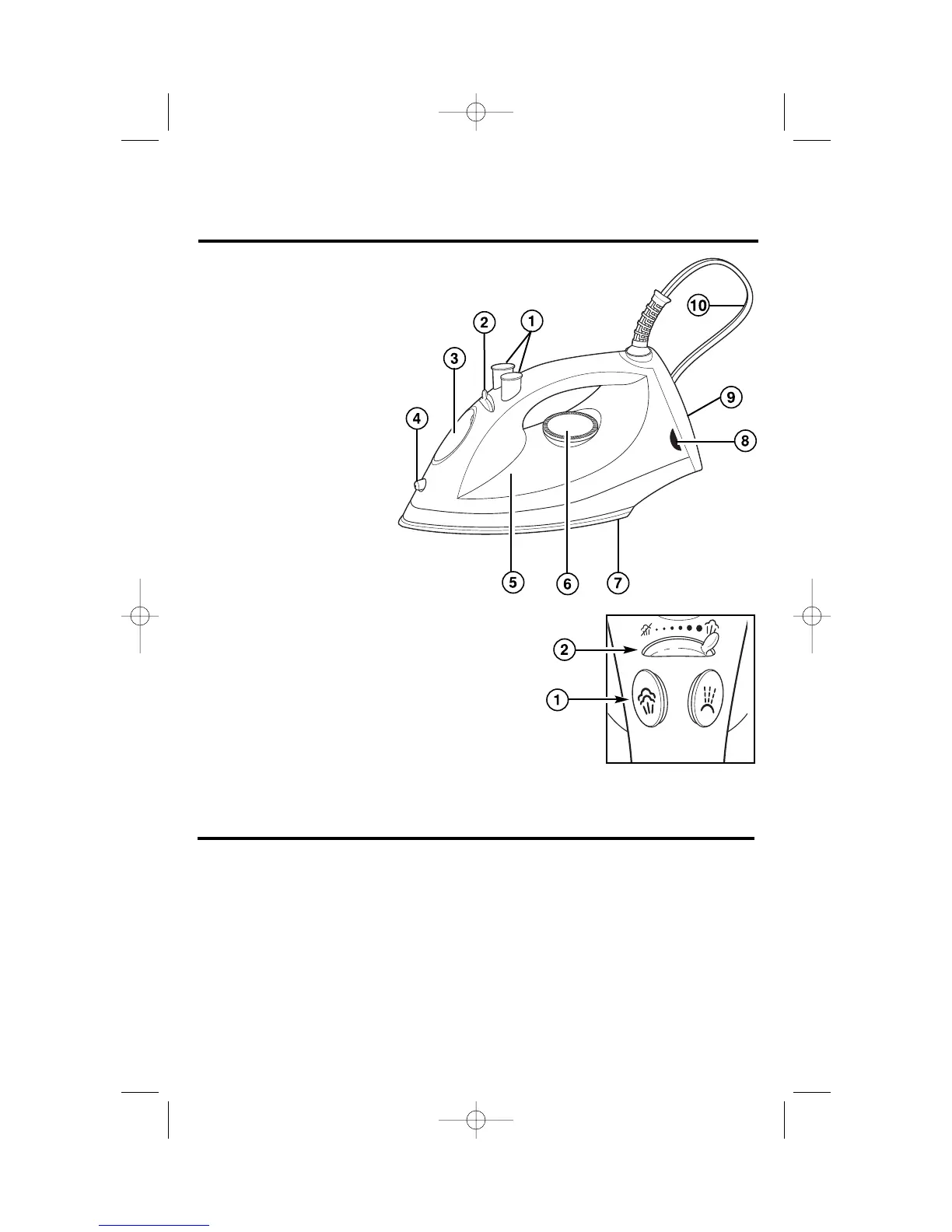
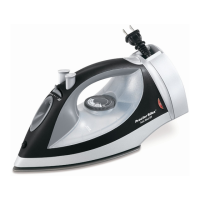
Know Your Iron
1. Spray/Blast Buttons (see inset)
2. Adjustable Steam Switch (see inset)
3. Water Tank Opening
4. Spray Nozzle
5. Water Window
6. Temperature Control Dial
7. Soleplate
8. Power On Light or
Automatic Shutoff Reset
Button/Light
9. Heel Rest
10. Cord
Parts and Features
Before First Use
• Steam vents should be cleaned
before first use.
• During the first use of the iron, it may
appear to smoke. This will stop and
does not indicate a defect or hazard.
• To clean steam vents before first use,
prepare iron for steam ironing, then
iron over an old cloth for a few min-
utes while letting the iron steam.
Press the Blast button several times
to clean the vents. Then follow the
Self-Cleaning instructions.
• Many irons spit or sputter during
the
first few uses with tap water.
This happens
as the steam chamber
becomes conditioned. This will
stop after a few uses.
Blast Spray


 To Next Page