7
1. Always make sure mixer is
unplugged and speed control
is set to (OFF).
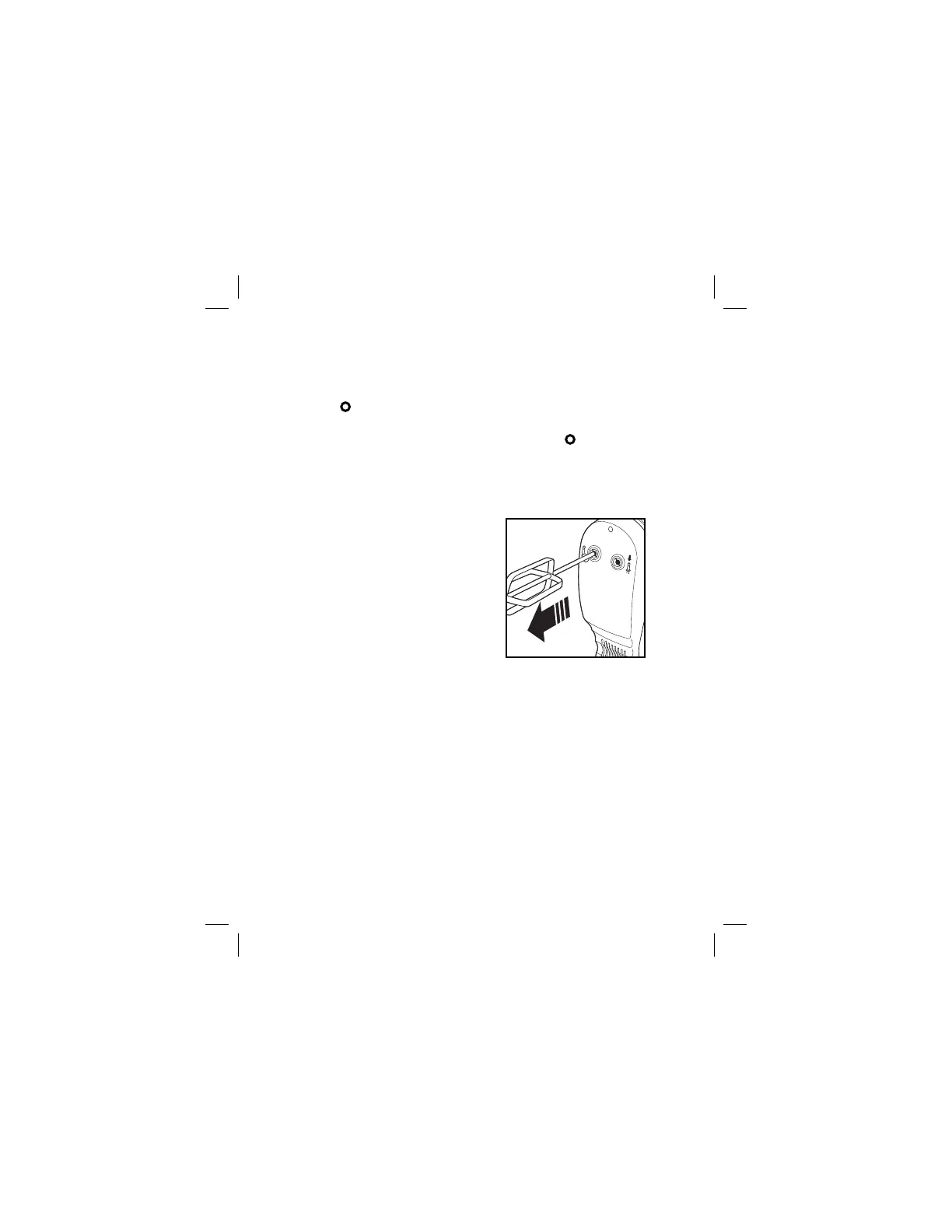
2. Following diagrams on bottom
of mixer, insert desired
attachment(s) into proper
openings on bottom of mixer.
Push and click into place.
3. Plug into outlet.
4. Place beaters into bowl.
5. Move speed control to desired
speed. Start at 1 and increase
speed as needed.
6. When finished, turn speed
control to
(OFF).
7. Unplug.
8. To eject attachments, push
straight down on the speed
control.
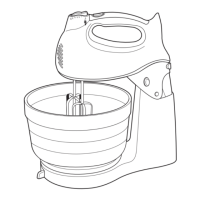
How to Use Your Hand Mixer


 To Next Page