EasyManua.ls Logo

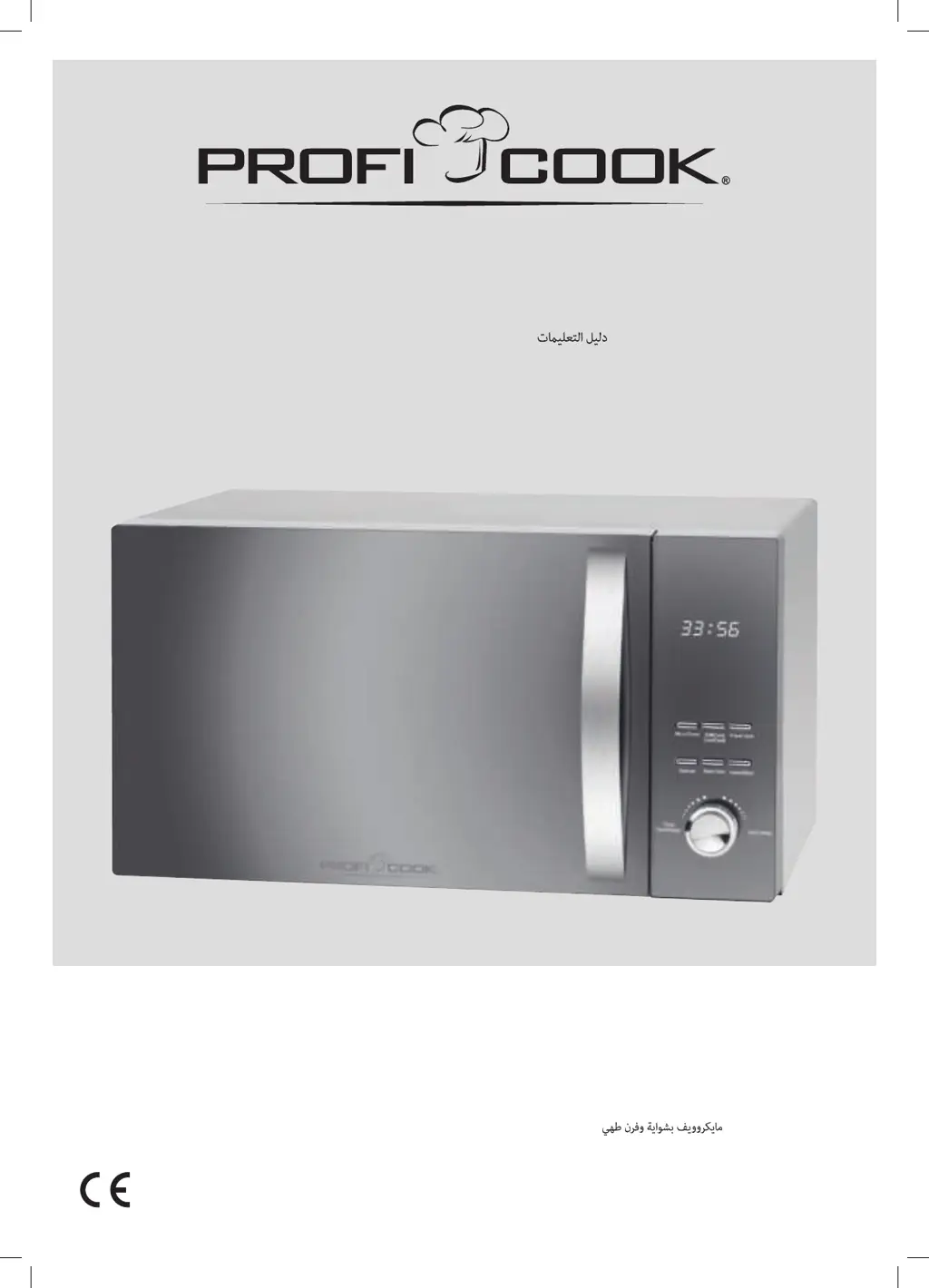
Profi Cook PC-MWG 1176 H - User Manual

Profi Cook PC-MWG 1176 H
110 pages
Go to English
Print Icon
To Next Page IconTo Next Page
Loading...
Bedienungsanleitung / Garantie
Gebruiksaanwijzing • Mode d’emploi • Manual de instrucciones • Istruzioni per l’uso
Instruction Manual • Instrukcja obsługi / Gwarancja • Használati utasítás
Руководство по эксплуатации •
Mikrowelle mit Grill und Heißluft
PC-MWG 1176 H
Magnetron met grill en convectie-oven Micro-ondes avec gril et four conventionnel
Microondas con asador y horno de convección Microonde con griglia e forno a convezione
Microwave with grill and convection Kuchenka mikrofalowa z grillem i funkcją kuchenki konwekcyjnej
Mikrohullámú süt grillés konvekciós sütő
Микроволновая печь с грилем и конвекционной духовкой
PC-MWG1176H_IM 17.04.19

Table of Contents

Questions and Answers

  • P
    Phillip RogersAug 10, 2025
    What to do if my Profi Cook Microwave Oven doesn't start?
    • L
      Louis CrossAug 10, 2025
      If your Profi Cook Microwave Oven isn't starting and the display shows something other than the current time, it could be due to a couple of reasons. First, ensure that the door is properly closed and that there are no obstructions, such as objects or food remains, preventing it from closing fully. Second, after selecting a function, you must press the START button to begin operation. If you wish to cancel a program, press the STOP / CANCEL button.
  • A
    anna44Aug 14, 2025
    How to unlock Profi Cook PC-MWG 1176 H controls?
    • E
      Elizabeth BishopAug 14, 2025
      If all controls on your Profi Cook Microwave Oven are locked, it's likely that the child-proof lock is activated, and the display shows a key symbol. To unlock it, press and hold the STOP / CANCEL button for 3 seconds until you hear a signal tone. Alternatively, the display might show the current time with the key symbol flashing, indicating an automatic start mode is programmed. You can view the start time by pressing the TIMER / CLOCK button and cancel the program by pressing the STOP / CANCEL button.
  • J
    Jason JacksonAug 20, 2025
    Why Profi Cook PC-MWG 1176 H Microwave Oven is not turning on?
    • S
      Sarah JamesAug 20, 2025
      If your Profi Cook Microwave Oven is not supplied with electricity and the display is black, there are a couple of things you can check. First, try plugging the microwave into another wall socket to rule out a defect in the current socket. Also, check the main fuse in your household to ensure it hasn't tripped.
  • M
    Mary MasonAug 25, 2025
    How to fix a noisy turntable in Profi Cook PC-MWG 1176 H Microwave Oven?
    • S
      scott49Aug 26, 2025
      If the turntable in your Profi Cook Microwave Oven is making a scratching or abradant noise, it's likely due to dirt or foreign objects in the area of the turntable shaft. Remove any possible objects and food remains as described under the “Cleaning” section.
  • C
    Christopher PetersAug 29, 2025
    What to do if the clock flashes on Profi Cook Microwave Oven?
    • I
      Isaiah JohnsonAug 29, 2025
      When “ : ” flashes in the display of your Profi Cook Microwave Oven, it indicates that there was a power failure. To resolve this, you need to set the clock again.
  • B
    baldwinjohnSep 4, 2025
    Why does my Profi Cook PC-MWG 1176 H Microwave Oven interfere with TV reception?
    • H
      Hannah SmithSep 4, 2025
      Radio or TV reception might be interrupted during the operation of the Profi Cook Microwave Oven because the electromagnetic fields of the appliance might interfere with the pictures and sound of special frequencies. This is normal and not a malfunction. Try positioning the appliances further away from each other.

Profi Cook PC-MWG 1176 H Specifications

General IconGeneral
Power Output800W
Capacity20L
Control TypeElectronic
Turntable Diameter24.5 cm
TypeMicrowave with Grill
Grill Power1000W
TimerYes
Number of power levels5
Voltage230V
Frequency50Hz
Dimensions (W x D x H)440 x 332 x 259 mm

Related product manuals