Before using
Activate device
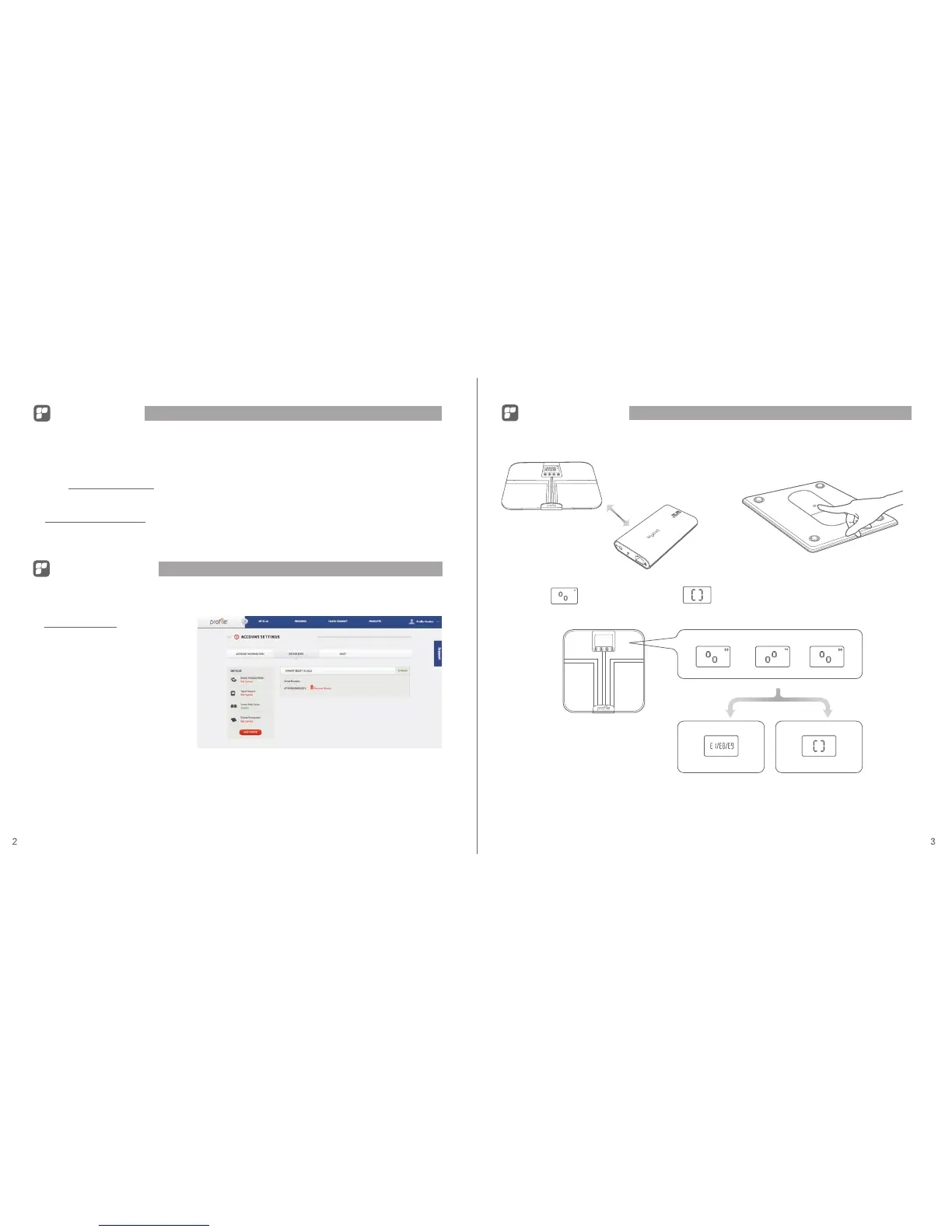
1. Place the smart body scale within 3 feet of the data bridge. 2. Press the activation button for 5 seconds.
See Trouble Shooting
Move to next step
3. The screen will appear. Wait for the screen to appear. If this screen does not display, see trouble shooting.
Register device
1. Install the data bridge. Please refer to the bridge instruction manual.
(If data bridge is already installed, skip these steps.)
2. Sync the device with your working data bridge. More instructions on syncing your device can be
found at support.profileplan.net.
3. Ensure that you have an account setup at profileplan.net. If not, you can register for an account
at www.profileplan.net/signup
1. Log into your account at
www.profileplan.net and choose
"Account Settings" > "Device Sync."
2. Enter your device’s serial number
and click "Sync Device."
3. If successful, the device will display
as “ Synced."
4. Finally, manually ”Sync” the device
again.
5. See "Activate device" on the
following pages if device does not
display as synced.


 To Next Page