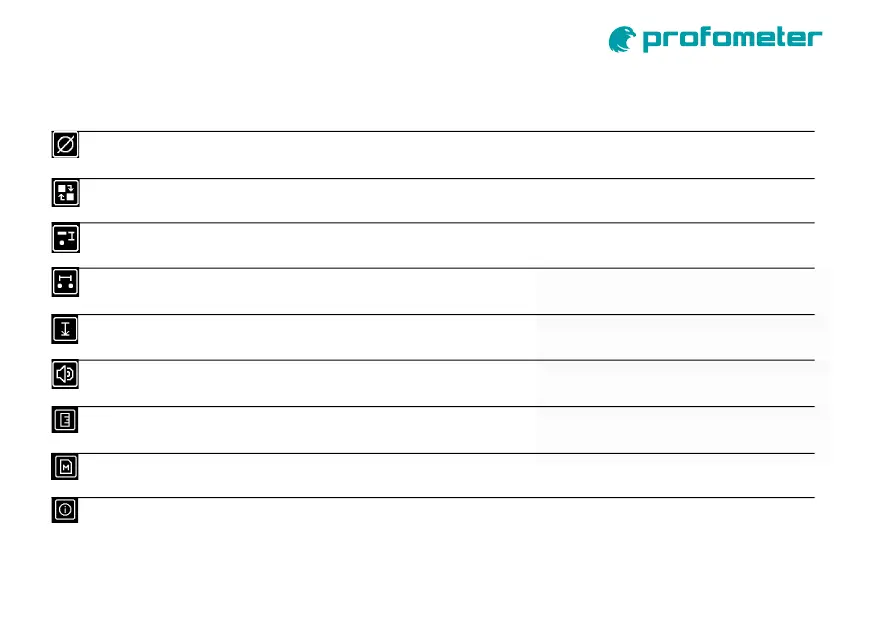
Reference Rebar Diameter
Settings
Operation Mode
Settings
Concrete Cover Alert
Settings
Neighboring Rebar Correction
Settings
Measuring Range
Audio Settings
Units
Main Menu – Menu Items
Configuration of the operation mode
Locate or Spot Scan (data collection)
Configuration of the diameter of the reference rebar
Configuration of Cover Alert value
Configuration of spacing between rebars for neighboring rebar correction
Configuration of measuring range depending on metal object depth
Standard, Deep or Auto
Configuration of all audio signalling
Rebar centered, Min cover alert or Key pressed
Configuration of measurement units
In Metric, ASTM or Japanese Units
Memory
Information
Memory used information / clear
Show Device Information


 To Next Page