14
TONE/PULSE DIALING:
The TX-555 is capable to dial telepho-
nenumbers with TONE (DTMF dialing)
or PULSE (rotary dialing). Use the
TONE/PULSE switch on the backside
of the telephone to set the required
dial-mode.
HOW TO USE
INCOMING CALL:
Adjust the ringer volume with the
HI-LO-OFF switch. Lift the handset
and start the conversation.
OUTGOING CALL:
Lift the handset. Wait for the dial tone
and key-in the desired telephone
number. Replace the handset when
the conversation is finished.
REDIAL:
In case the person you were calling
was busy or you want to dial the last
dialed number again, this number is
stored in memory:
1. pick up the handset and wait for
the dialtone
2. press the button P/REDIAL; the
last dialed number will be redialed
This number can be as long as 32
digits.
SPEAKERPHONE:
Press button HANDSFREE to switch-
on the speakerphone. The volume
can be adjusted with the slider on
the rightside of the telephone. Press
HANDSFREE again to switch-off the
speakerphone.
PAUSE:
When dialing through a PABX, it is
recommendable to insert a dialpause
direct behind the prefix (mostly a 0).
Use key P/REDIAL to insert a pause.
CALL TRANSFER:
Use the R-key to transfer a call in
case you are connected through a
PABX.
Dependent on the used
PABX, you may have
to transfer a call with
‘EARTH RECALL’ or
with ‘TIMED BREAK
RECALL’. Please con-
sult the manual of the
exchange.
Use the EARTH/FLASH switch on the
bottomside to set the desired transfer-
mode. The FLASH time is 100mS.
14
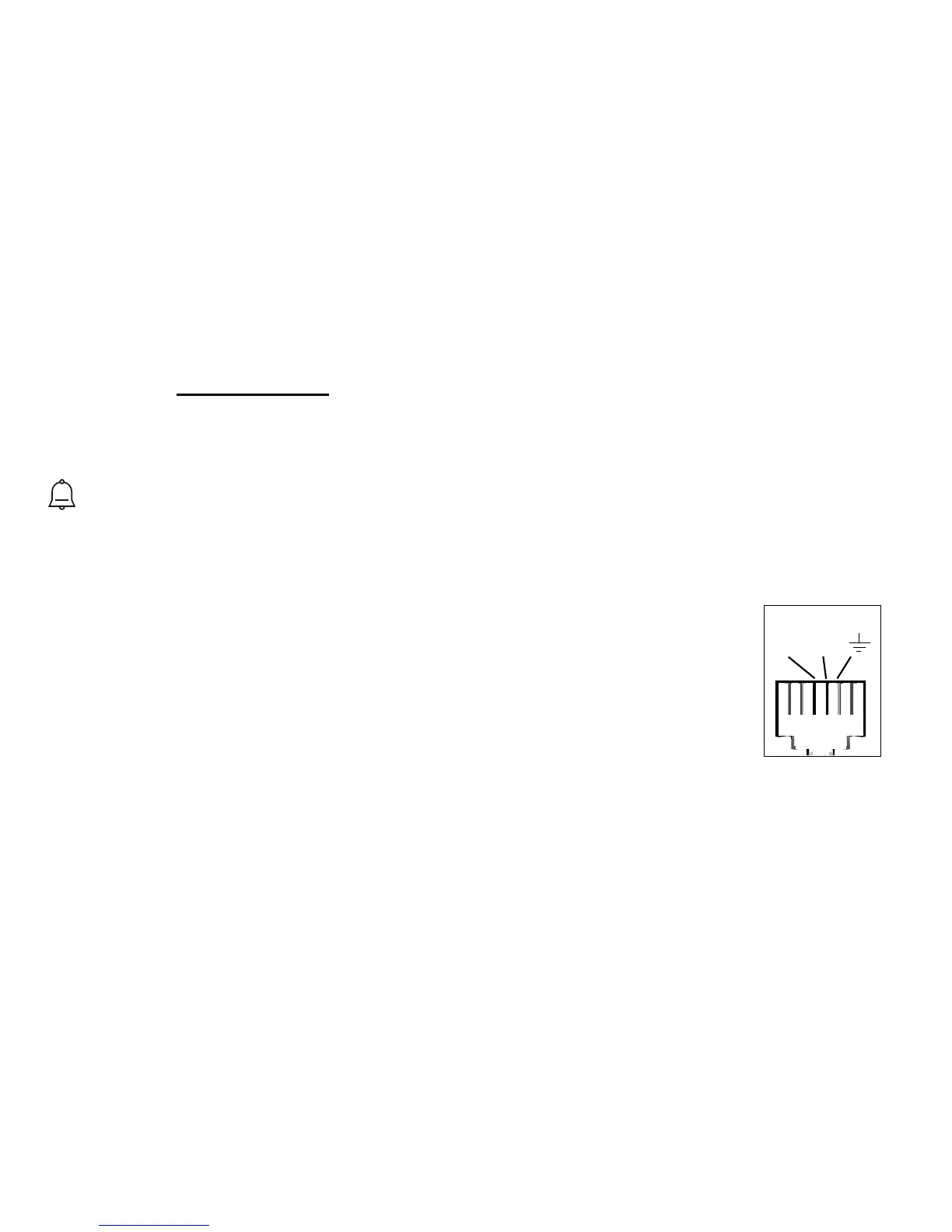
TEL LINE
B A
connection
EARTH
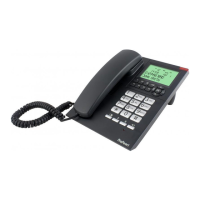
TX-555


 To Next Page