Profoto
Connect
9
www.profoto.com
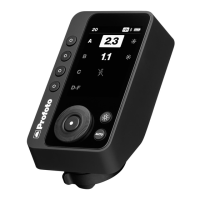
How to connect the Profoto Connect with the
Profoto app
1. Start the Profoto app on your smartphone.
2. Find and connect to your device via Bluetooth. The
name includes a part of the serial number that is
printed on the Profoto Connect.
3. Use the Profoto app for instructions, inspiration and
expanded creative tools.
4. Start shooting!
How to use Profoto Connect in Auto mode
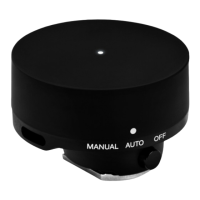
1. Attach the Profoto Connect to the camera’s hot shoe
and turn it to AUTO (automatic mode). A good flash
power will now be set for you automatically.
2. Start shooting!
3. You can make your images brighter or darker by fine-
tuning the automatic flash power in the Profoto app.


 To Next Page