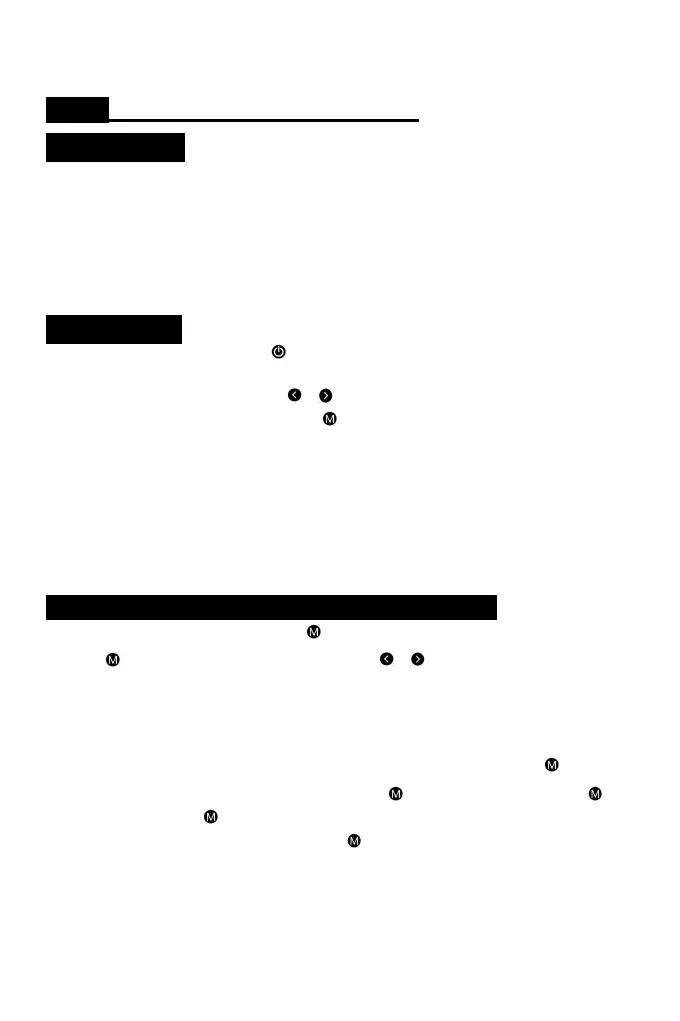
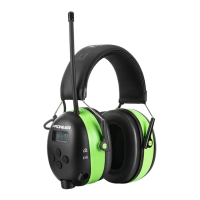
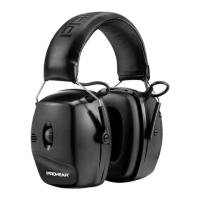
US/UK EM-037 Bluetooth Safety Earmuffs
Key Features
● Bluetooth Music and Bluetooth Function
● Premium Padded Headband
● Built-in rechargeable battery and USB charging cord included
● Deep Bass & Truly Stereo & Hi-Fi Sound
● Noise Reduction: NRR 25dB , SNR 30dB
● Breathable and comfortable ear cushions
Introduction
1. POWER BUTTON: Press and hold for 3 seconds to power ON/OFF headset. Voice Assist will
announce “Power ON”
2. TUNING BUTTON: Press and hold on or : Adjust volume. Short press: Switch song.
3. Connect/disconnect bluetooth: Long press for 2 seconds: Connect and disconnect bluetooth.
4. USB charging interface: Come with a USB charging cable, connect the USB interface to charge.
5.AUX JACK : (1) Extra AUX Cable are provided to connect to audio devices. (2) Power on the ear
defenders. (3) Connect it to Mp3 or iPod through AUX cable. (4) LCD-display show: AUX
5. Audio Input Mode:Extra AUX Cables are provided to connect to audio devices.
6. LED indicator : When bluetooth is not connected, the indicator flashes blue light. When
connected to Bluetooth, the indicator light is Blue. The light is red when charging.
PROHEAR EM-037 Wireless Bluetooth Technology
Forward/Back or Pause/Play:Long press for 2 seconds to connect or disconnect bluetooth.
Press the to pause or play music. Press and hold on or : Adjust volume. Short press: Switch
song.
Answering phone function: Incoming Calls In Bluetooth Mode, incoming phone calls will cause the
music to be muted. There's a ringtone in the headset when a call comes on(If the phone is in
silent mode during a call, so are the headset). To answer an incoming call, press on the
hearing protector once. To disconnect from a call, press once more. Tap twice quickly to
redial (last call) and press to hang up.
Pairing the Device: Once powered on, long press make sure your Bluetooth enabled device is
scanning/searching for devices. Select “EM037” to connect to the hearing protector. Once
connected successfully, you will hear “Bluetooth Connected” and the LED on the cup will turn blue.
Your Bluetooth audio volume will be controlled by the headset and your device. The next time you
power up, your hearing protector will automatically connect to your device and say “Bluetooth
Connected”.


 To Next Page