EasyManua.ls Logo

PROKORD SMART HOME W411-E J300 - User Manual

PROKORD SMART HOME W411-E J300
15 pages
Print Icon
To Next Page IconTo Next Page
Loading...
1
PROKORD SMART HOME W411-E

Questions and Answers

Summary

Introduction

Key Functions and Controls

Details on the robot's core functions including power, cleaning modes, indicator lights, and Wi-Fi reset.

Included Products and Parts

Charging Base

The base unit for charging the robot, including its pins and signal emitter.

Adapter

The power adapter used to connect the charging base to a wall socket.

Filters and Cloths

Includes HEPA filter, sponge, and duster cloth for cleaning and maintenance.

Brushes

Side brushes (left and right) for cleaning along edges and obstacles.

Mopping Module

The 2-in-1 electric-control water tank for the mopping function.

Remote Control

The remote control device for operating the robot without the app.

Cleaning Tools

Tools provided for cleaning the robot, such as a cleaning brush.

Product Introduction

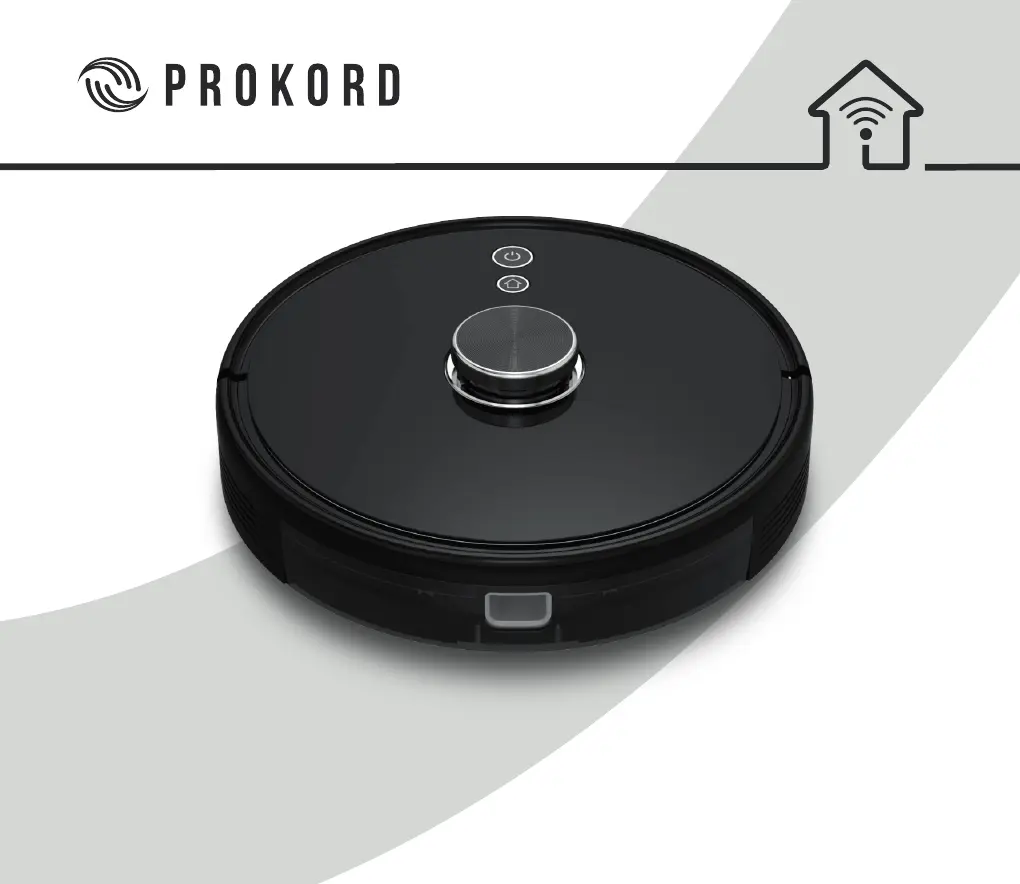
Robot Overview

Diagram and labels for the robot's main components and sensors.

Sensor and Structure

Detailed illustration of the robot's sensors and structural components.

Installation

Charging Base Setup

Instructions for placing the charging base and connecting power.

Side Brush Installation

Guide for correctly attaching the left and right side brushes.

Robot Power On and Charging

Steps to turn on the robot and initiate charging.

Mobile App Connection

Instructions for connecting the robot to the TuyaSmart mobile application.

Mopping Module Installation

Steps for assembling and attaching the mopping module to the robot.

Mopping Module Removal

Procedure for detaching the mopping module after use.

Instructions

Robot Power & Cleaning Controls

How to turn the robot on/off and start/pause cleaning operations.

Charging Operations

Details on how the robot charges automatically or manually.

Mobile App Connectivity

Step-by-step guide for connecting the robot to the mobile app for control.

Functions

Cleaning Modes

Describes local, partial (app/no app), and user-defined area cleaning modes.

Area Management

Setting up restricted areas and user-defined cleaning zones.

Operation Modes

Includes DND mode, scheduled cleaning, and suction power adjustment.

Remote Control

Overview of the remote control's buttons and their functions.

Cleaning and Maintenance

Main Brush Care

Instructions for cleaning the main brush to ensure optimal performance.

Side Brush Care

Guidance on cleaning the side brushes to remove debris and hair.

Dustbin Cleaning

Steps to empty and clean the dustbin for efficient dust collection.

Filter Cleaning

Procedure for cleaning the filter gauze, sponge, and HEPA filter.

Mopping Module Care

How to clean the mopping module, water tank, and cloth after use.

Sensor Cleaning

Instructions for cleaning various sensors to maintain navigation accuracy.

Battery and Charging

Recommendations for maintaining battery health and proper charging habits.

Firmware Update

Guidance on updating the robot's firmware via the mobile app.

Map Reset

Procedure to reset the robot's map and settings.

Basic Parameters

Machine Specifications

Technical details including model, dimensions, weight, battery, and power ratings.

Charging Base Specifications

Technical details for the charging base, including dimensions and power ratings.

Common Problems

Charging and Power Issues

Troubleshooting for charging failures, power consumption, and fixed-time cleaning issues.

Operational Issues

Solutions for abnormal behavior, noise, and reduced cleaning performance.

Connectivity Problems

Guidance for resolving Wi-Fi connection errors and inputting passwords.

Troubleshooting

Error Codes and Solutions

A comprehensive list of error messages and their corresponding corrective actions.

Safety Information

Usage Limitations

Guidelines on where and how the robot can be safely operated.

Battery and Charging Safety

Precautions related to the battery, charging base, and charger.

Laser Safety

Information regarding the laser distance sensor and its safety compliance.

PROKORD SMART HOME W411-E J300 Specifications

General IconGeneral
BrandPROKORD
ModelSMART HOME W411-E J300
CategoryVacuum Cleaner
LanguageEnglish