USER MANUAL for USB to serial converter (PL2303)
2
Driver Installation Under Windows 98/ME/2000/XP
1. Step 1: Don’t Plug in the USB type A receptacle of the cable to the USB connector of your
computer.
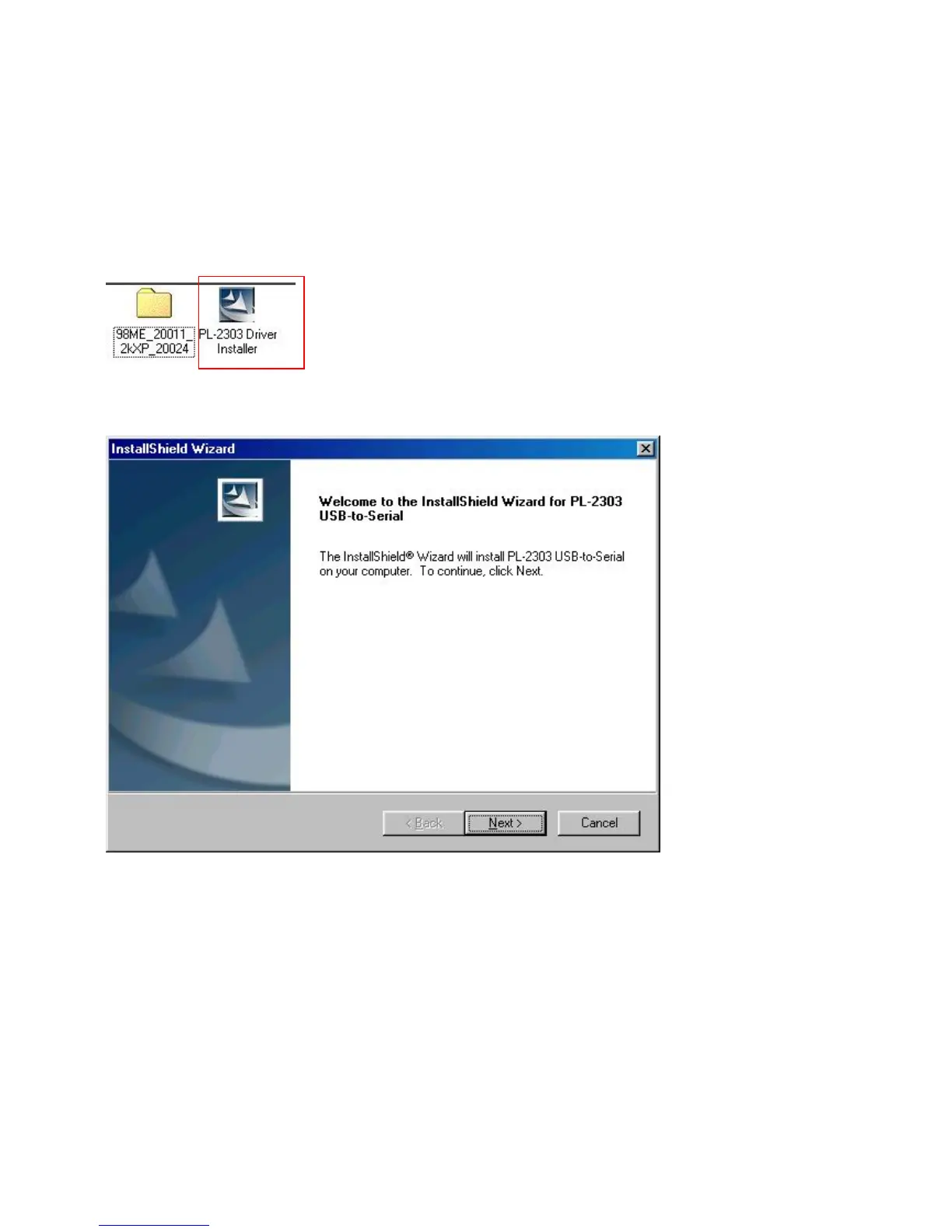
Step 2: Place the enclosed CD Driver into the CD ROM. to search for “PL-2303 Driver Installer
Step 3: Click “PL-2303 Driver Installer ”
Figure 1
2. Select ‘ Search for the best driver for your device’ and click “next”. See Figure 2.
Figure 2
3. Windows has finished installing the software, click “Finish” to close
the Wizard. See Figure 3



 To Next Page