EasyManua.ls Logo

ProLights ARCLED7507QZOOM - User Manual

ProLights ARCLED7507QZOOM
52 pages
Go to English
Print Icon
To Next Page IconTo Next Page
Loading...
MANUALE UTENTE
USER MANUAL
IT - EN
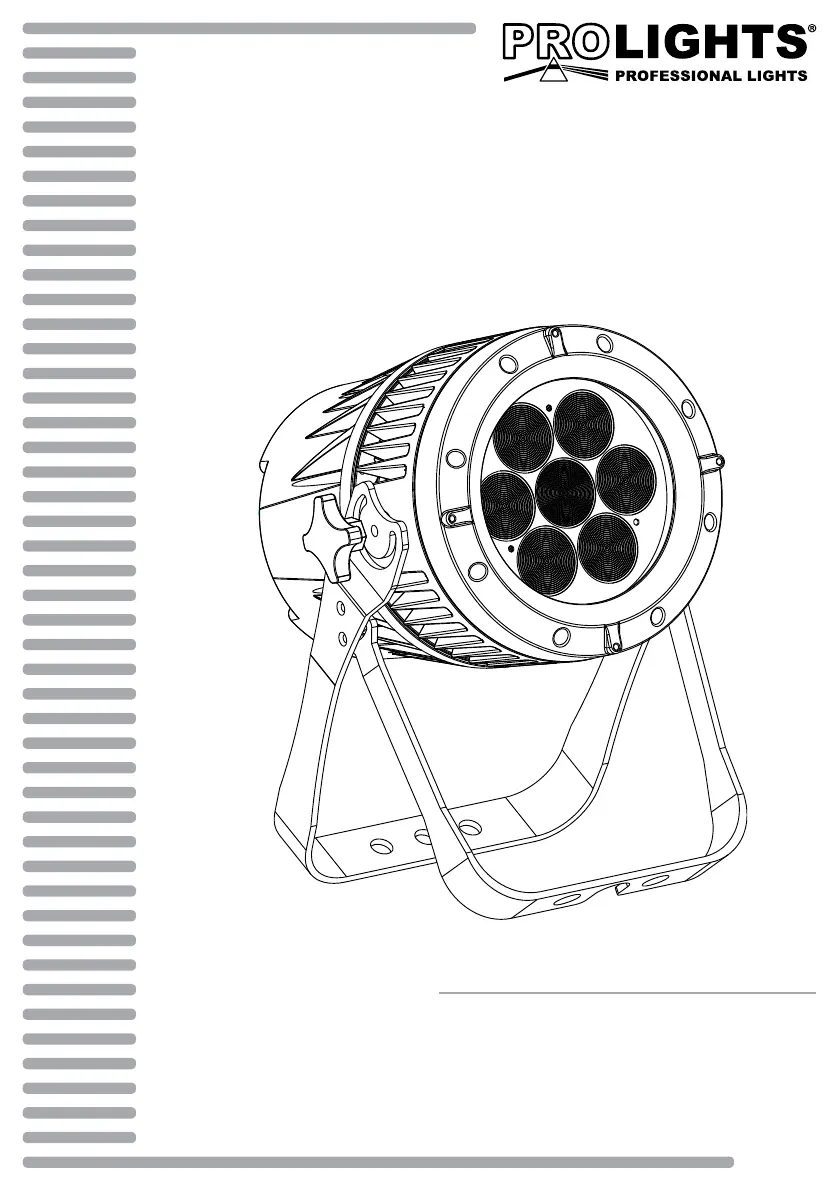
LED PROJECTOR
ARCLED7507QZOOM

Questions and Answers

Summary

SAFETY

General instruction

General safety guidelines and compliance information.

Warnings and installation precautions

Precautions for safe installation and operation.

GENERAL INFORMATION

Shipments and claims

Procedures for handling shipments and filing claims.

Warranty and returns

Information on product guarantee and return policy.

1 - INTRODUCTION

1.1 DESCRIPTION

Detailed description of the ARCLED7507QZOOM.

1.2 TECHNICAL SPECIFICATIONS

Technical details including light source, optics, electronics, and features.

1.3 OPERATING ELEMENTS AND CONNECTIONS

2 - INSTALLATION

2.1 MOUNTING

Instructions for setting up and mounting the unit.

3 - FUNCTIONS AND SETTINGS

3.1 OPERATION

How to connect and operate the unit.

3.2 BASIC

Control panel functions and button descriptions.

3.3 MENU STRUCTURE

Overview of the device's menu hierarchy and options.

3.4 AUTOMATIC MODE

How the unit operates without DMX control.

3.5 MASTER;SLAVE MODE

Linking units without a controller.

3.6 LINKING

Connecting multiple units for synchronized control.

3.7 DMX CONFIGURATION

Selecting available DMX configurations.

3.8 DMX MODE

Setting the DMX ID address.

3.9 DMX ADDRESSING

Guide to setting DMX start addresses for controlling functions.

3.10 CONNECTION OF THE DMX LINE

Diagrams and instructions for DMX cable connections.

3.11 CONSTRUCTION OF THE DMX TERMINATION

How to build a DMX termination resistor.

3.13 STATIC CONFIGURATION

Setting custom balance for red, green, blue, and white.

3.14 EDITING CUSTOM PROGRAMS

Editing custom programs, scenes, and steps.

3.15 SPECIAL FUNCTIONS

Accessing special functions like KEY, UPLD, REST, COLR.

DIMX

Selecting dimmer mode and speed.

DERR

Handling DMX signal errors.

SLCK

Locking the setup menu with a password.

ZOOM

Calibrating zoom to POS1 and POS2.

3.16 CALIBRATION FUNCTION

Performing white balance settings and calibration.

3.17 ZOOM FUNCTION

Setting zoom position limits for DMX control.

4 - MAINTENANCE

4.1 MAINTENANCE AND CLEANING THE UNIT

Procedures for maintaining and cleaning the projector unit.

4.2 TROUBLESHOOTING

Diagnosing and resolving common problems with the fixture.

5 - APPENDICE

5.1 EXPLODED VIEW

Exploded view diagram of the unit with part list.

ProLights ARCLED7507QZOOM Specifications

General IconGeneral
TypeLED Moving Head
IP RatingIP20
Pan Range540°
Tilt Range270°
Light Source Count7
Control ProtocolsDMX, RDM