99
11. Start a programme.
Change a programme
If you have mistakenly selected a wrong programme, please follow steps
below to reselect a programme.
1. Press
to turn o the machine and press again to turn it on.
2. Turn the programme selector to select a programme.
3. Press
to start the programme.
12. At the end of a programme, all indicator lights will go o.
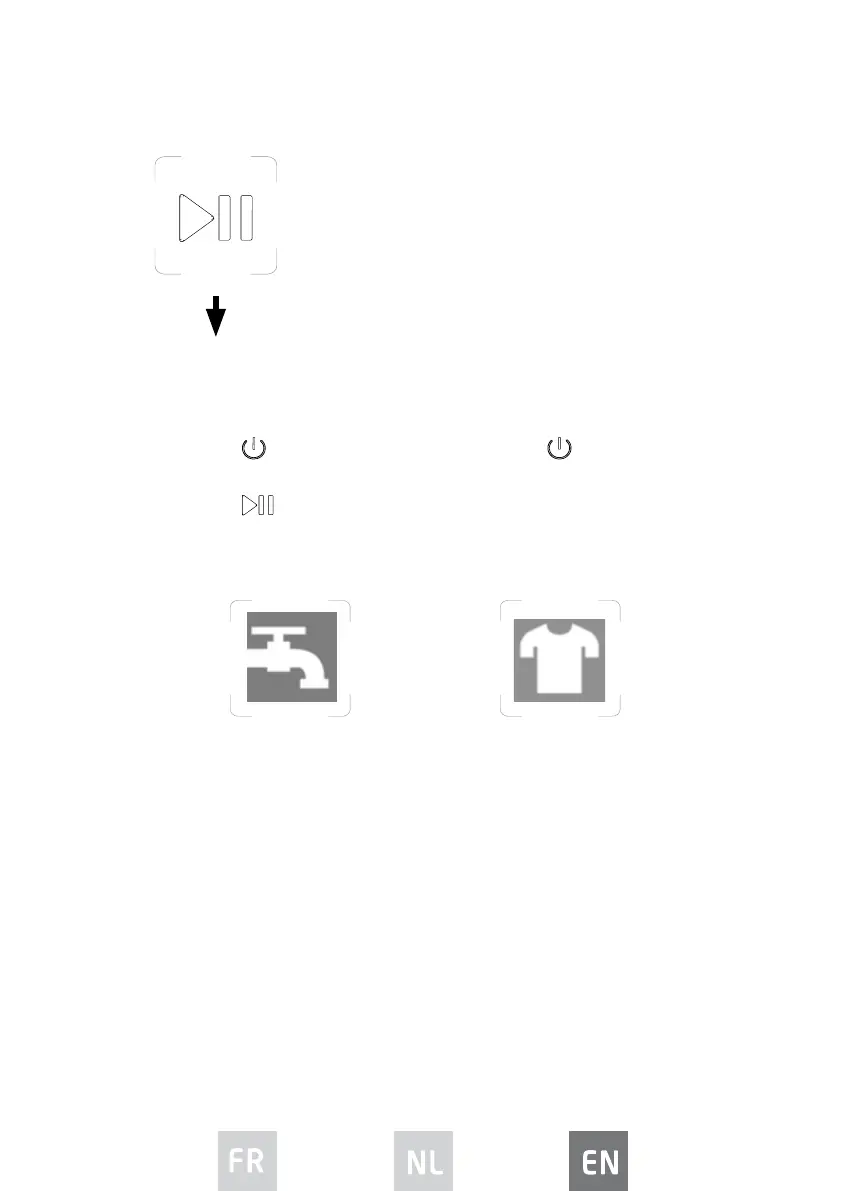
Press this button to start operation.
• If you set the delay start function, this function will
be activated. When the set time has elapsed, the
machine will automatcially start running a cycle.
1. Turn o the tap. 2. When the door lock
indicator light goes out,
you can open the machine
door and remove laundry.




 To Next Page