2. Overview
EN 2
Note:
The illustrations in this document may appear different from your model.
1
3
4
6
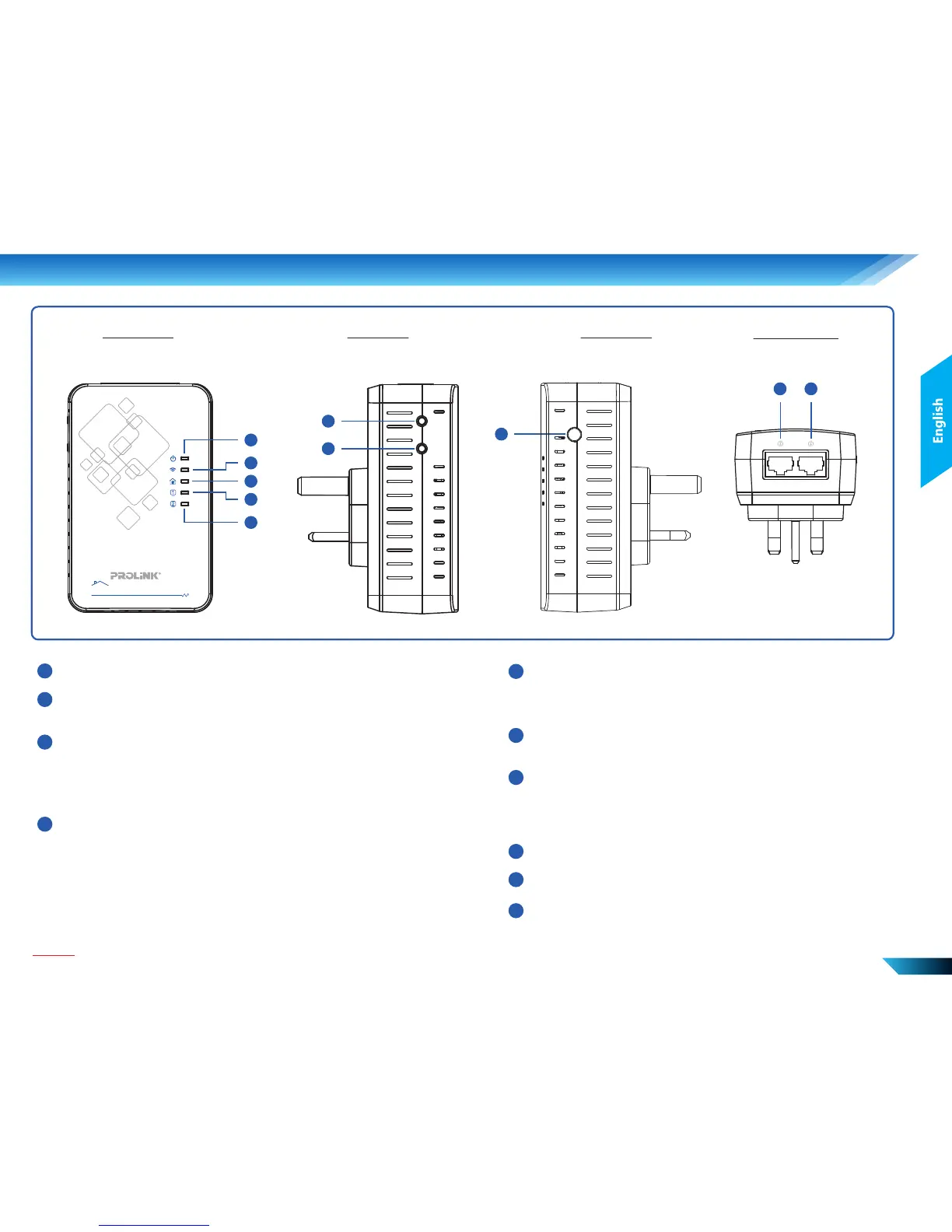
Power: On: Power on; Blinking: WPS trigger; Off: Power off
Wireless: On: Wireless enable; Blinking: Wireless data transmitting;
Off: Wireless disabled
LAN 1: On: Ethernet port active
Blink: Ethernet port in data transmission
Off: Ethernet port inactive
5
LAN 2: On: Ethernet port active
Blink: Ethernet port in data transmission
Off: Ethernet port inactive
2
WPS Button:
Push 1 ~ 2 seconds - Trigger WPS
7
8
Secure / Reset Button:
Push 0.5 ~ 3 seconds - Secure pairing
Push 3 ~ 10 seconds - No action
Push >10 seconds - Reset to factory default settings
Power Button
LAN Port 1
LAN Port 2
9
10
Powerline: On: Powerline link active; Off: Powerline link inactive
Green: High speed
Orange: Medium speed
Red: Low speed
Front View
1
2
3
4
5
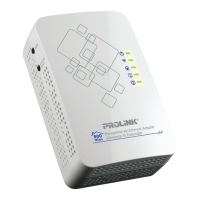
Powerline AV Ethernet Adapter
Wireless-N Extender
500
Mbps
Left View
WPS
SECURE/
RESET
6
7
Bottom View
910
Right View
8
ON / OFF


 To Next Page
 Loading...