EN 5
4. Conguring PPL1501N with Wireless Security Password
Before enter the web UI, please make sure your PC/Laptop's LAN TCP/IP settings is in the network of
192.168.123.x (x cannot be 253), for example, you can set the IP address as "192.168.123.5"
Remark: Please refer to User Manual about how to set Static IP to your PC/Laptop.
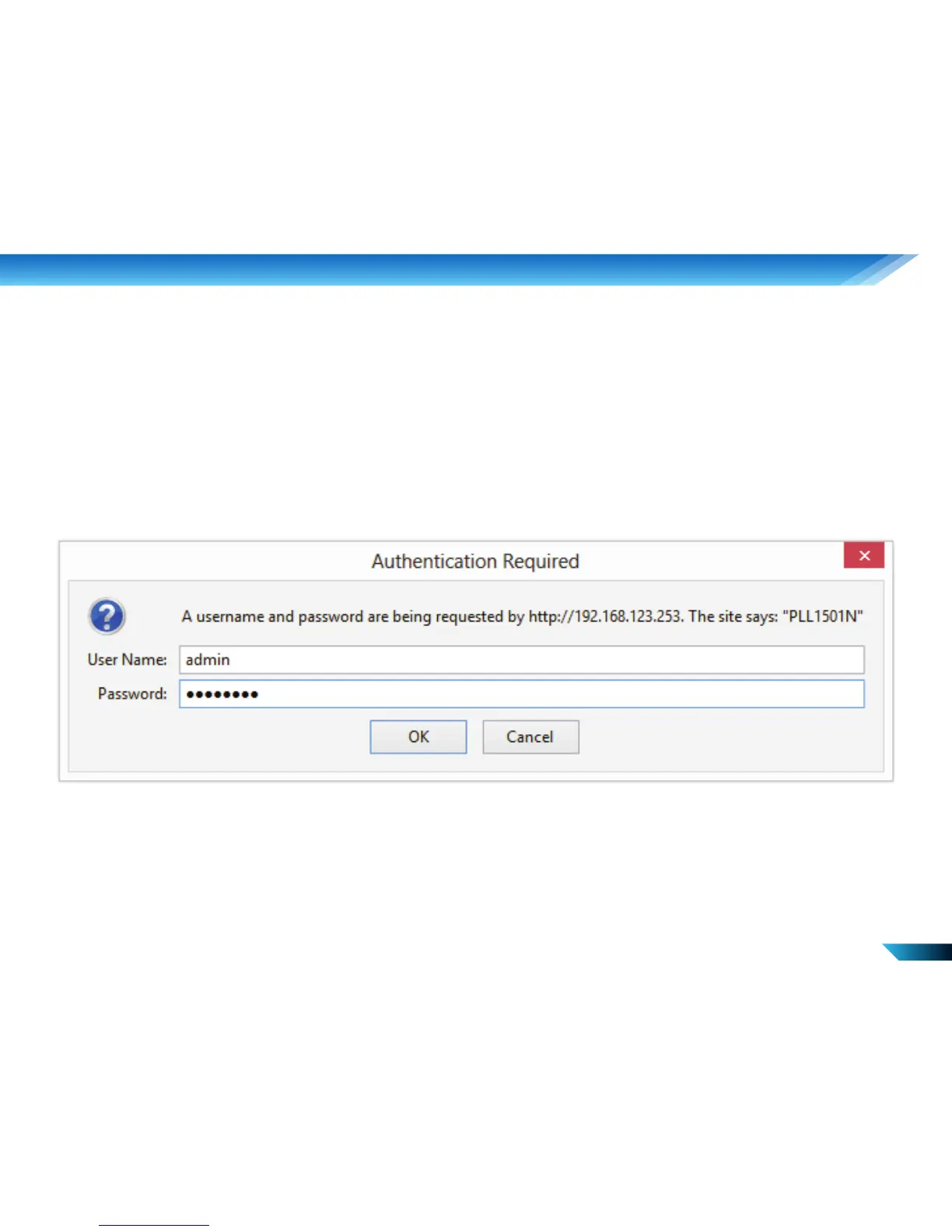
Step 1. Open web browser and type http://192.168.123.253 in the browser's address box. This
number is the default IP address for PPL1501N.
The default user name is “admin” and password is "password".


 To Next Page