Router Configuration4
EN4
Step 1: Hardware connections (Wired or Wireless)
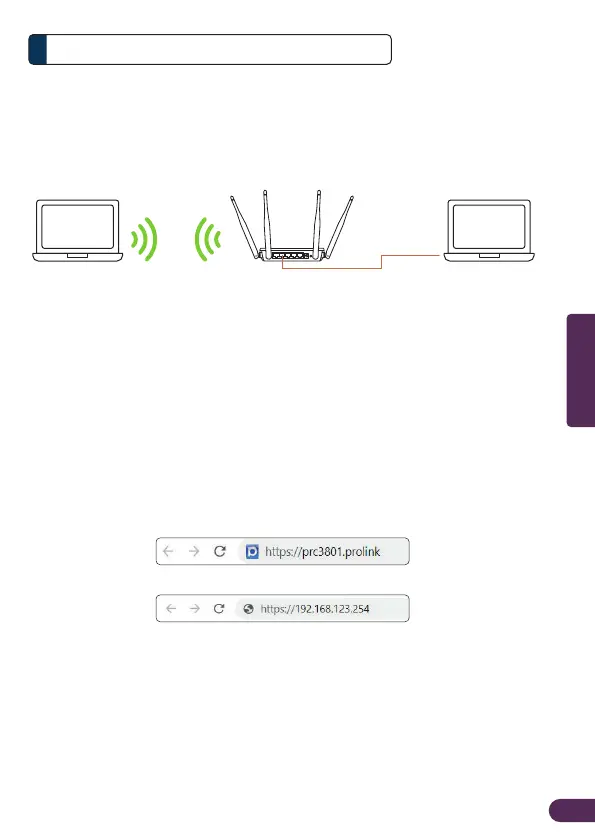
Connect PRC3801 to your computer via Ethernet cable or Wireless connection.
Step 2: Software Configurations via Web browser
1. Open an Internet Browser and enter https://prc3801.prolink or
https://192.168.123.254 in the address field.
PRC3801Laptop Laptop
Ethernet cable
Note:
Wireless name and password can be obtained from the label pasted on the bottom of PRC3801
or
LAN port
English



 To Next Page