Note:
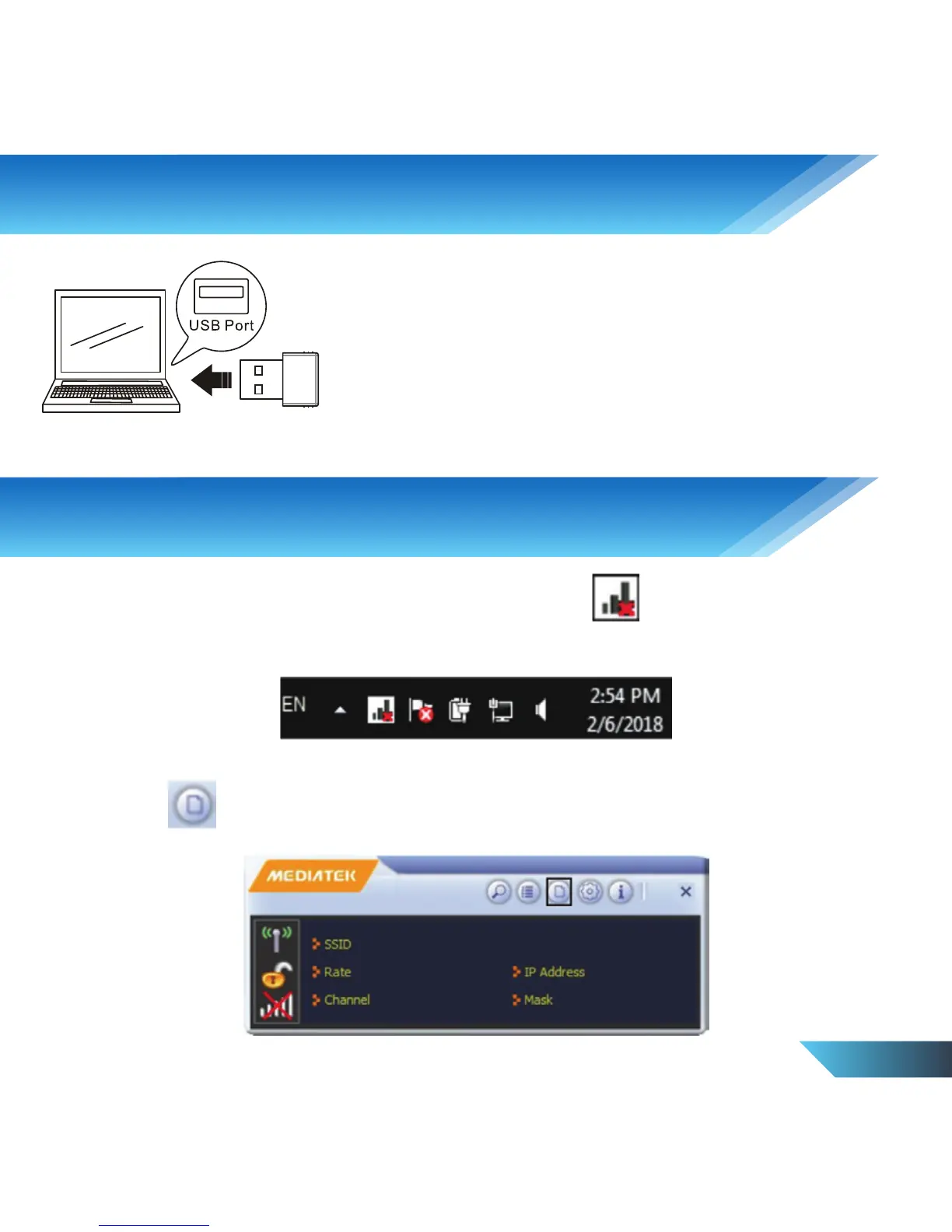
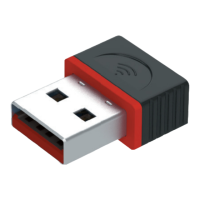
Insert the PROLiNK WN2001 Wireless-N Nano USB
Adapter to the Laptop / PC’s USB port
1. To connect to a wireless network, double click on icon located at the
bottom right hand corner of your desktop.
2. Click on icon to add profile onto the connection utility.
3. Connect to a Wireless Network
2. Hardware Installation
EN 4


 To Next Page