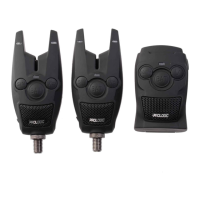
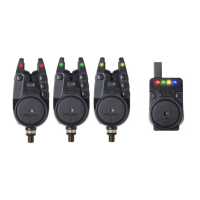
Need help?
Do you have a question about the ProLogic BAT+ Bite Alarm Blue Set 4+1 and is the answer not in the manual?
Provides clear visual confirmation of bites with double LED indicators for forward and drop-back bites.
Adjustable sensitivity levels and a manual night light function for low-light conditions.
Dedicated jack for connecting illuminated bite indicators or swingers.
Component for engaging with the fishing line to detect bites.
Controls the power state of the unit and adjusts the audio volume, including a silent mode.
The speaker outputs audio alerts, and the on/off button controls the unit's power.
Used for pairing alarms with the receiver and adjusting the receiver's volume.
Instructions for turning the alarm unit on and off using the V/O button.
How to adjust the volume level in standby mode using the V/O button.
Procedure to adjust sensitivity settings from level 1 (max) to 5 (min) using the S/N button.
Activating and deactivating the auto night light feature by pressing and holding the S/N button.
Indication of low battery status with audible bleeps and periodic beeps.
Instructions for turning the receiver on/off and adjusting its volume.
Description of the super bright LED on the receiver for visual bite detection.
Step-by-step guide to pair bite alarms with the receiver using the register button.
 General
| Brand | ProLogic |
|---|---|
| Model | BAT+ Bite Alarm Blue Set 4+1 |
| Category | Security System |
| Language | English |


 To Next Page