EasyManua.ls Logo

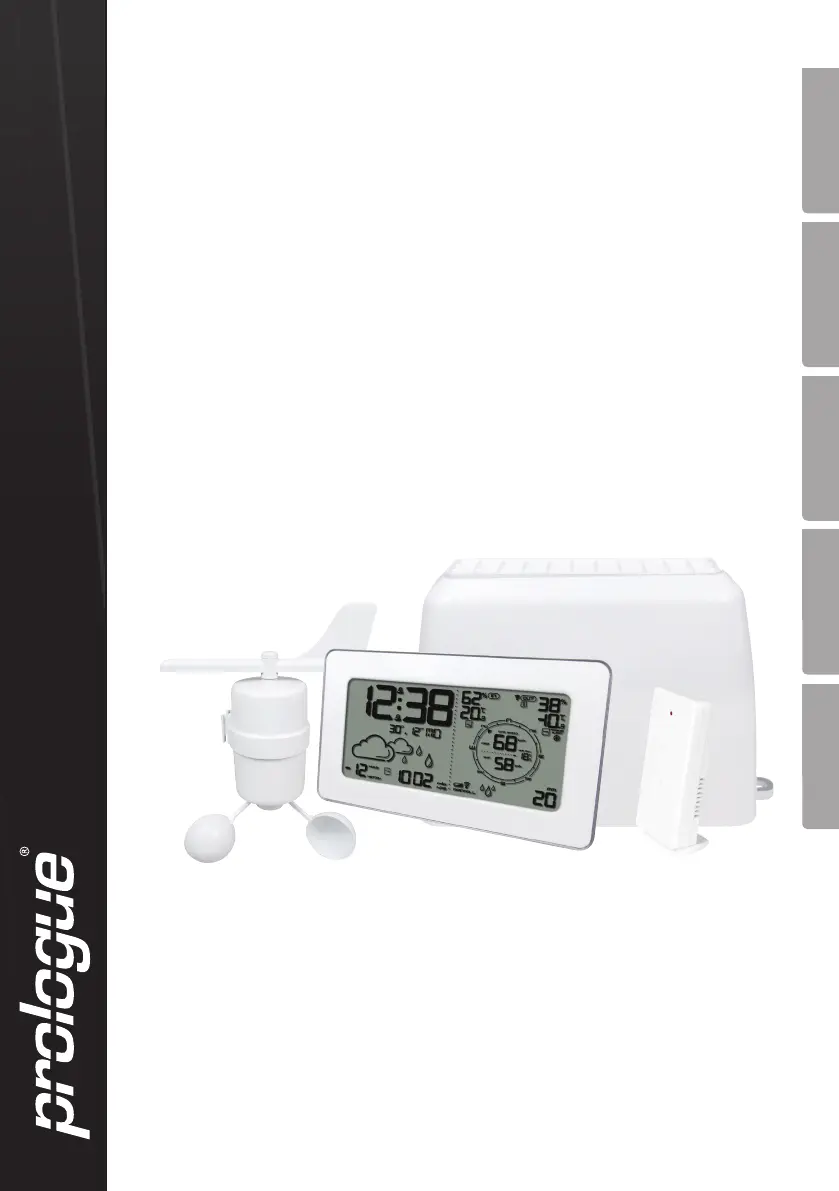
prologue IW007 - User Manual

prologue IW007
76 pages
Print Icon
To Next Page IconTo Next Page
Loading...
Wireless
Weather Station
Trådlös väderstation
Trådløs værstasjon
Langaton sääasema
Funk-Wetterstation
Art.no. Model
36-5087 IW007
Ver. 20141211
EnglishSvenskaNorskSuomiDeutsch

Questions and Answers

  • D
    dalton65Aug 2, 2025
    Why is my prologue IW007 not displaying temperature and humidity?
    • D
      Dr. Teresa Hernandez MDAug 2, 2025
      If your Prologue Weather Station's main unit isn't showing temperature and humidity readings from the outdoor sensor, try the following: * Check and replace the batteries in both the main unit and the sensor. * Press and hold the [CHANNEL] button to scan for the sensor signal. * Ensure the sensor is not too far from the main unit. * Make sure furniture isn't blocking the signal. * Reset the main unit by pressing the [RESET] button.
  • A
    ann98Aug 11, 2025
    What to do if my prologue IW007 is not registering wind speed?
    • P
      pamelarayAug 11, 2025
      If your Prologue Weather Station's main unit isn't registering wind speed readings, here are some things to try: 1. Check the batteries and replace them if needed. 2. Press the [CHANNEL] button to scan for a signal from the sensors. 3. Ensure that the distance between the sensor and the main unit is not too far. 4. Make sure that the signal is not blocked by furniture. 5. Press the [RESET] button to reset the main unit. 6. Ensure the anemometer is correctly mounted. 7. Try manually rotating the anemometer to generate a reading. 8. Consider moving the anemometer to a better location.
  • S
    Sara GrayAug 22, 2025
    How to fix a prologue IW007 Weather Station that is not registering rainfall?
    • J
      jessicameadowsAug 22, 2025
      If your Prologue Weather Station isn't registering any rainfall, you can try these steps: * First, check and replace the batteries if necessary. * Next, press the [CHANNEL] button to scan for a signal from the sensors. * Also, make sure the sensor and main unit aren't too far apart and that furniture isn't blocking the signal. * Try resetting the main unit by pressing the [RESET] button. * Ensure the rain catcher is level. * Check the rain gauge by pouring in some water to see if you can hear the sensor unit moving. * Finally, dismantle and thoroughly clean the rain gauge.

Summary

Buttons and Functions Overview

LCD Display Guide

Getting Started: Battery Installation

Battery Installation for All Units

Step-by-step instructions for inserting batteries into the main unit and sensors.

Installation and Placement

Mounting the Main Weather Station Unit

Guidance on proper placement and mounting of the main unit indoors.

Rain Gauge Setup and Cleaning

Instructions for positioning the rain gauge and its maintenance.

Sensor Mounting Procedures

Mounting the Outdoor Temperature and Humidity Sensor

Correct mounting of the outdoor sensor for accurate environmental readings.

Anemometer Installation for Wind Readings

How to install the anemometer for precise wind speed and direction.

Operation: Setting Up the Device

Setting Clock, Date, and Language

Guide to configuring the time, date, and preferred language settings.

Advanced Operation and Features

Interpreting Weather Data

Troubleshooting and Disposal

Resolving Common Issues

Solutions for problems like sensor readings, rainfall, or wind detection.

prologue IW007 Specifications

General IconGeneral
BrandPrologue
ModelIW007
DisplayLCD
Indoor temperatureYes
Outdoor temperatureYes
Weather forecastYes
ClockYes
TypeWeather Station
Humidity Range20% to 95%
Power Source2 x AAA batteries
Wireless Range30 meters

Related product manuals