Pressbrieflytoscanthepresetstationfor5secondseach.Holdmorethan2seconds,the6strongest
availablestationwillbeautomaticallysavedinthememoryofpresetbutton.
AMS:AutoMemoryStore
AMS
Radio:Pressbrieflyeithersideofthebuttontotuneinthestationthatyouhaveknownitsfrequency.
Holditmorethan2seconds,tuningwillautomaticallyactivateandstopwhensignalsofthenextstationare
received.
Discplayback:Pressbrieflyeithersideofthebuttontogotothenextorprevioustrack.
Holditmorethan2secondstofastforwardorreversebackthetrack.
PUSH
SEL/MENU
VOL
DN
UP
SETCLOCK
PressDISPbutton,timedisplays.Pressagainmorethan2seconds,timedisplayblinks.
RotatetheknobclockwiseRotatetheknobanticlockwisetosetminutes.tosethours.
DISP
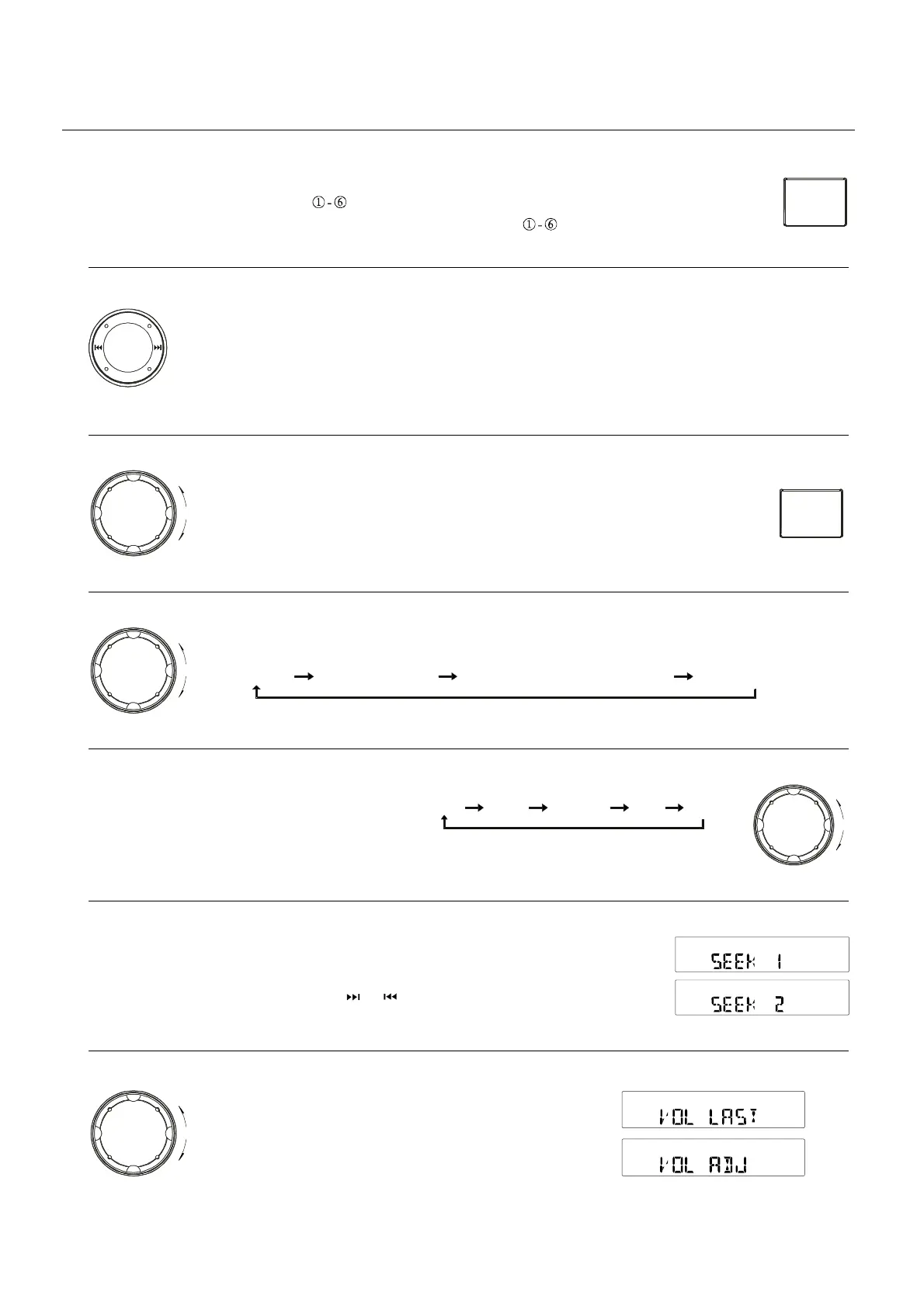
Pressthebuttonmorethan2secondstoentermenumode,theneachpresschangesthemodeasfollows:
DSPmodeBEEPON/OFFSEEK1/2(onlyintunermode)VOLLAST/ADJmodemodemode
PUSH
SEL/MENU
VOL
DN
UP
DSPmode:RotatetheknobtochooseDSPsoundeffect:
PDSPOFFOPROCKCLASSICFLAT
BEEPON/OFFmode:Rotatetheknobtochoosebuttonbeepsoundonoroff.
PUSH
SEL/MENU
VOL
DN
UP
SEEK1/2mode: Rotatetheknobtochooseradioseekmode1or2.
SEEK1:searchingstationwillstopwhennextstationisreceived.
SEEK2:searchingstationwillstopwhenorbuttonisreleasedandnextstationisreceived.
VOLLAST/ADJUSTMODE
PressknobtochooseVOLLAST:theturn-onvolume
levelisthevolumeleveloflatestpoweroff.
RotateknobtochooseVOLADJ,
thenrotatetheknobtosettheturn-onvolumelevel.
PUSH
SEL/MENU
VOL
DN
UP
VOL
DN
UP
1-8
CONTROLS


 To Next Page