Need help?
Do you have a question about the Prolux Ion and is the answer not in the manual?
Carefully remove contents, assemble charging dock, and unfold the handle.
Connect the electric floor brush tool and the hand-held vacuum cleaner to the main body.
Install the charging dock and attach the 120-volt charging cord.
Charge the battery fully for at least 12 hours before first use.
Fold the vacuum handle back for convenient storage or cleaning.
Use the electric floor brush on tile, hard floors, and carpet.
Remove and operate the hand-held portion of the vacuum using its power button.
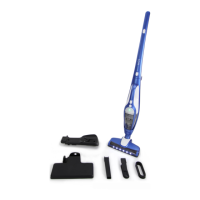
Employ the 2-in-1 Upholstery/Duster and Crevice tools for various cleaning needs.
Procedure for detaching and emptying the bagless dirt chamber.
Clean the vacuum's filters and brushroll to maintain performance and battery life.
 General
| Category | Vacuum Cleaner |
|---|---|
| Battery Type | Lithium-Ion |
| Noise Level | 75 dB |
| Type | Cordless |
| Accessories | Crevis tool, brush tool |

 To Next Page