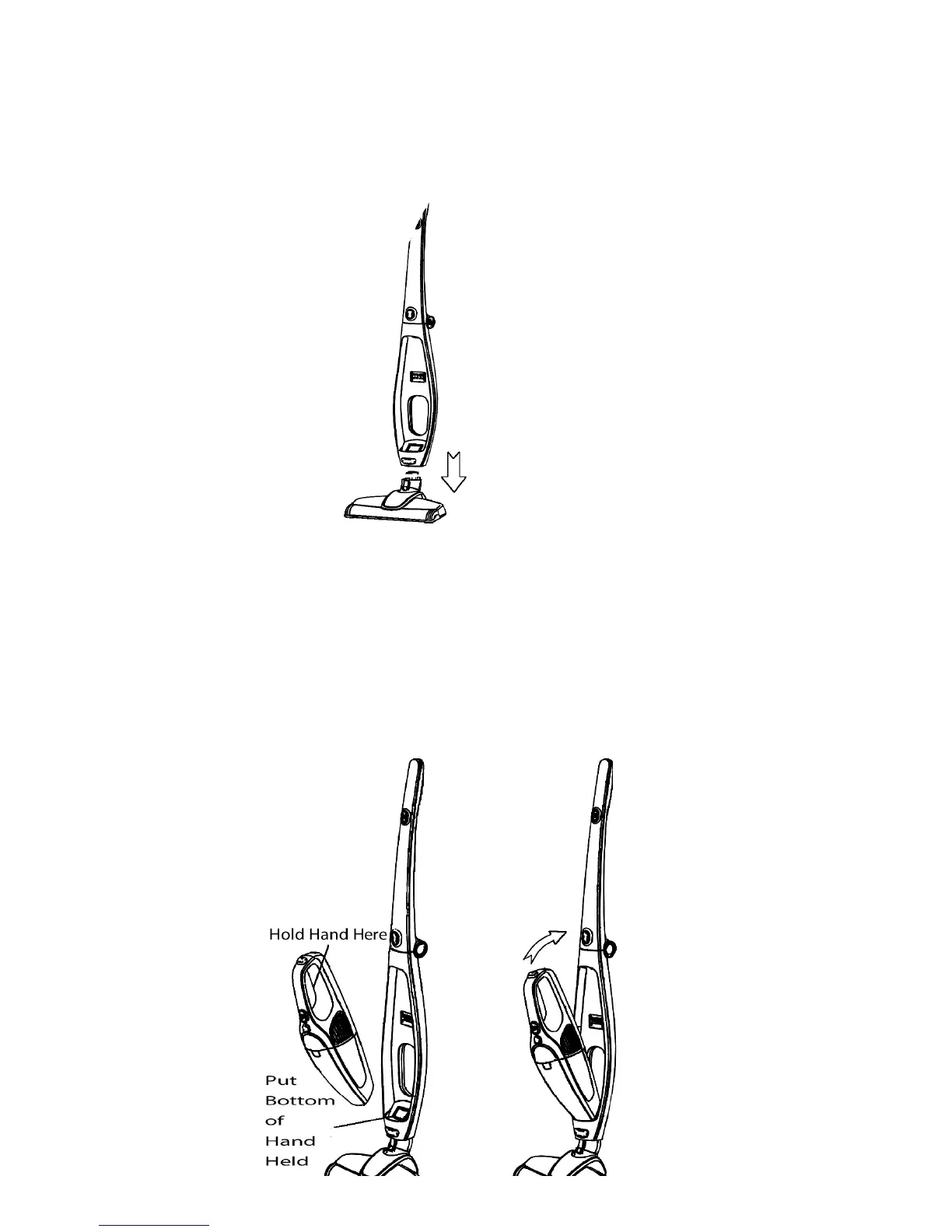
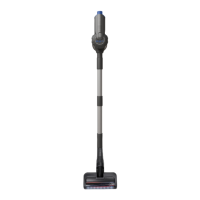
Step 4 - Put the electric floor brush tool on the floor as shown in the picture below; and then directly
insert the floor brush and the upper part of the vacuum body together; at last press hard on the upper part
of the vacuum body in a downward direction until you hear a “click” sound.
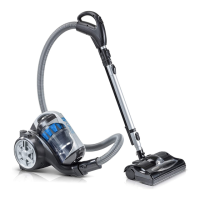
Step 5 – Connect the Hand-Held Portion of the vacuum. As shown in the image below when connecting
the hand-held vacuum cleaner to the main body component, please hold the hand-held vacuum cleaner
and place the bottom of the hand-held into the main body first; and then snap in the top portion of the
hand-held until a “click” sound is heard.


 To Next Page