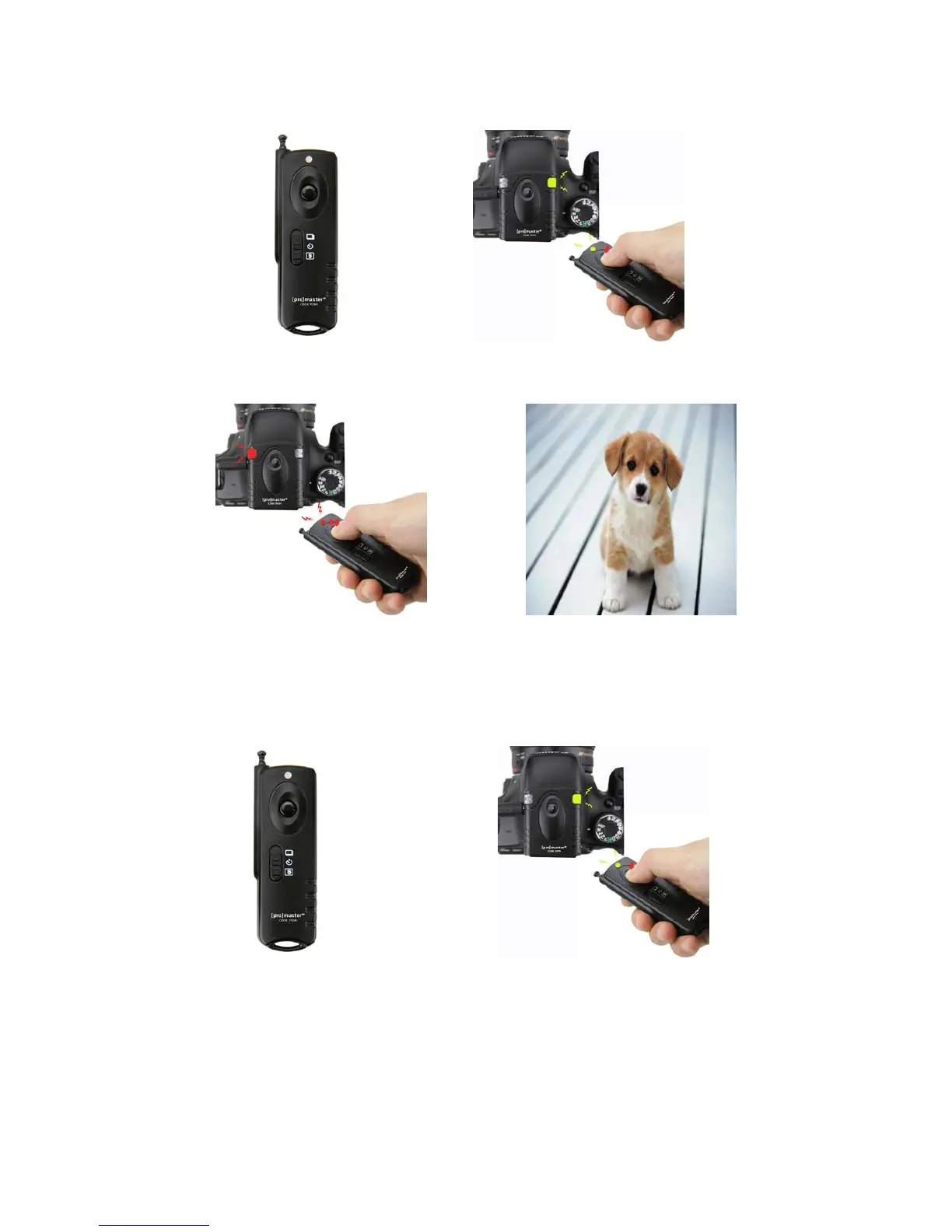
Single Exposure
1. Set the mode switch to the single exposure position. Set the camera to single exposure mode.
2. Press the shutter button on the transmitter half way to focus.
3. Press the shutter button completely to trigger your camera.
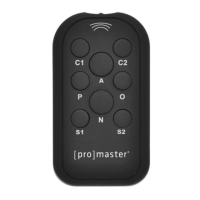
Unlimited Continuous Exposures
1. Set the mode switch to the single exposure position and set the camera to continuous exposure mode.
2. Press the shutter button on the transmitter half way to focus.


 To Next Page