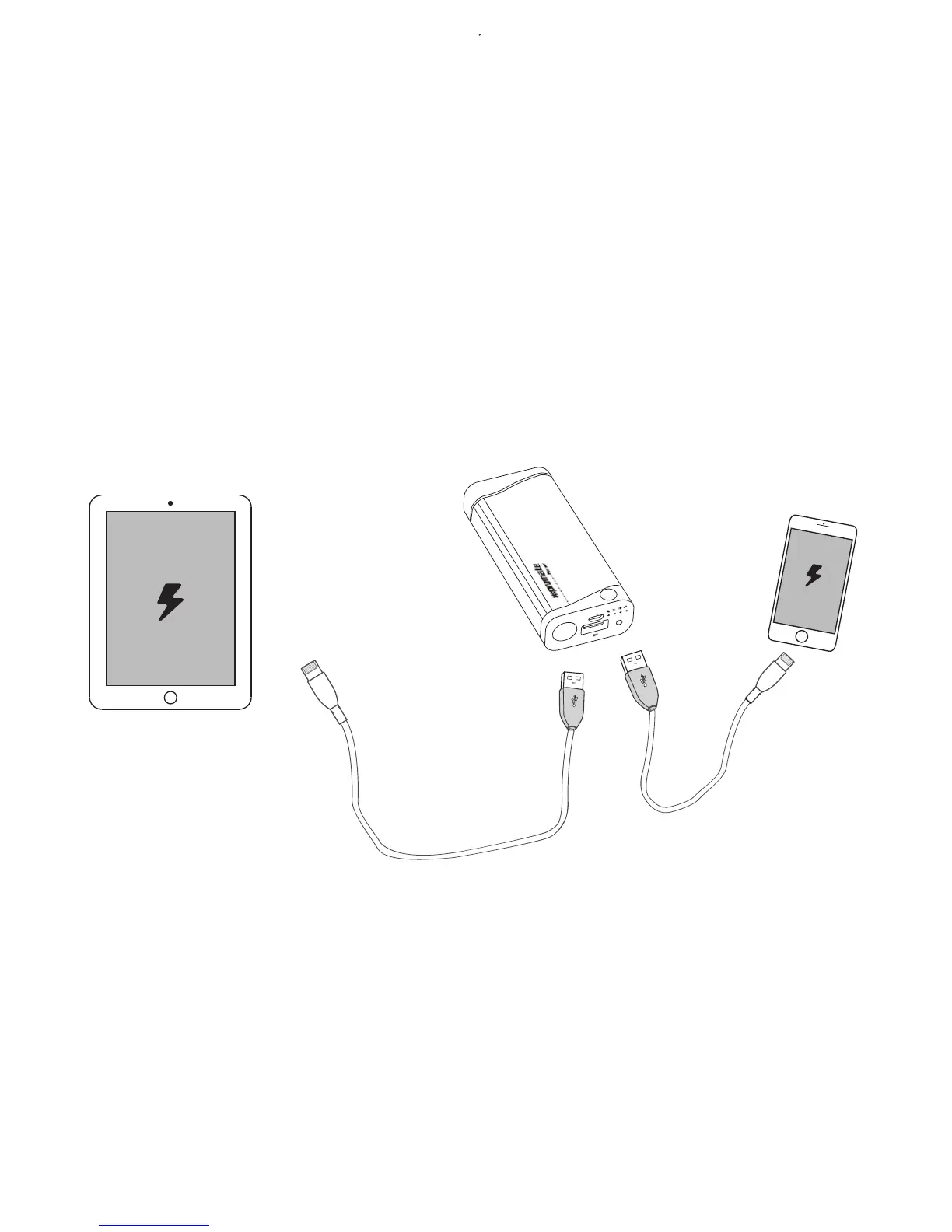
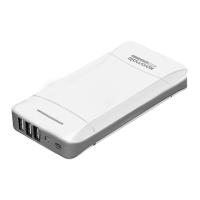
3. Charging USB chargeable devices using Beam
4. Using the LED on Beam
There is 1 port available on Beam. Plug the USB cable into the USB output
port on Beam back-up battery and the other end into the device. The device
will now automatically start charging. Detach the USB cable once charging is
complete.
• Press the multifunction button twice to turn on the LED located on the
front of the product.
• Press the multifunction button twice again to turn off the LED located on
the front of the product.
5


 To Next Page